


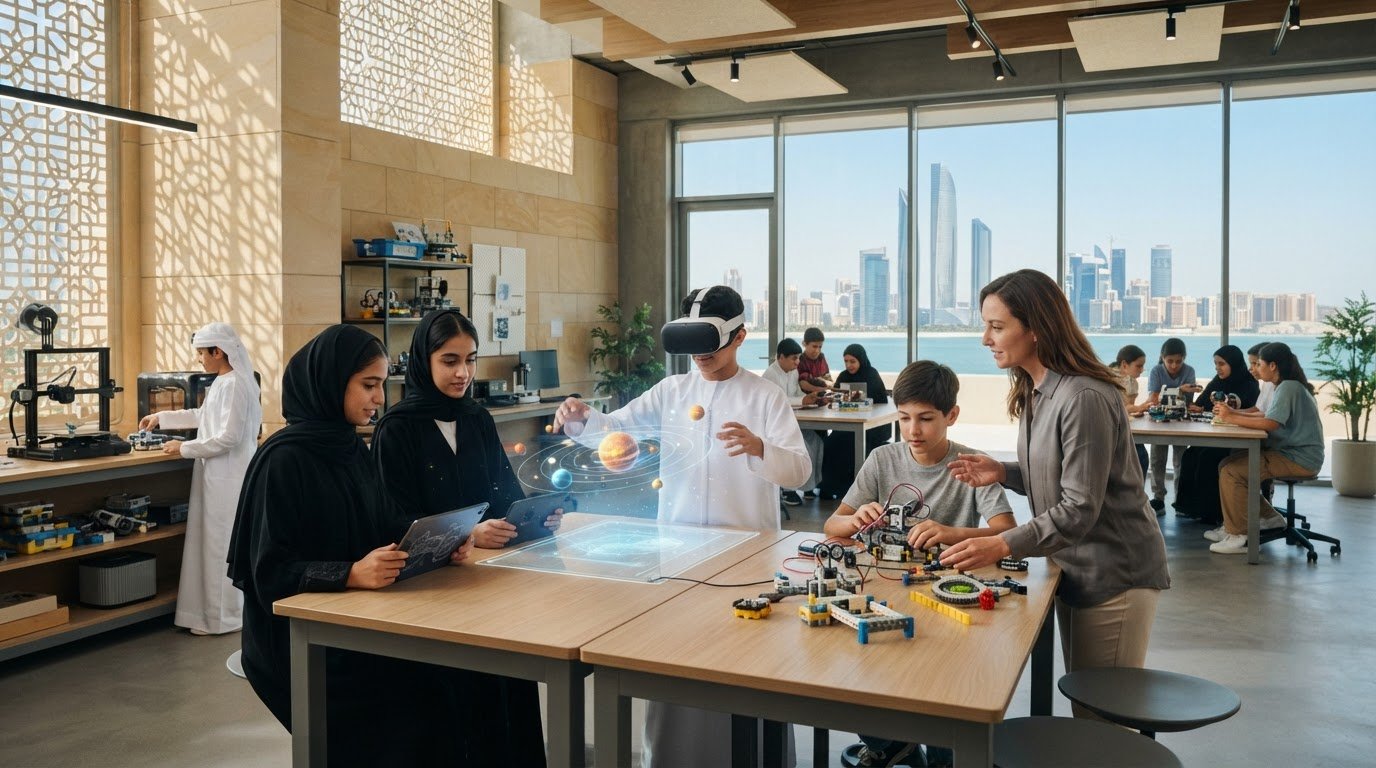
Immersive Learning for Schools: A 2026 Practical Guide
What if the most important decision about immersive learning isn’t which headset or platform to buy, but what students should learn through it? For schools exploring immersive learning technology for schools, that distinction matters. AR and VR can make complex ideas more tangible, but technology alone won’t create meaningful progress.
It’s reasonable to ask whether immersive tools will support curriculum goals or become expensive novelties. Their value depends on the learning experience around them: clear objectives, prepared teachers, purposeful activities, and ways to assess what students have learned.
This practical guide explains how immersive technologies can support teaching and learning, and how to evaluate options against your school’s educational and operational needs. You’ll explore curriculum alignment, staff readiness, assessment, privacy, and long-term planning, then consider how AR and VR can connect with hands-on STEAM programs and suitable learning spaces. The goal is a sustainable approach that fits the wider learning ecosystem, not a collection of disconnected devices. Start with the learning outcome, then build the experience around it.
Key Takeaways
- Recognize immersive learning as a teaching approach, not simply a headset or simulation.
- Match VR, AR, or simulations to the learning experience and curriculum objective you want students to achieve.
- Evaluate immersive learning technology for schools by learning goals, access, teacher workflow, and assessment, not by how advanced it appears.
- Plan implementation in stages, involving educators and students in preparation, piloting, reflection, and refinement.
- Connect AR and VR with STEAM programs and hands-on learning spaces to build a coherent school learning environment.
What Is Immersive Learning Technology for Schools?
Immersive learning technology for schools creates interactive experiences that let students explore a concept, make decisions, or practise a skill. The experience may use virtual reality (VR), augmented reality (AR), or a digital simulation, but immersive learning is the teaching approach, not the device. A headset can display a virtual environment; a purposeful lesson turns that environment into a learning experience.
Immersive learning is an approach in which students engage with a designed environment to explore ideas, practise skills, and reflect on their choices. This definition keeps the focus on what learners do, rather than on how advanced the technology appears. Immersive learning can involve technical tools and cognitive engagement, but its educational value comes from how the experience supports the intended learning.
Three elements work together: students participate actively, teachers guide attention and connect the activity to curriculum goals, and learners reflect on what they observed or tried. Without these elements, an immersive activity can become a digital spectacle with little connection to the lesson. With them, a virtual or augmented environment can become one part of a broader learning sequence.
How immersive learning differs from traditional digital learning
Traditional digital learning may ask students to watch a video, read a screen, or follow a presentation. An immersive activity invites them to interact meaningfully with the subject: inspect a model, choose a course of action, test an idea, and consider the result. The difference isn’t simply whether a lesson uses a screen. Purposeful interaction, not technology alone, makes the activity immersive.
For example, students might examine a virtual model of a structure from different angles, then discuss which features make it stable. The teacher frames the task, prompts observation, and guides reflection. Students can then connect their choices to the underlying concept instead of simply consuming an explanation.
Where immersive technology fits in school learning
Immersive experiences can complement classroom instruction, practical exploration, and curriculum-linked project work. In science, students might examine a process that is difficult to observe directly. In engineering, they could explore how a design is assembled before building a physical model. In geography or history, an interactive environment can help learners investigate a place or setting as a starting point for discussion and analysis.
These activities work best as part of a learning sequence, not as isolated events. A teacher can introduce the concept, set a focused task, facilitate the digital exploration, then ask students to record observations, explain decisions, or apply what they noticed in a hands-on activity. That bridge from exploration to making is central to comprehensive STEAM programs for schools, where digital experiences sit alongside practical, cross-disciplinary work.
Start with the curriculum need: what should students investigate, practise, or explain? Once that is clear, educators can decide whether an immersive activity adds a meaningful perspective and how it will connect to the rest of the lesson.
How VR, AR, and Simulations Support Active Learning
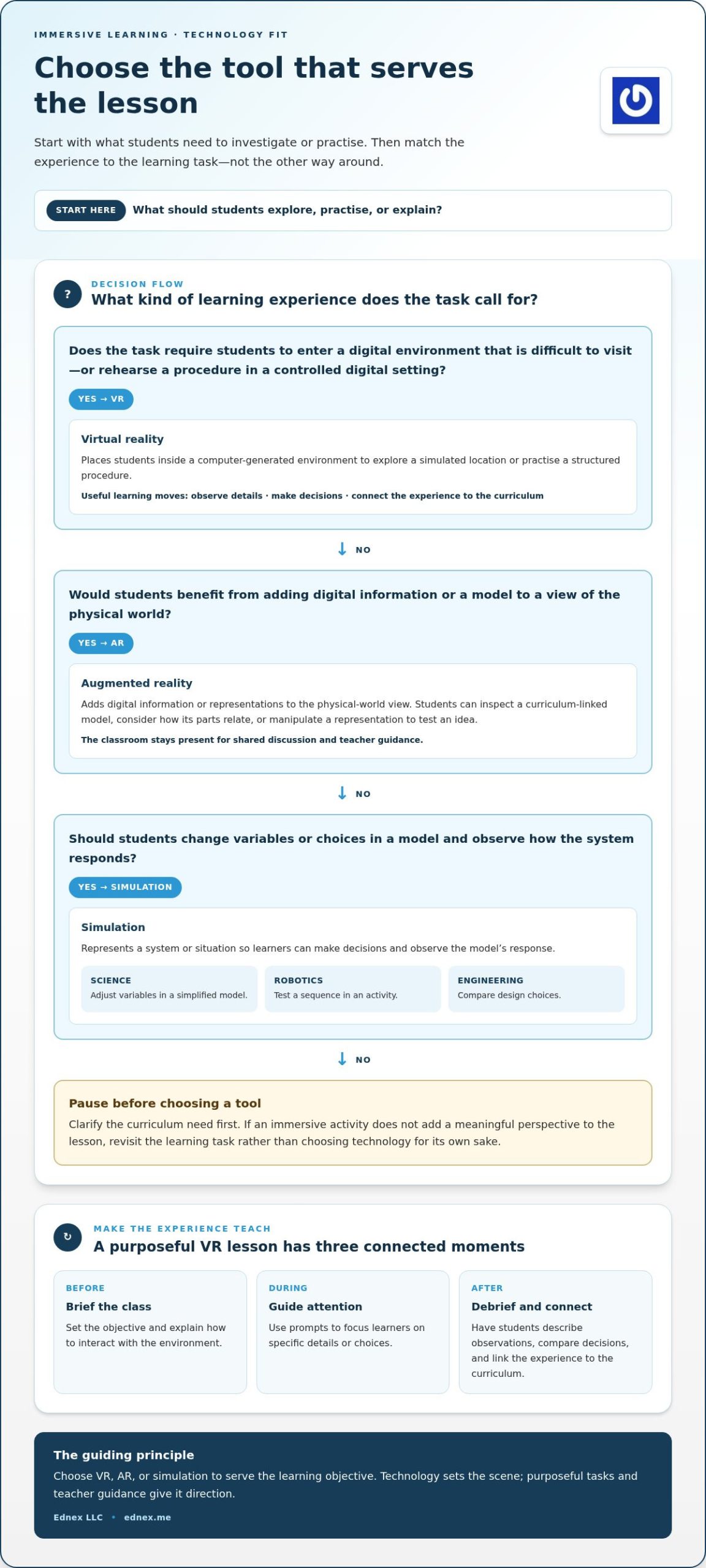
Virtual reality, augmented reality, and simulations offer different ways to make a lesson interactive. The right fit depends on what learners need to investigate or practise: entering a digital environment, adding information to a real-world view, or testing choices within a model. Choose the technology to serve the lesson objective, not the lesson objective to justify the technology.
Virtual reality and simulated environments
Virtual reality places students inside a computer-generated environment they can explore. A class might investigate a simulated location that would otherwise be difficult to visit, or rehearse a structured procedure in a controlled digital setting. The experience gives students a context for observation and decision-making, but it still needs a clear task.
Before the activity, the teacher briefs students on the objective and how to interact with the environment. During the activity, prompts can focus attention on specific details or choices. Afterwards, a debrief helps students describe what they noticed, compare decisions, and connect the experience to the curriculum. The headset is the setting; facilitation gives the activity direction.
Augmented reality and interactive learning activities
Augmented reality (AR) adds digital information or representations to a view of the physical world. Students could use an AR activity to inspect a curriculum-linked model from different perspectives, discuss how its parts relate, or manipulate a representation to test an idea. The physical classroom remains present, giving the teacher room to move between on-screen exploration and shared discussion.
AR may suit lessons where learners benefit from examining an object or concept in context, while VR can provide an environment that is difficult to reproduce in the classroom. Schools planning a dedicated learning space can incorporate AR and VR lab solutions into a broader educational environment.
Simulations for exploring choices and systems
A simulation represents a system or situation in which learners can make decisions and observe how the model responds. For example, students might adjust variables in a simplified science model, test a sequence in a robotics activity, or compare design choices in an engineering task. Unlike a virtual environment that primarily surrounds the learner, a simulation can focus on changing inputs and examining relationships.
Teachers can give the activity purpose by asking students to predict what may happen, record their choices, and explain what the model shows. They should also clarify that a simulation represents selected features of a real system. It is a learning model, not necessarily a complete reproduction. This distinction encourages students to question assumptions and interpret results carefully.
For immersive learning technology for schools to support active learning, each experience should lead to an observable student action: investigate, make a choice, explain, or create. Ednex provides AR and VR solutions alongside STEAM programs and educational learning environments, connecting technology with the activities and spaces that give it context. Explore Ednex’s educational learning solutions.
How Schools Can Evaluate Immersive Learning Technology
A compelling demonstration is not proof of a strong learning fit. The most immersive experience won’t necessarily produce better learning. Students may engage with an activity without meeting its intended objective. Evaluate immersive learning technology for schools by asking what learners will do, what teachers need to facilitate, and what evidence will show that learning took place.
Match technology to the intended learning experience
Begin with the skill, concept, or inquiry students need to practise. Then identify the experience that supports it: exploring a place or situation, interacting with a representation, testing a system, working with peers, or reflecting on a decision. VR, AR, and simulations are options, not objectives. A simpler format may be the stronger choice if it supports the activity with less friction.
Use a comparison framework before selecting a tool. It keeps the discussion anchored in curriculum goals and classroom realities:
| Evaluation area | Questions to guide the decision |
|---|---|
| Learning objective | What should students understand, explain, or demonstrate by the end? |
| Activity type | Do learners need to explore, collaborate, practise individually, test choices, or reflect? |
| Access | Can all intended students participate, and how will devices or turns be organized? |
| Teacher workflow | What preparation, briefing, facilitation, and classroom management will the activity require? |
| Assessment | What student work or observable action will indicate progress toward the objective? |
Assess access, usability, and educational evidence
Practical fit matters. Consider accessibility needs, how many students will share devices, transitions between activity stations, and the time educators need to prepare and guide the lesson. A tool that disrupts the lesson sequence or leaves some students waiting may need a different classroom structure, even if its content aligns well with the curriculum.
Separate participation from evidence of learning. Completing an activity, spending time in a virtual environment, or expressing enthusiasm shows involvement; it doesn’t by itself demonstrate understanding. Look for indicators tied to the objective, such as a student explaining a concept, completing a task accurately, comparing design choices, or demonstrating a defined skill. Treat claims about benefits as points to investigate, not as proof of results in your own classroom.
Start with a small, curriculum-aligned pilot. Before it begins, record a simple baseline, such as how students currently explain the concept or perform the task. After the activity, review the same indicators and ask: Did students meet the objective? Which parts supported their work? Where did access or teacher workflow create friction? What should change before the next use? This review helps schools make decisions from classroom evidence and refine the approach before expanding it.
How to Plan Immersive Learning Implementation in Schools
A sustainable approach starts with a curriculum need, then builds the people, activities, spaces, and technology around it. For immersive learning technology for schools to become part of everyday teaching rather than a one-off event, plan implementation as a sequence: define the purpose, prepare the classroom, pilot the experience, and refine it using evidence and feedback.
- Identify a learning need. Choose a concept, skill, or inquiry where an interactive experience could support the existing curriculum. State what students should be able to explain or demonstrate afterwards.
- Map the activity to the curriculum. Identify where the experience fits in the unit, what students will do before and after it, and how it connects to other classwork. Keep the activity focused on a clear learning purpose.
- Involve educators early. Teachers can shape the activity around students’ readiness, lesson timing, collaboration, and assessment. Include the educators who will facilitate it in planning and preparation.
- Review classroom readiness. Plan device access and sharing, a suitable space, connectivity, technical support, and the content students will use. Consider how learners will move through the activity and what alternatives or adjustments may be needed to support access.
- Prepare and pilot. Give educators time to become familiar with the activity and classroom workflow. Introduce students to the equipment or interface, expectations, and learning task before gathering evidence and feedback during a manageable pilot.
- Review and refine. Compare student work and observed participation with the intended objective. Use educator and student feedback to adjust instructions, activity design, access, or lesson timing before considering broader adoption.
Prepare teachers and learning activities
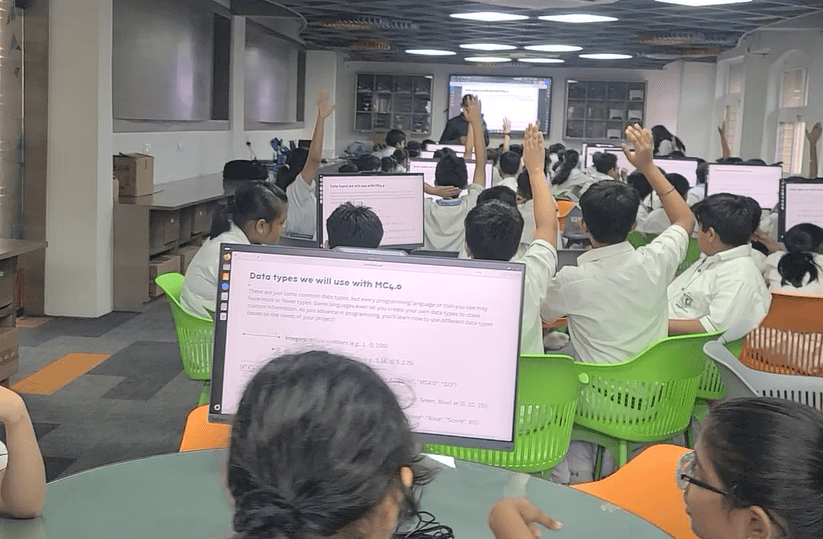
Preparation should cover more than operating the technology. Teachers need a lesson plan that clarifies their role, student collaboration, and the questions that will guide reflection. Decide how the activity will begin, what learners should focus on, and how the class will make meaning from the experience afterwards. A short orientation can reduce avoidable confusion and help students approach the activity with purpose.
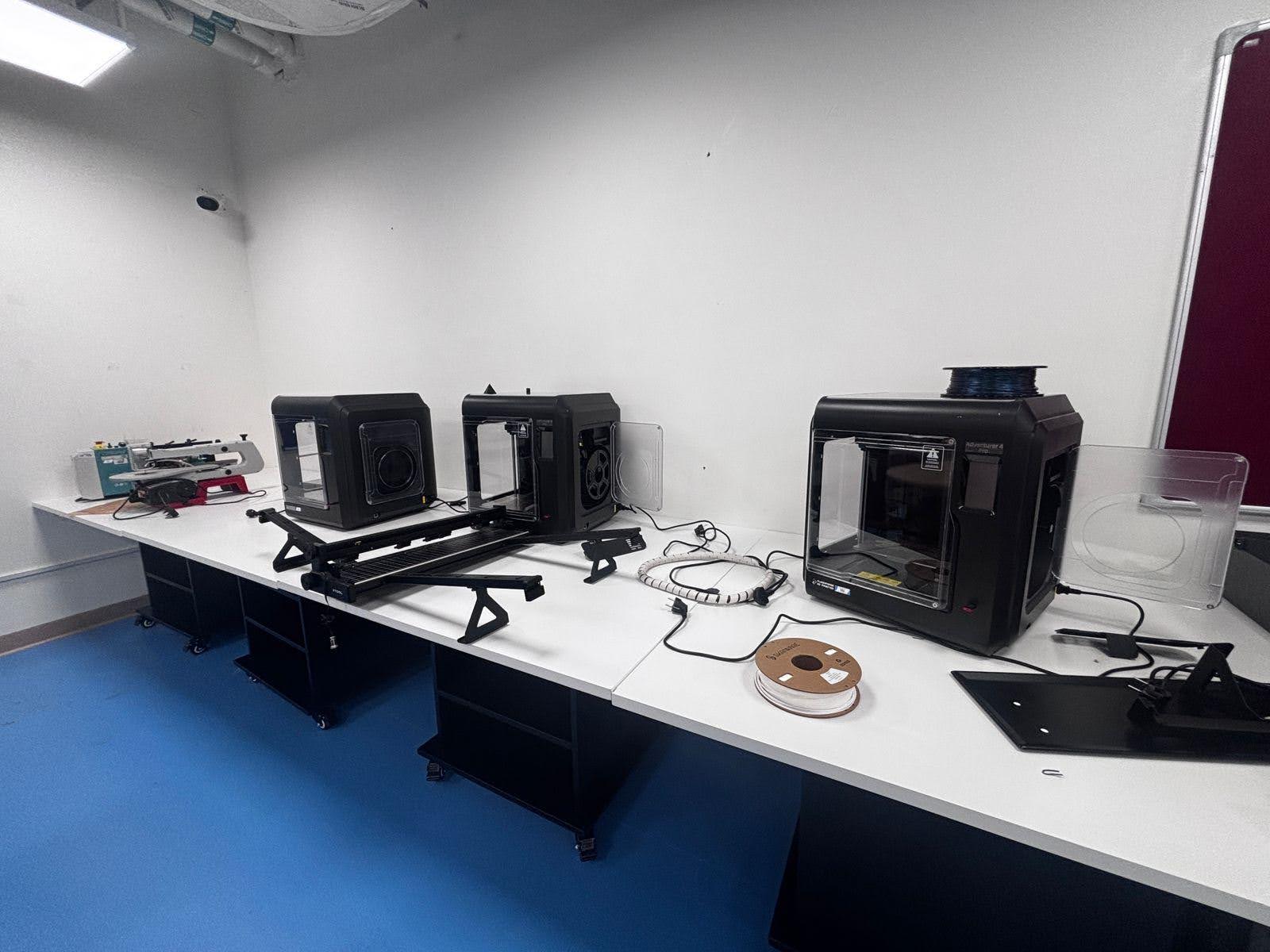
Space also shapes the experience. Some activities may fit within an existing classroom; others may benefit from a dedicated environment that supports practical work alongside digital exploration. For schools planning a science-focused setting, future science lab installation planning can help make the learning environment part of implementation rather than an afterthought.
Pilot, assess, and scale with purpose
Keep the first pilot manageable and tie it to a specific curriculum goal. Agree in advance on what evidence to collect, such as student explanations, completed work, demonstrated skills, and educator observations. After the activity, discuss what supported learning, where students needed guidance, and what created friction. Refine the experience before extending it to more classes or programs.
Ednex brings AR and VR solutions together with STEAM programs and educational laboratory environments. Plan an immersive learning environment with Ednex as a connected part of your school’s learning ecosystem.
Build an Immersive Learning Ecosystem with Ednex
Immersive technology delivers greater value when it connects to the wider learning environment rather than operating as a standalone feature. A school’s approach can bring together AR and VR experiences, teacher-led instruction, practical activities, and spaces where students apply ideas. The components should reflect the institution’s curriculum priorities and the learners it serves, whether in K-12, higher education, or vocational training.
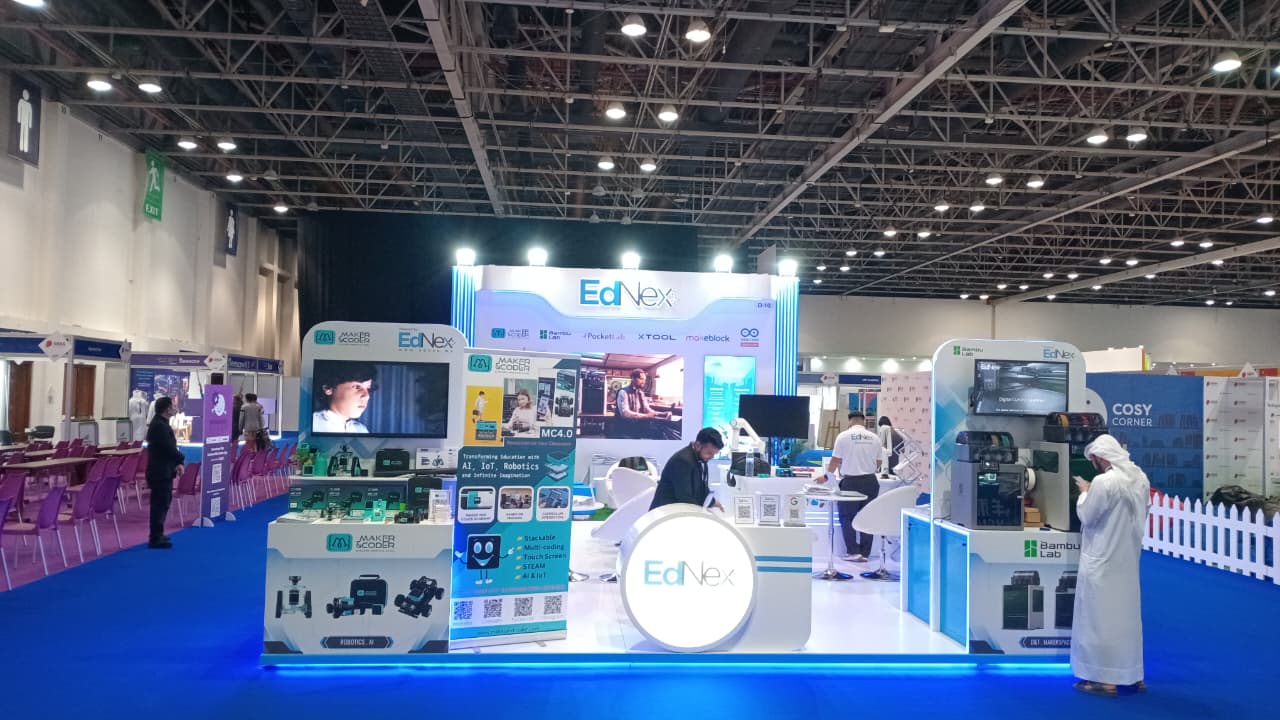
Ednex designs and implements educational laboratories and STEAM programs, including AR and VR solutions that can sit alongside robotics, coding, Arduino Education, and Future Science Labs. This broader perspective helps institutions consider the learning activity, teaching context, and appropriate environment together. The aim is a coherent ecosystem, not a collection of disconnected devices.
Connect immersive experiences with practical learning
AR and VR can complement structured classroom instruction by giving students another way to explore a curriculum-linked idea before discussing, making, or testing it. For example, a digital exploration could introduce a design challenge, followed by a team project using practical materials. In this sequence, immersive technology supports the work rather than replacing teacher guidance or hands-on learning.
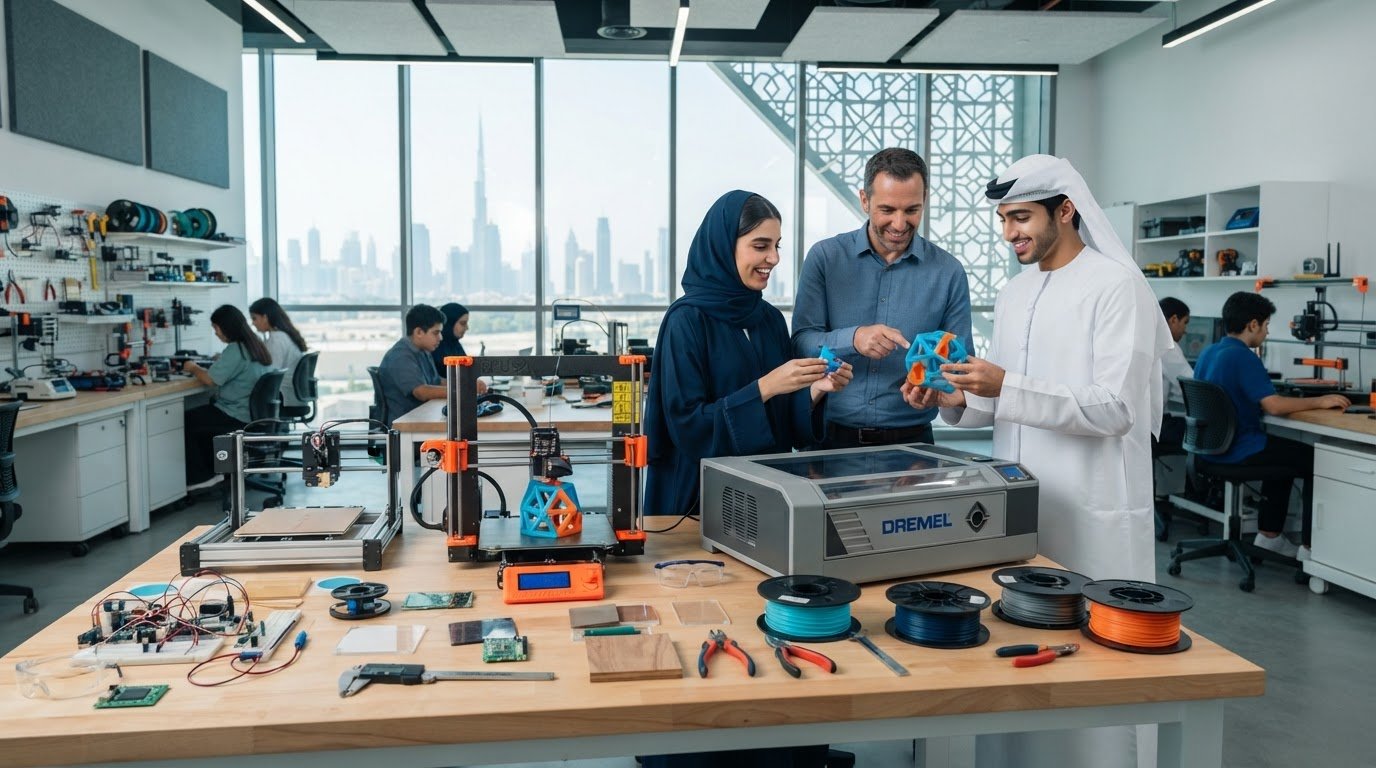
Project-based making can extend that connection. A makerspace designed for schools can provide a setting where learners turn questions and concepts into practical projects. Linked with STEAM programs, an appropriate learning space can help educators connect digital exploration to activities in design, engineering, robotics, or coding. The right combination depends on the school’s objectives and how it wants learners to engage with them.
Move from institutional goals to a designed solution
Begin by clarifying the institution’s priorities: which learner groups the environment will serve, how immersive experiences relate to curriculum needs, what practical programs should sit alongside them, and which implementation considerations matter most. This shared brief gives school leaders and educators a foundation for making decisions about learning spaces and technology in context.
Ednex designs and implements educational laboratory environments, bringing relevant technologies and learning programs into a considered setting. A Future Science Lab, for instance, can form part of a wider ecosystem that includes immersive experiences and hands-on STEAM activity. The configuration can be shaped around the institution’s goals, rather than assuming every school needs the same setup.
For schools planning immersive learning technology for schools, the next step is to explore how AR and VR, practical programs, and suitable learning spaces can align with their educational direction. Explore Ednex’s educational technology and laboratory solutions and consider an approach shaped around your institution’s priorities.
Shape the Next Step for Your School
Turn interest in immersive learning into a deliberate institutional direction. Identify a priority your school wants to advance, then consider how immersive learning technology for schools could support that goal within the wider curriculum and learning environment.
Ednex brings educational AR and VR solutions together with designed and implemented STEAM programs and specialized learning laboratories. This integrated perspective helps schools move from a single activity toward an approach shaped around their learners, curriculum, and priorities.
There’s no need to begin with a sweeping transformation. Start with a clear educational ambition, then explore the learning environment that can support it. Explore Ednex’s educational technology and laboratory solutions to take a purposeful next step toward learning experiences designed for your school.
Frequently Asked Questions
Can immersive learning work without VR headsets?
Yes, immersive learning can use formats that don’t require headsets. For example, students might explore an interactive simulation on a shared classroom display or use an augmented reality activity on a suitable device. The choice depends on the lesson: a class investigating a system together may benefit from a shared view, while another activity may call for individual interaction. In either case, plan a clear task and a way to discuss what students noticed.
Is immersive learning suitable for primary and secondary school students?
Yes, provided the activity is designed for the students’ age, readiness, and learning needs. For younger learners, a short guided task with clear boundaries may be more suitable than independent exploration. Older students may be ready to compare options or document decisions as part of a project. Before using an activity, educators can review its instructions, content, and interaction demands, then determine the supervision and support students will need.
How can teachers assess learning during an immersive activity?
Assess students against a specific learning objective, using evidence they can produce during or after the activity. A teacher might ask students to explain a choice aloud, annotate a diagram, complete a task sequence, or write a short reflection linking an observation to a concept. These methods can reveal reasoning that a completion indicator alone may miss. Choose an assessment method before the lesson so students know what they’re expected to demonstrate.
How much does immersive learning technology cost for a school?
There isn’t one standard cost for immersive learning technology for schools because implementation scope varies. A school’s planning may account for the selected technology, intended learners, content, device access, staff preparation, and whether a learning space needs to be adapted. Start by defining the educational priorities, then consider these components together rather than comparing device prices in isolation. A phased plan can help institutions align investment decisions with curriculum needs.
Does immersive learning require a dedicated classroom or laboratory?
No, a dedicated room isn’t essential for every activity. A school may be able to use an existing classroom if it can support the lesson’s layout, device use, and student movement. A more sustained program or a combination of digital and practical work may call for a purpose-planned environment. Consider storage, scheduling, supervision, and how equipment will be used between lessons before deciding whether a dedicated space makes sense.
How can schools make immersive learning accessible to more students?
Plan for different access needs before selecting the activity. Review whether students can read on-screen information, follow the interaction steps, take part in group tasks, and show their understanding in an appropriate format. For instance, provide an alternative way to contribute if a particular interface doesn’t suit a learner. Involving educators and relevant support staff early can help identify barriers and shape adjustments without singling students out during the lesson.
What should a school measure in an immersive learning pilot?
Measure whether the pilot supports its stated educational purpose and works in the school’s actual setting. Alongside student explanations or task results, record practical observations such as how much prompting learners need, whether everyone gets a meaningful turn, and where lesson transitions take extra effort. Ask teachers and students what helped or hindered the activity. Together, this evidence can guide a decision to adjust the lesson, repeat the pilot, or plan a broader trial.
Related Posts ...



Comments are disabled