

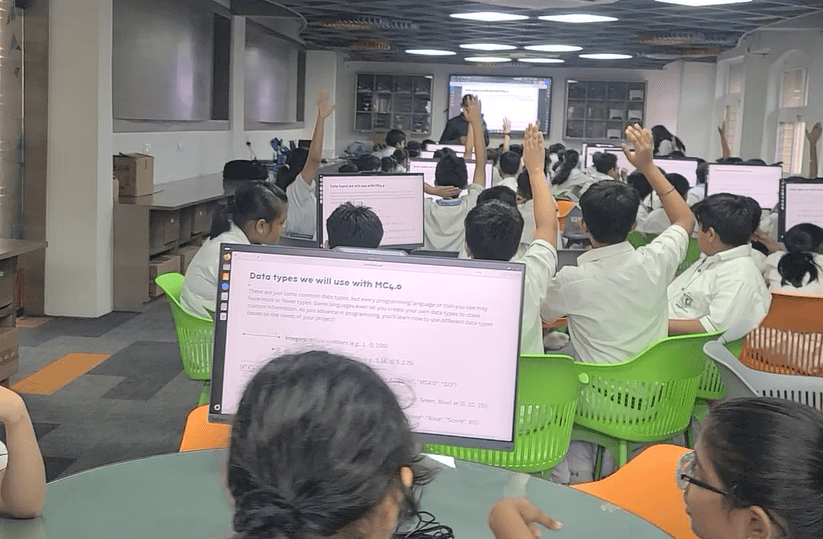
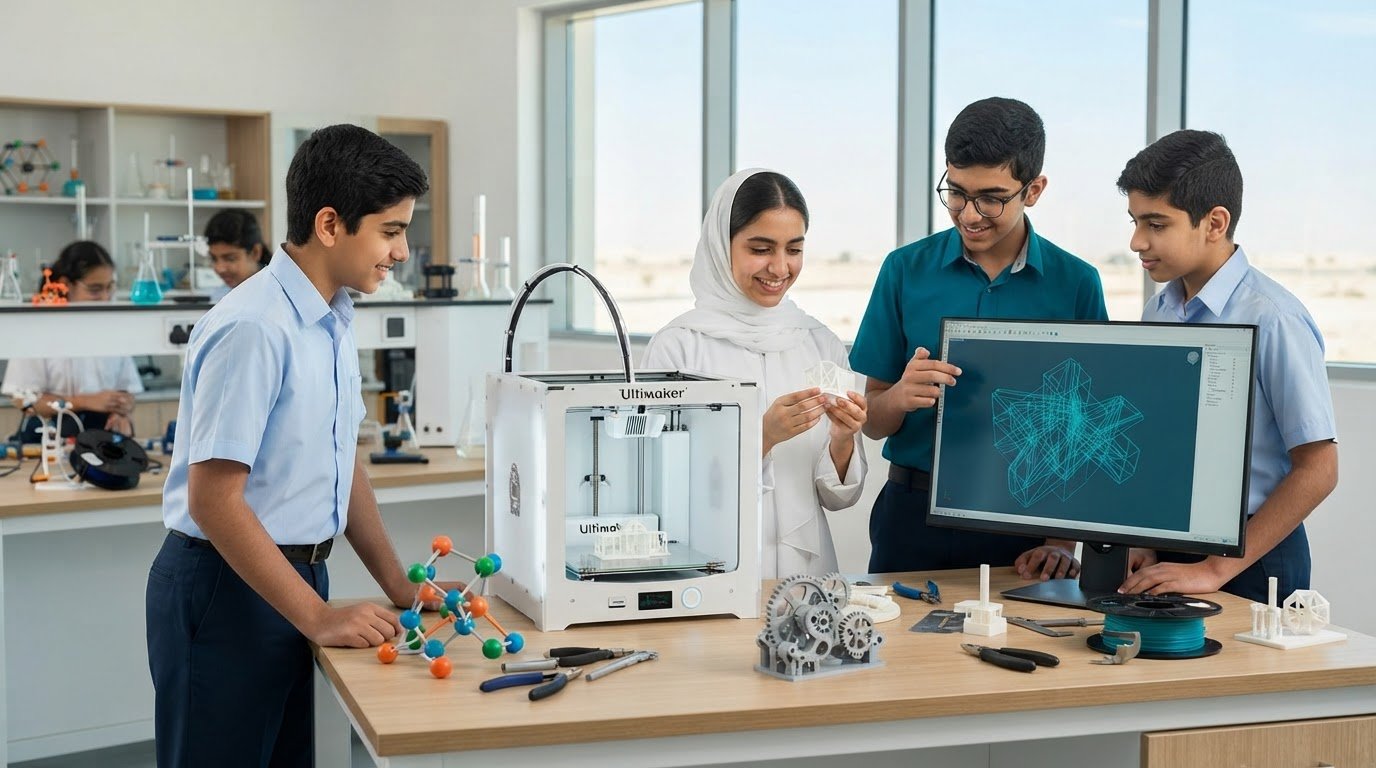
3D Printers for Educational Institutions and Classroom Uses
A 3D printer turns a school project from an idea on screen into a physical model students can examine, test, and refine. For K-12 schools and universities, 3D printers for educational institutions can support learning across science, design, engineering, mathematics, and the arts.
That hands-on potential is compelling, but a successful classroom setup involves more than choosing a machine. Students need meaningful projects, educators need the skills to guide them, and schools need to consider how printing time and equipment maintenance fit into everyday learning.
This guide explains how 3D printing can strengthen school projects, what a classroom setup may include, and how its uses differ across K-12 and higher education. You’ll also see how models can make abstract concepts tangible, from biological structures to historical artifacts, and how a connected STEAM or laboratory program can help schools bring practical technology learning into the wider curriculum.
Key Takeaways
- Plan a classroom or district rollout around project goals, available space, print volumes, maintenance, and staff training.
- Look beyond the printer: software, materials, cloud-based tools, and academic resources all shape a usable learning setup.
- Connect 3D printing to subjects such as biology, history, design, and engineering to make abstract ideas tangible.
- Match learning activities to students’ stage of study, and explore how Ednex LLC STEAM Programs, Robotics and Coding, or Arduino Education can support broader hands-on learning.
How Does 3D Printing Help School Projects?
3D printing helps students turn digital designs into physical prototypes they can inspect, test, and improve. Schools can integrate it into lessons when a project benefits from a tangible model.
Scaling Across Classrooms and Districts
Scaling means coordinating equipment, staff training, maintenance, and project access across classes or campuses. Begin by matching printer access to learning goals, then establish shared routines for preparing files, scheduling prints, and caring for machines. A platform such as 3DPrinterOS can help organize print jobs within that workflow. Consistent routines matter because they make classroom access easier to manage as use expands.
School Applications by Grade Level
Primary and secondary applications should use age-appropriate projects that connect design with classroom concepts. Younger students can explore shapes through simple models, while older students can develop functional prototypes and test design choices. For example, a class might create an object to solve a practical classroom problem, then revise its dimensions after testing. The challenge gives students a clear reason to explain their design decisions.
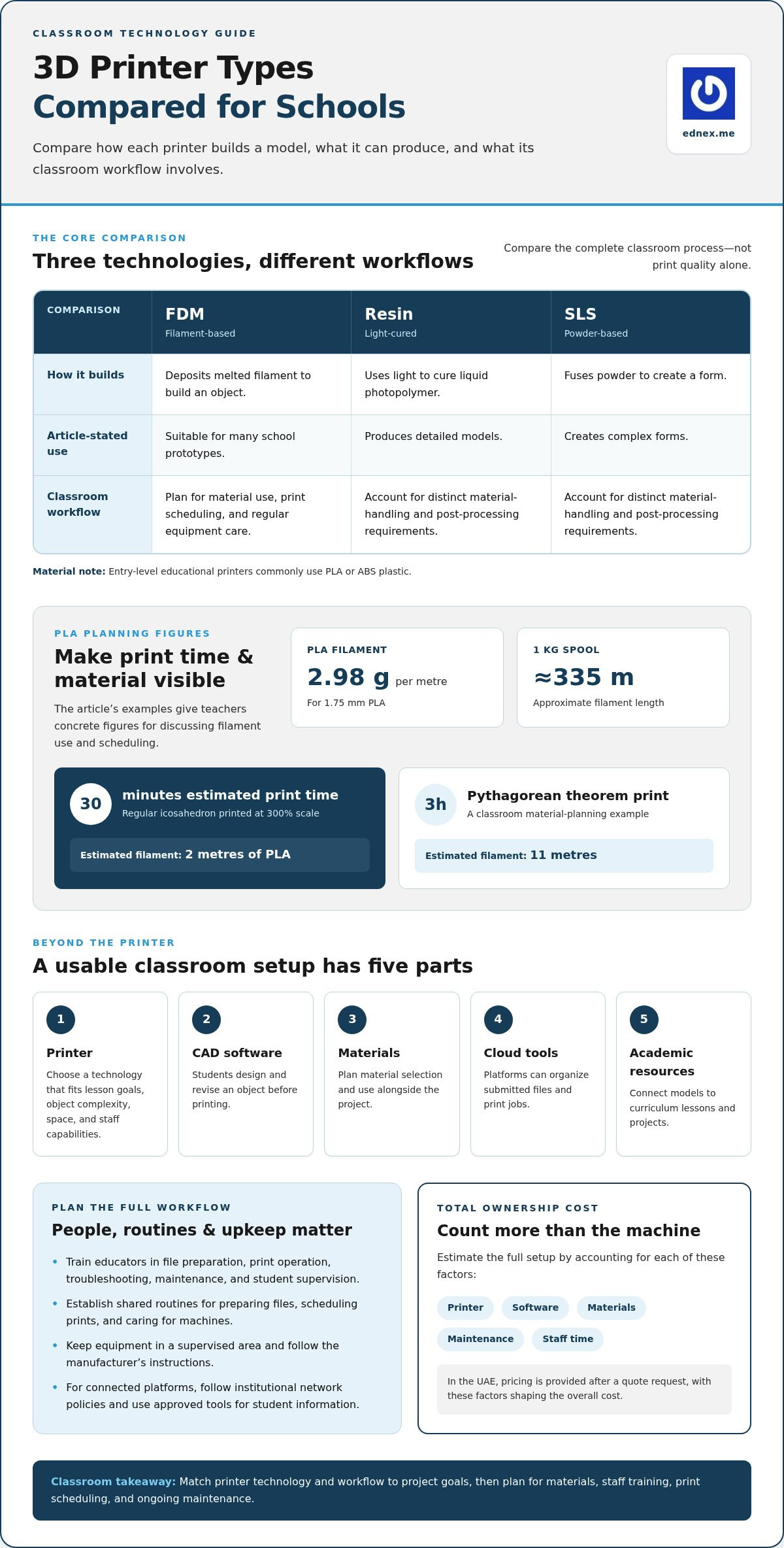
A project record can serve as a school case study without relying on unverified claims: document the lesson goal, student designs, print outcome, and what learners changed. For a concrete planning example, a regular icosahedron printed at 300% scale is estimated to take 30 minutes and use 2 metres of PLA filament. That gives teachers a specific model for discussing print time and material use.
A common misconception is that a printer produces a finished object immediately. Print time varies with the model, and equipment needs regular maintenance. Train staff to operate machines correctly and supervise students, then include upkeep and print scheduling in classroom plans.
To estimate total ownership costs, account for the printer, software, materials, maintenance, and staff time. Assess the equipment’s educational value by considering its role in curriculum projects, reusable teaching models, and student prototypes.
Classroom 3D printer models and configurations
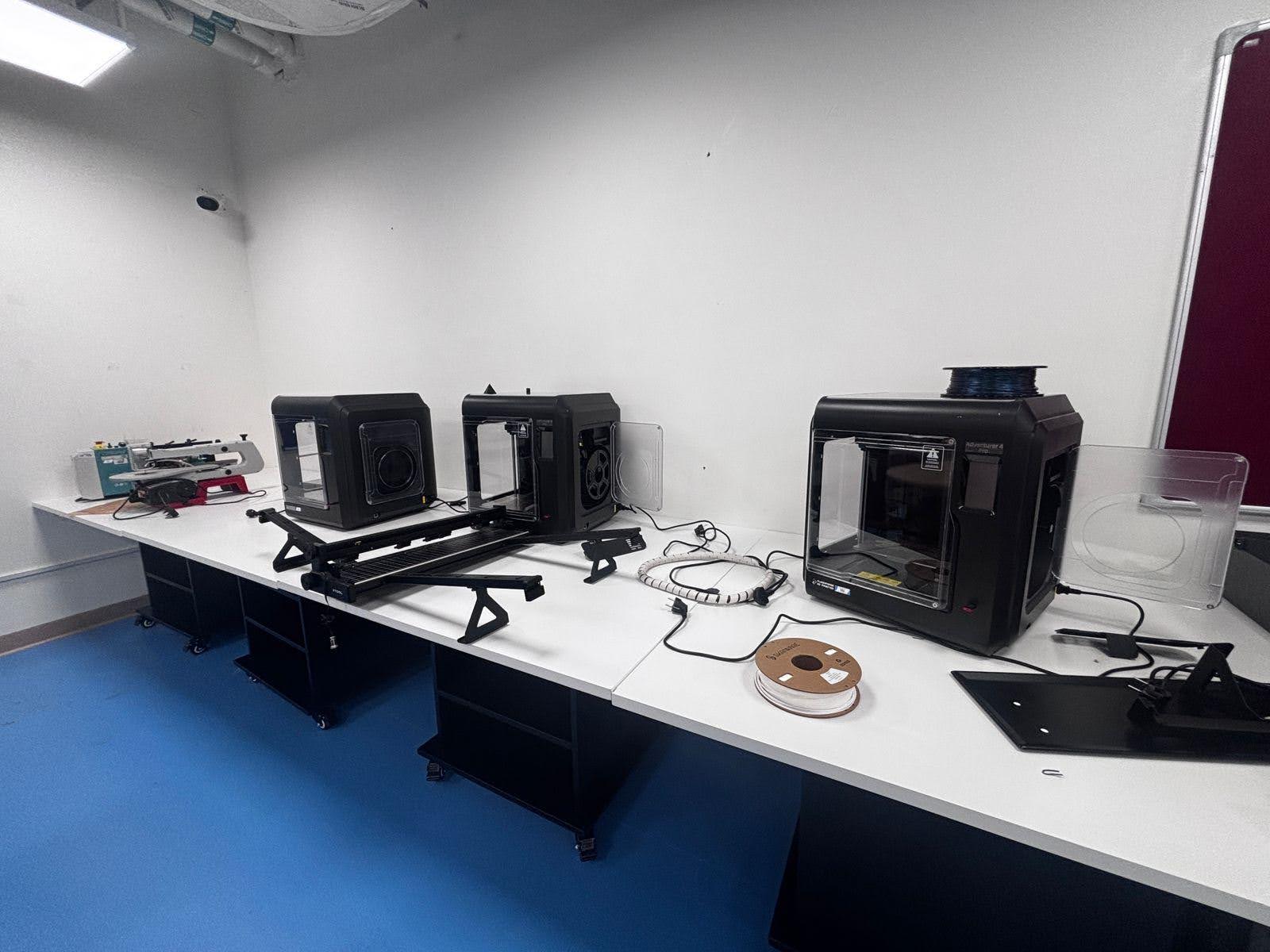
A classroom setup may combine a printer, CAD software, materials, a cloud-based program, and academic resources. Match each component to lesson goals, object complexity, available space, and staff capabilities.
FDM printers build objects by depositing melted filament, making them suitable for many school prototypes. Resin printers use light to cure liquid photopolymer and produce detailed models, while SLS printers fuse powder to create complex forms. Resin and powder workflows have distinct material-handling and post-processing requirements, so compare the complete classroom process, not print quality alone.
Entry-level educational printers commonly use PLA or ABS plastic. For 1.75 mm PLA, one metre weighs approximately 2.98 grams, and a 1 kg spool contains approximately 335 meters. These figures help teachers estimate material use when planning a model, such as a 3-hour Pythagorean theorem print requiring 11 metres of filament.
CAD software lets students design and revise an object before printing. Cloud-based platforms can organize submitted files and print jobs, while academic resources help teachers connect models to lessons. Choose tools that suit school workflows and make classroom access manageable.
In the UAE, align printer placement and operation with the institution’s safety, facilities, and network policies. Keep equipment in a supervised area, follow the manufacturer’s instructions, and use appropriate access controls for connected platforms. Don’t upload sensitive student information to tools that aren’t approved for classroom use.
Total cost depends on printer type, setup, software, materials, maintenance, and expected use. In the UAE, pricing is provided after a quote request, with those factors shaping the overall cost.
Educators need training in file preparation, print operation, troubleshooting, maintenance, and student supervision. Plan routine equipment care and teach students how to use CAD tools before assigning independent designs. For schools aligning classroom technology with wider learning goals, explore integrated classroom technology planning.
3D printing for hands-on learning
3D printing can connect classroom concepts with objects students can examine from different angles. In biology, a printed cell model can help learners identify structures and compare their positions. In mathematics, students can manipulate geometric solids while discussing faces, edges, and volume. These activities give teachers a physical resource to connect visual explanation with active investigation.
A cross-curricular project could ask students to design a model of a building feature, such as a shaded screen. They can sketch its pattern, build it in CAD software, and examine how its repeated shapes fit together. A design course might focus on form, while mathematics lessons explore symmetry and measurement. Each subject brings a distinct perspective to the same object.
Engineering courses can use prototypes to explore how design decisions affect function. Students might create a simple clip or bracket, check its fit, then adjust the digital model after spotting a weak point. The learning comes from comparing iterations and explaining changes, not merely completing a print. Teachers can assess both the final object and the reasoning behind students’ design decisions.
Printer assembly can also provide a practical engineering activity. With teacher guidance, students can identify the frame, print head, moving components, and control system, then trace how the parts work together. Assembly and calibration introduce mechanical reasoning and careful instruction-following. A lesson can connect each component to its role in turning a digital file into a physical object.
For a structured course, teachers can set a design challenge, have students model a solution in software, and ask them to evaluate the printed result. For example, groups could design a connector for paper structures, then test whether its dimensions fit. In advanced study, bioprinting can prompt discussion about the possibility of printing living tissues. These activities make design, engineering, and scientific concepts tangible.
3D printers for K-12 and higher education
For K-12 schools, a 3D printer can make classroom concepts tangible through age-appropriate design tasks. Teachers might print art stencils overnight, then ask students to adapt the shapes for a lesson. In higher education, projects can move toward professional applications, including engineering prototypes and anatomical models. Universities began incorporating 3D printing into engineering and industrial design education in the early 2000s.
Medical courses can use printed anatomical models for training and research. A heart model, for example, gives students a physical object to examine alongside diagrams and course materials. In engineering, learners can produce a prototype, assess its form, and refine the design. This process supports deeper thinking by connecting digital design choices to a physical result.
Capacity planning matters at both levels. For a class of 12 students completing small projects, an average print time of 2 hours per model can require the printer to run for an entire weekend. Teachers can prepare by grouping similar jobs, allocating machine time, and choosing projects that fit available printing capacity. Schools should also account for how many models students need, not just class size.
Before selecting equipment, institutions should define project goals, estimate how many models they need, assess available space, and decide how many printers to deploy. One shared machine may suit occasional demonstrations, while recurring projects across classes call for careful scheduling. Staff training helps teachers prepare files, operate equipment, and guide students through the design process. Without preparation, a machine can become a bottleneck instead of enabling practical learning.
Across the UAE, the strongest educational approach links printer access to clear learning outcomes, curriculum needs, and staff readiness. Schools developing a broader technical pathway can map a 3D-printing learning pathway around student projects and institutional goals.
Ednex: STEAM Programs
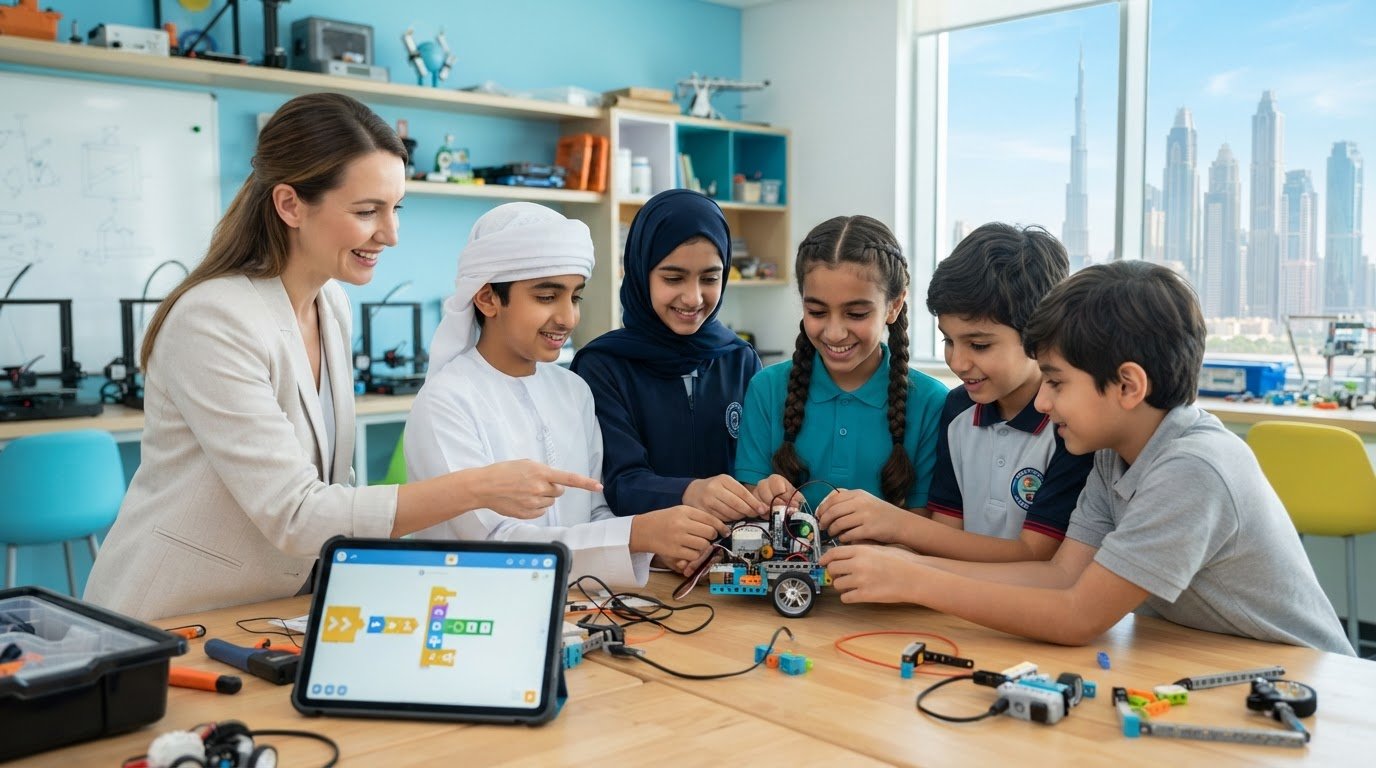
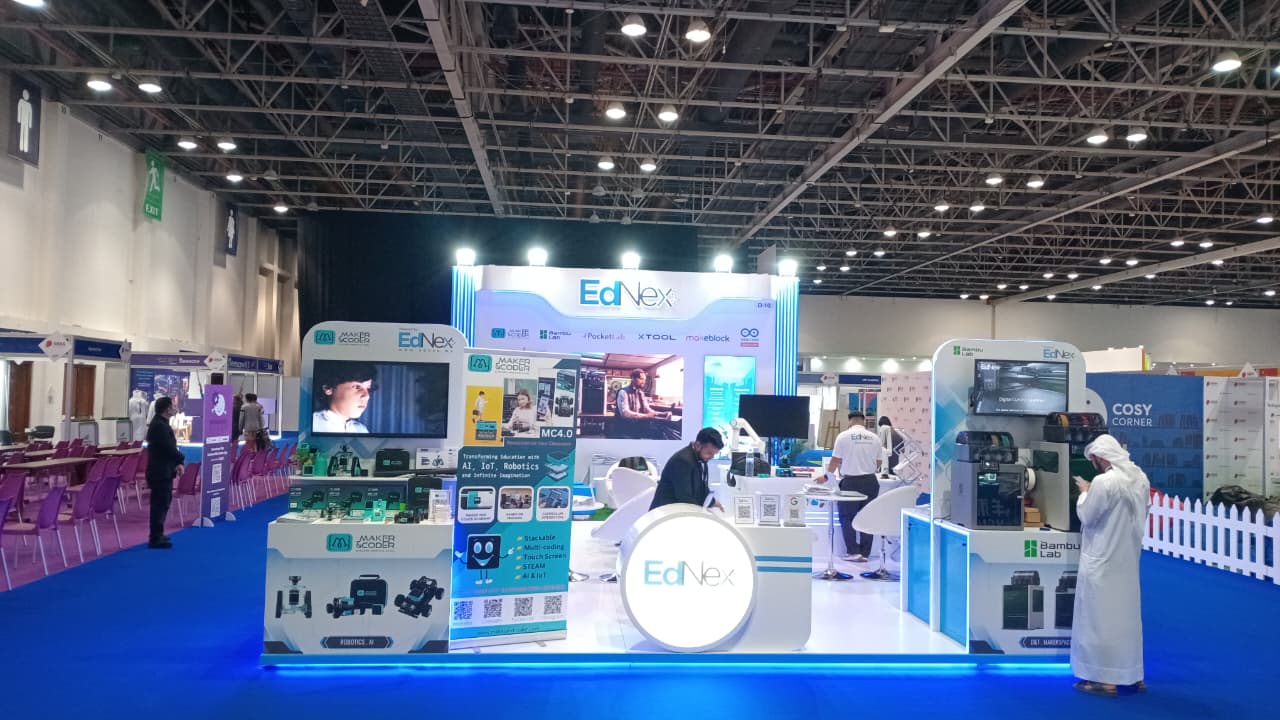
Ednex helps UAE schools connect practical technology with curriculum goals through STEAM Programs, Robotics and Coding for schools, Arduino Education, and Future Science Lab Setup. These offerings can support institutions planning how 3D printing fits into broader classroom learning, from introductory design activities to more integrated science and technology projects.
Turn to Ednex when your school is shaping a hands-on learning pathway and wants to connect making with robotics, coding, or science. The right starting point depends on your learners, teaching objectives, and existing facilities. A coordinated program can help educators position 3D printing as part of a wider learning experience rather than an isolated machine.
To discuss STEAM and technology learning for your school, contact Ednex through its website.
Prepare the Next Generation of Makers
The next step is to decide what learners should be able to design, build, and explain. With 3D printers for educational institutions, that vision matters as much as the equipment: it shapes how hands-on technology fits into teaching and how students connect ideas with real-world challenges.
For UAE schools developing practical, technology-focused learning, Ednex offers STEAM Programs, Robotics and Coding for schools, and Arduino Education. These pathways help institutions connect creative exploration with technology skills and curriculum priorities. The goal is not simply to add another machine, but to create purposeful opportunities for students to imagine, test, and improve their ideas.
Start a conversation about how classroom 3D printing could support your school’s learning goals. Contact Ednex about classroom 3D printing and explore a practical next step for your learners.
Frequently Asked Questions
Why is it Important to Teach 3D Printing?
Teaching 3D printing helps students connect digital design with problem-solving and practical production. They learn to consider dimensions, material use, and how a design may function in the real world. For example, a class can model a bridge support, print a small version, and discuss where it bends or fails. These activities build design thinking alongside subject knowledge.
What types of 3D printers are suitable for schools and universities?
FDM printers are a practical starting point for many classrooms because they create models from filament and support general-purpose projects. Resin printers can suit work that requires fine detail, while SLS systems support specialized applications and complex shapes. The best fit depends on students’ experience, intended objects, available workspace, and the time educators can devote to operation and maintenance.
Which 3D printers are best for educational institutions in 2026?
The best choice in 2026 depends on the institution’s learning goals, rather than a single model being right for every school. A school introducing design tasks may prioritize straightforward operation and common classroom materials. A university course focused on detailed prototypes may need different capabilities. Compare the intended projects, user experience, operating workflow, and ongoing upkeep before selecting a machine.
What features should schools consider when choosing a 3D printer?
Schools should compare build area, supported materials, print resolution, software compatibility, and the effort needed to prepare a job. Consider who will operate the machine, how students will submit designs, and whether teachers can supervise prints during the school day. For example, a larger build area may suit one large demonstration model, while smaller projects may put greater emphasis on workflow and scheduling.
What are the safety requirements for 3D printers in classrooms and school labs?
Safe classroom use starts with supervised operation, clear instructions for students, and a suitable location that prevents unsupervised access. Follow the manufacturer’s guidance for the specific printer and material, and teach students not to touch moving or heated components during operation. Establish a process for reporting faults, keeping the work area orderly, and ensuring educators understand the equipment before students use it.
What classroom projects and subjects can benefit from 3D printing?
3D printing can support lessons where students need to visualize, compare, or test a physical form. Geography students might create a terrain model from map contours, while mathematics classes can produce solids to investigate surface area and volume. Design students can prototype a desk organizer and revise its compartments after testing. These examples let teachers tie making to specific learning objectives.
Related Posts ...
Comments are disabled