


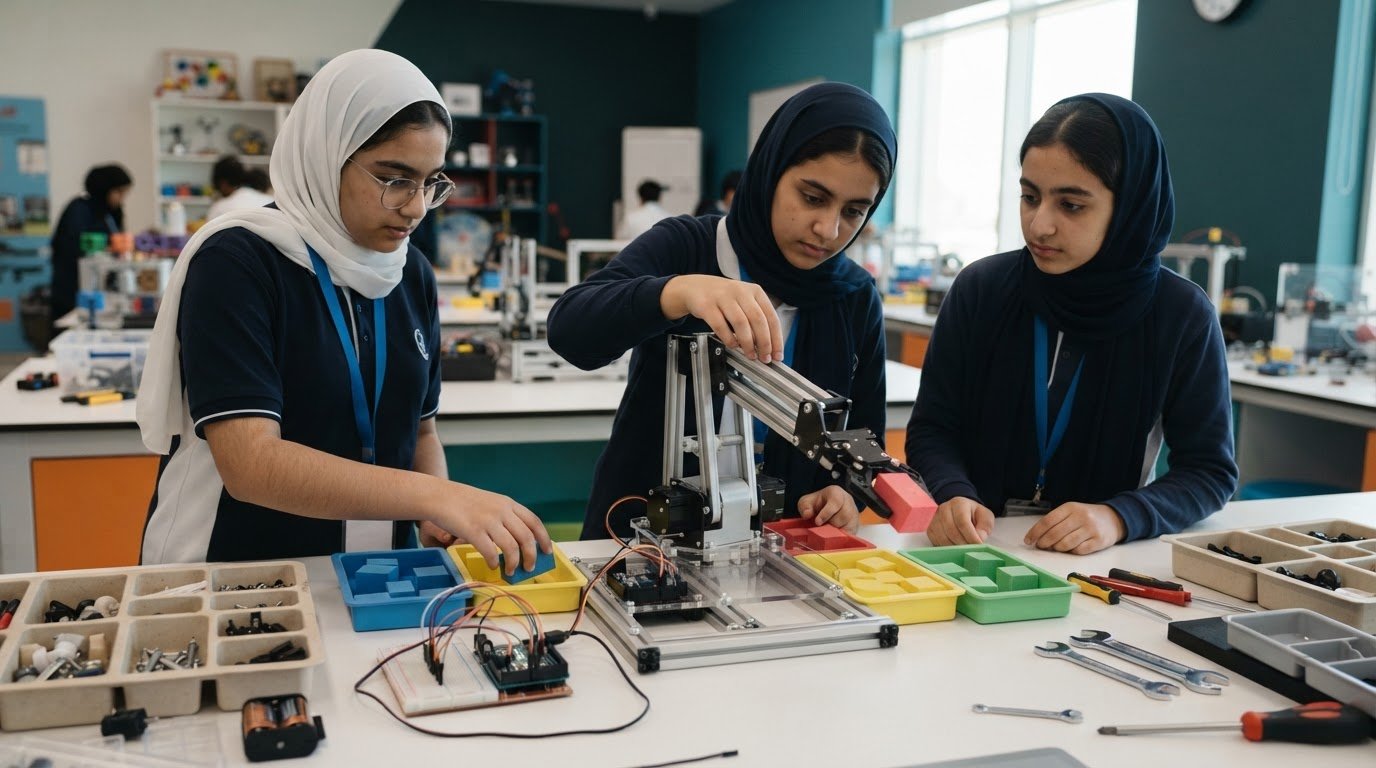
Best Robotics Lab Setup for Schools in the UAE
A well-planned Robotics Lab Setup turns a collection of equipment into a structured learning pathway. In the UAE, school robotics curricula can serve classes 3 to 12, with learning pathways also described for students aged 5 and above. The lab can bring together age-appropriate robotics equipment, coding activities, learning resources and space for students to build, test and refine their ideas.
Schools need more than technology on desks. The learning experience should build students’ skills and suit the grades the programme serves. This article explains what a school robotics lab can include, how learning pathways can progress across age groups, and what professional planning and installation involve. It also covers the space, equipment and implementation decisions that help a lab support practical learning and future-ready skills.
Key Takeaways
- Map curriculum to students’ grades and skills so activities can progress from foundational exploration to more advanced projects.
- Plan robotics kits and electronics components around the learning goals, with room to expand as students develop.
- Use school lab examples to see how hands-on builds and coding can connect classroom concepts to practical challenges.
- Understand how consultation and installation bring space, equipment and learning needs into one coordinated plan.
Target ages and grades for STEM and Robotics Lab
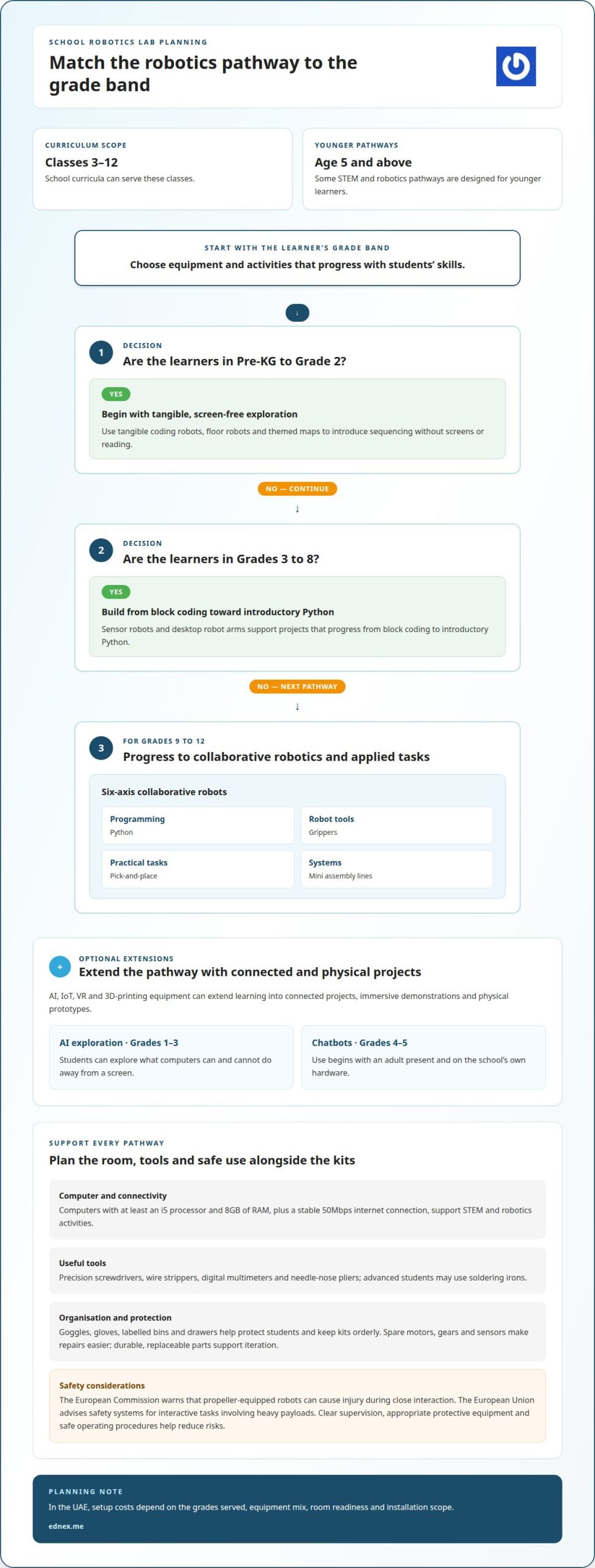
Curriculum can serve classes 3 to 12, while some STEM and robotics pathways suit students aged 5 and above. For Pre-KG to Grade 2, tangible coding robots, floor robots and themed maps introduce sequencing without screens or reading. This gives younger students a hands-on entry point before more complex coding.
Equipment should progress with the grade level. In Grades 3 to 8, sensor robots and desktop robot arms support projects that move from block coding to introductory Python. Grades 9 to 12 can work with six-axis collaborative robots, Python, grippers, pick-and-place tasks and mini assembly lines. These stages make innovation practical, reflecting the commercial automation systems deployed by providers like Defend Autonomous Robotics Trading LLC rather than limiting students to basic classroom demonstrations.
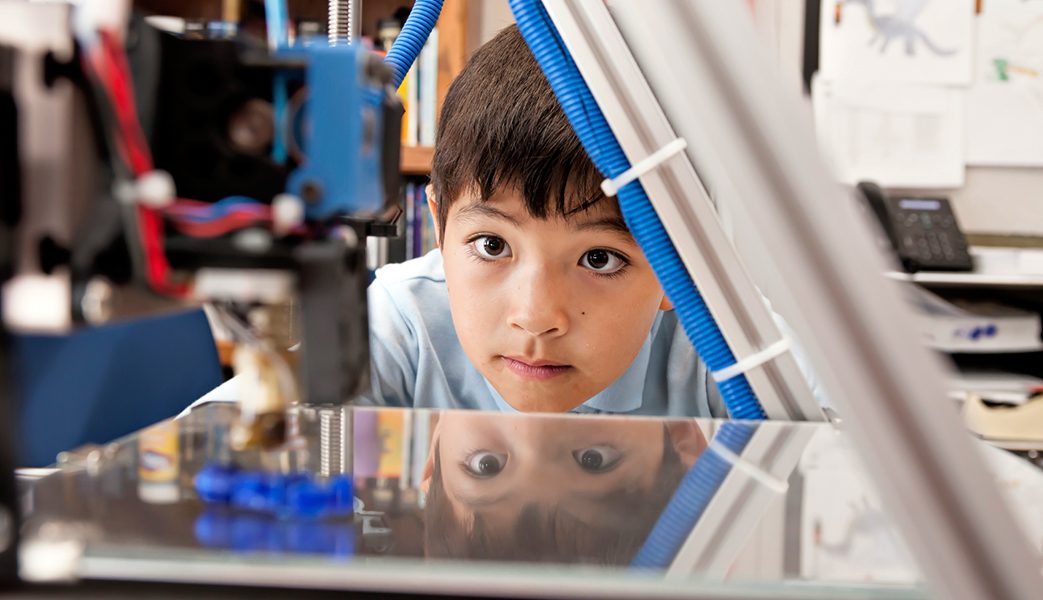
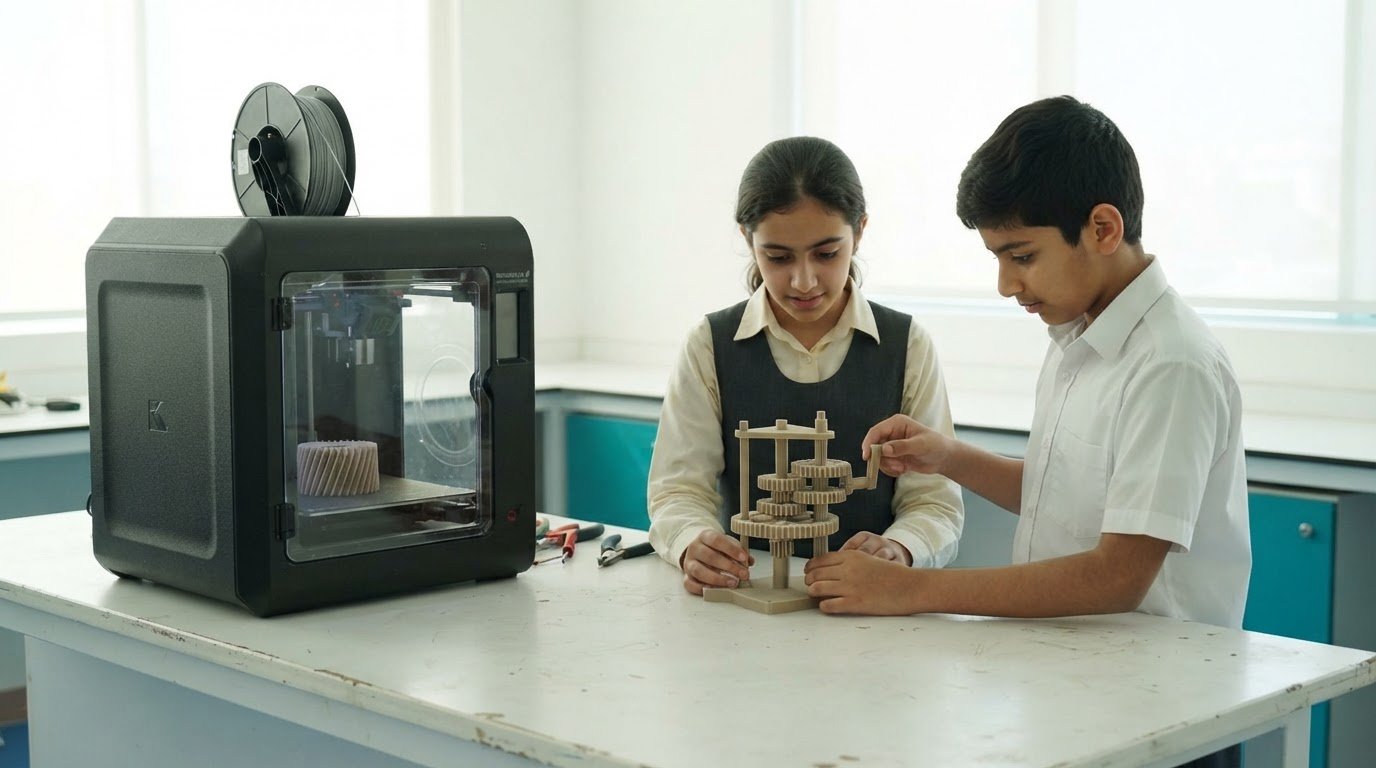
AI, IoT, VR and 3D-printing equipment can extend the learning journey into connected projects, immersive demonstrations and physical prototypes. In an AI programme, students in Grades 1 to 3 can explore what computers can and cannot do away from a screen. Chatbot use begins in Grades 4 to 5 with an adult present and on the school’s own hardware.
Computers with at least an i5 processor and 8GB of RAM, plus a stable 50Mbps internet connection, support STEM and robotics activities. Useful tools include precision screwdrivers, wire strippers, digital multimeters and needle-nose pliers. Advanced students may use soldering irons.
Plan safety and organisation alongside equipment. Goggles, gloves and labelled bins and drawers help protect students and keep kits orderly; spare motors, gears and sensors make repairs easier. Durable, replaceable parts also let students learn through iteration. The European Commission warns that propeller-equipped robots can cause injury during close interaction. The European Union advises safety systems for interactive tasks involving heavy payloads.
In the UAE, setup costs depend on the grades served, equipment mix, room readiness and installation scope. Pricing is provided after a quote request.
Poor planning can leave equipment mismatched to students’ skills, disorganised or unsafe to use. Clear supervision, appropriate protective equipment and safe operating procedures help reduce these risks.
What is Robotics Lab for Schools?
A Robotics Lab Setup for a school connects physical kits and electronics with guided activities and a planned curriculum. The right platform matches learners’ skills and can expand as projects become more complex.
Robotics Kits and Electronics Components
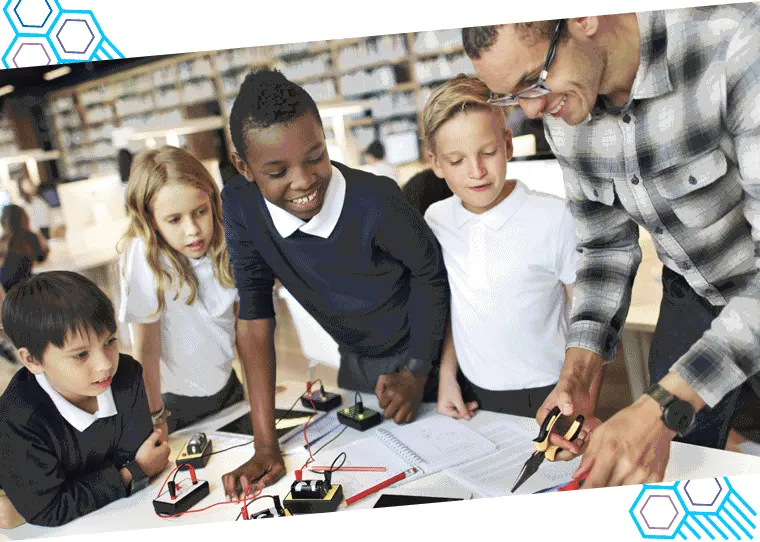
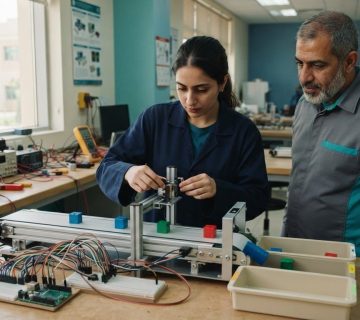
Beginner kits can use snap-together plastic parts, so students can assemble models without tools before exploring how designs move and respond. As their skills develop, modular kits let educators extend activities rather than replace the whole learning system. Look for components that support clear, step-by-step experiments and can be reused in science and coding lessons.
Learning resources matter as much as hardware. Guides help educators structure each build, connect activities to curriculum goals, and progress from assembly to testing and refinement. Reusable, replaceable parts also make iteration part of the lesson: students can revise a design after an unsuccessful test instead of treating mistakes as the end of the project.
STEM and Robotics Platforms
Choose kits according to the concepts students will practise, not the number of components in a box. A foundational activity might use a simple build to explore cause and effect; a more advanced project could combine movement, sensors and coding. Modular platforms help maintain continuity as learners take on new challenges.
Schools, universities and startups have different curriculum needs. A school may prioritise guided lessons and progressive skill development, while a university or startup may need platforms for open-ended project work. Compare options by their learning resources, adaptability and fit with intended activities. A well-planned Robotics Lab Setup supports those goals without adding unnecessary complexity.
Plan kit selection as a sequence: define learning outcomes, match activities to learner experience, then choose compatible components and teaching resources. This makes equipment decisions more coherent across a programme. For schools building a structured pathway, curriculum-led robotics learning can help connect practical projects with education goals.
Robotics lab examples in schools
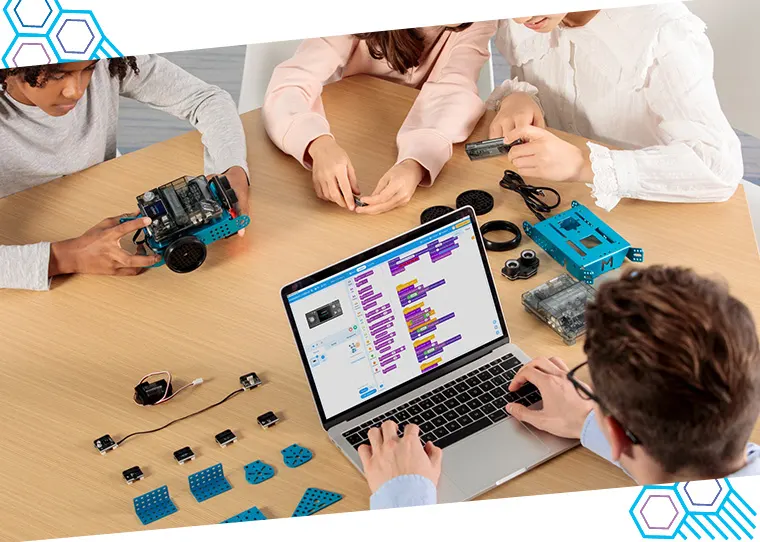
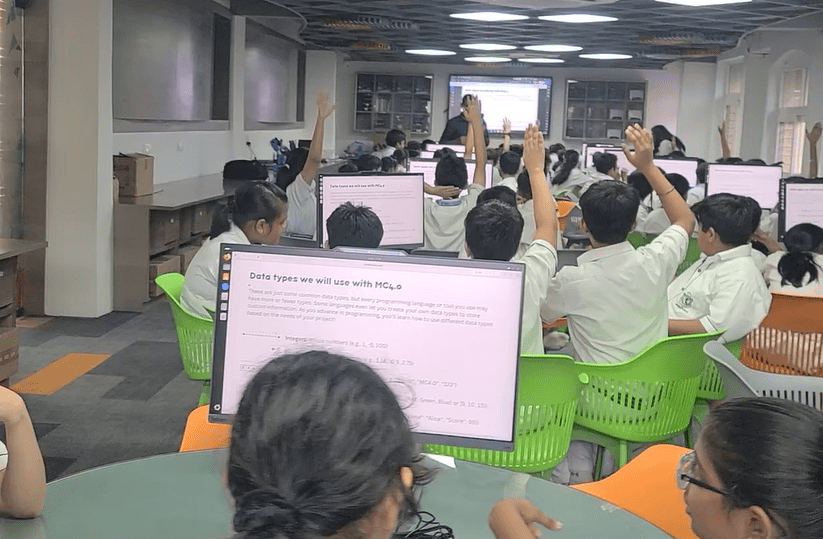
School robotics labs make coding concepts visible through projects students can test. For example, a block-coding robot can follow programmed instructions along a classroom route.
Planning a School Robotics Lab with a Professional Provider
Professional planning starts with the school’s learning objectives, student groups and planned activities. A provider can map those goals to equipment, room layout, storage, internet access and staff training. For example, a programme centred on mobile robots needs clear floor space for testing, while coding lessons also require suitable computer access. Coordinating these elements helps connect the lab plan with its intended curriculum.
Planning also considers how teachers will use the equipment after installation. A clear training plan can help staff guide students through building, coding and testing, rather than treating each kit as a standalone activity. Schools can discuss these priorities during professional school lab planning, including how the digital resources and physical equipment will work together.
Customizing a School Lab
Customization aligns the lab with the school’s curriculum, learners’ experience and available space. One school may focus on block coding and guided builds; another may plan a progression towards Python and more open-ended projects. Equipment should reflect those activities, with modular kits making it easier to adapt as students develop new skills.
Consider how a class will work through a project: introduce a science concept, build a robot, write its instructions, then test and refine its behaviour. This sequence can guide workstation placement, storage and the choice of teaching resources. A customized plan keeps each element focused on the school’s learning priorities.
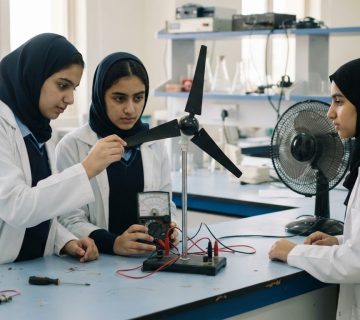
For example, students can use a block-coding robot to explore how instructions affect movement, then discuss and refine the sequence. Sensor-based activities add digital problem-solving, while collaborative builds encourage students to explain their design choices. These practical tasks connect coding with experimentation and give teachers work they can observe and discuss.
A well-planned STEM lab supports more than building a finished robot. Students practise applying science concepts, interpreting results and improving a design after testing. When equipment, curriculum and teacher training align, projects can build skills progressively instead of relying on isolated demonstrations.
Lab setup consultation and installation
Consultation turns a school’s learning goals into a coordinated plan for its room, equipment and teaching programme. It connects curriculum activities with practical decisions, including how students will work, where equipment will be stored and how teachers will use the lab.
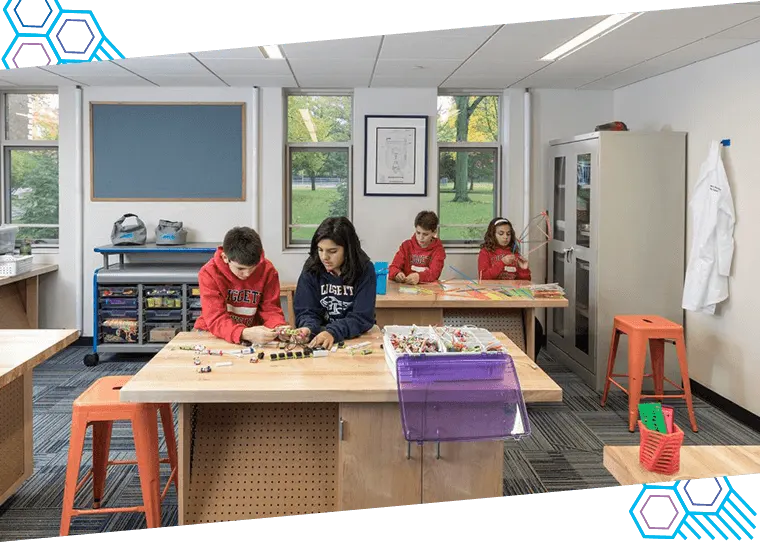
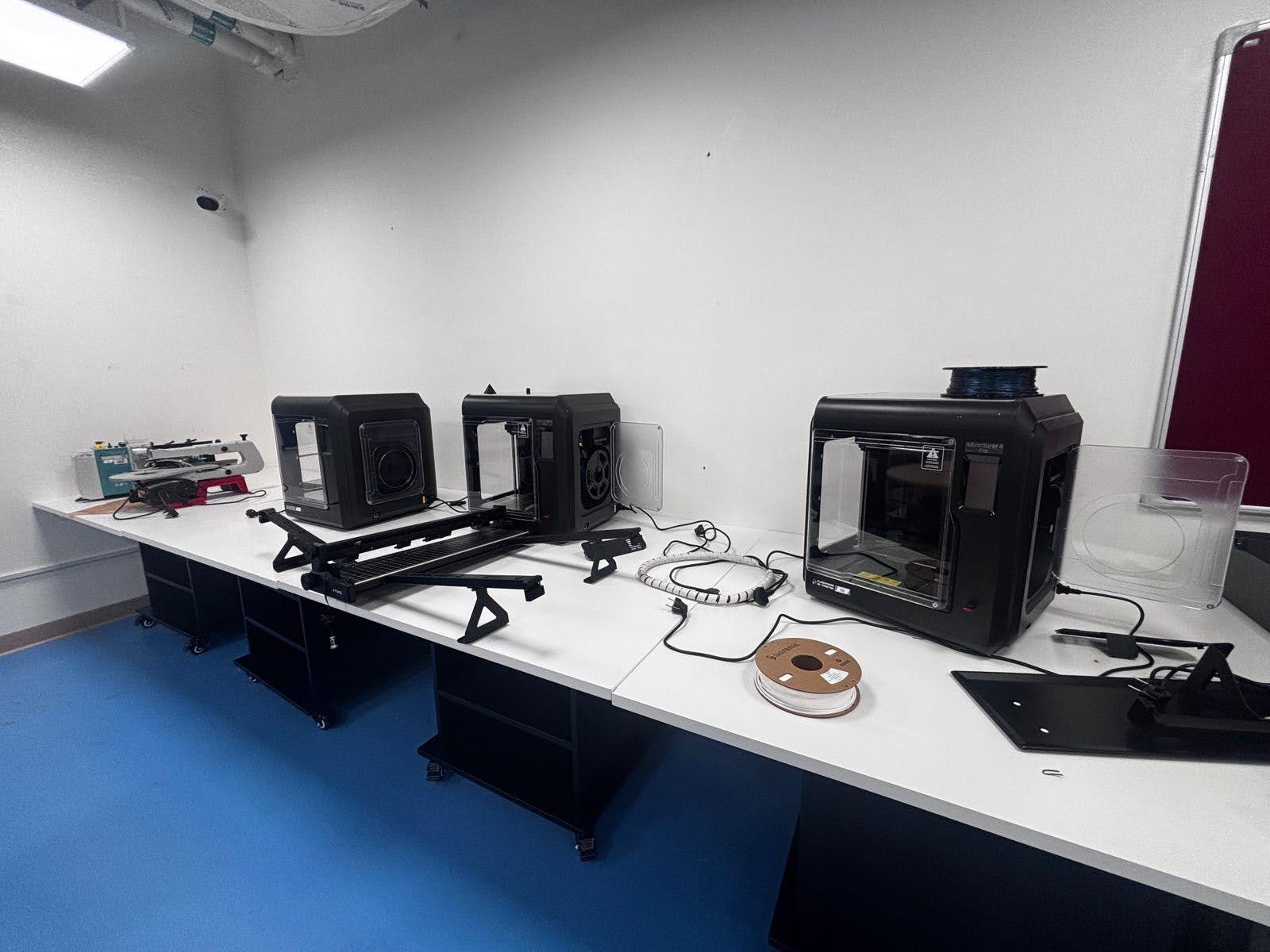
Planning begins with the intended student groups and activities. A dedicated STEM and robotics lab is recommended at 500 to 1,200 square feet. Room layout should support building, testing and collaborative learning, while keeping circulation and storage practical. A provider also considers whether the planned programme needs computers, robotics equipment, safety supplies or space for prototyping.
Infrastructure matters before installation. A school lab may need to support dozens of laptops, lithium batteries and 3D printers charging at the same time. Consultation should account for these simultaneous demands when planning power access and equipment placement. The design should also include organised storage and safety equipment, such as goggles and gloves, so that learning activities have a clear place to begin and finish.
Installation puts the approved plan into practice. Equipment is positioned for the planned activities, and kits, computers and learning resources are arranged for teachers to access. A clear handover connects the installed equipment with classroom use. The teacher-training approach includes co-teaching during the first term, giving educators practical support as students begin using the lab.
For a school, a coherent sequence is consultation, room and infrastructure planning, installation, then teacher preparation. Each stage informs the next. If the curriculum includes robotics builds and digital projects, the installation plan should make those activities workable in the teaching space, rather than placing equipment wherever there is room.
Ready to plan a dedicated learning environment? Arrange a school robotics lab consultation to discuss the programme, space and installation requirements.
Ednex
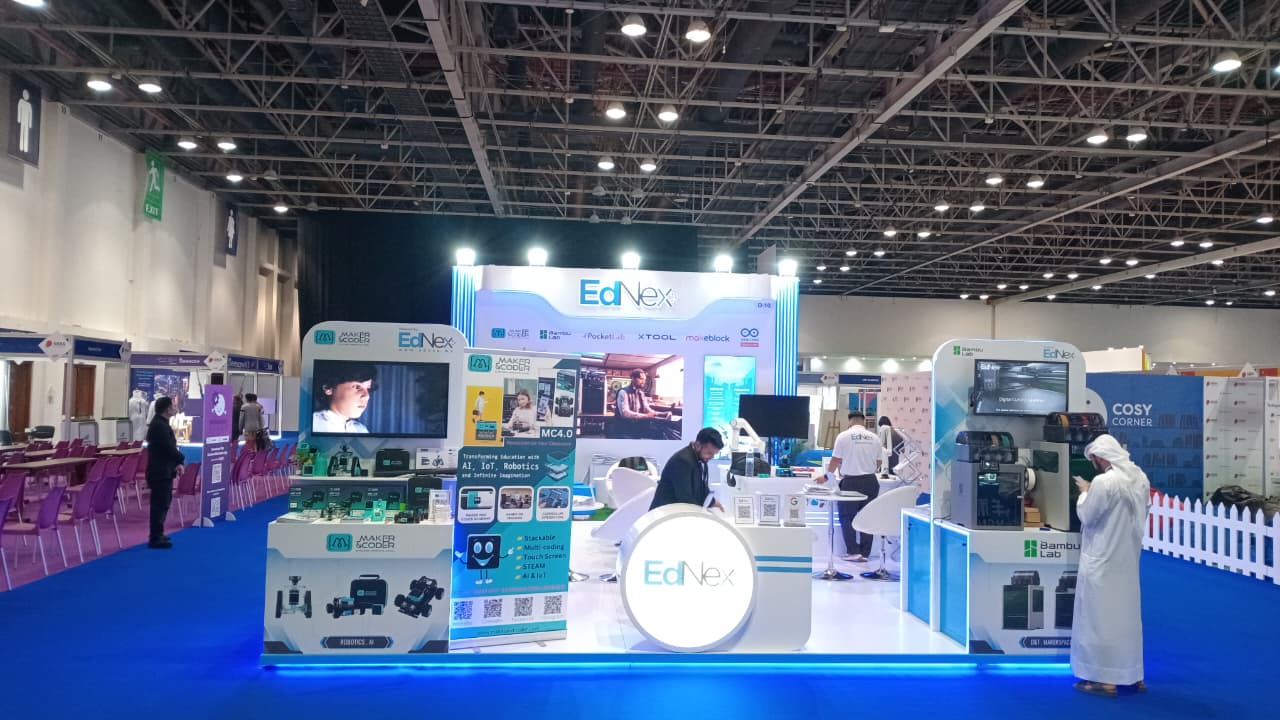
Ednex LLC helps schools across the UAE turn robotics learning goals into coordinated lab and programme plans. Its offerings include Robotics and Coding for schools, STEAM Programs, Arduino Education and Future Science Lab Setup, helping schools align practical activities with their curriculum.
Turn to Ednex LLC when defining what the lab should support, selecting a learning pathway or planning how equipment and teaching activities will work together. Start with the school’s priorities: the grades served, the skills students should develop and the role robotics will play in learning.
Contact Ednex LLC to discuss your school’s robotics lab requirements.
Build the Next Stage of Learning
A school’s next step is to define what students should be able to create, test and explain through robotics. That vision can guide decisions about how the lab supports teaching today and develops with future learning priorities. A thoughtful Robotics Lab Setup is more than a room equipped with technology; it is a platform for turning curiosity into purposeful exploration.
Start with the outcomes that matter to your school, then shape the environment around them. Ednex can connect those priorities with practical learning programmes and lab planning, creating a clear path from ambition to implementation.
Contact Ednex about your lab to discuss the direction you want your school’s robotics learning to take. The next generation of ideas can begin with a plan built around your students.
Frequently Asked Questions
What is Included?
A school robotics lab typically brings together robotics kits, electronic components, computers, learning resources and organised storage. The installation plan can also cover safety equipment and teacher preparation. For example, a project might combine building a robot with a coding task and a written explanation, so students practise designing, testing and communicating their ideas in one activity.
How can a provider help manage robotics lab infrastructure?
A provider can coordinate room planning, equipment placement, connectivity needs and installation around the school’s intended activities. For example, a plan for laptops, charging batteries and 3D printers should consider how these devices will be used and stored together. The provider can also organise the handover and teacher preparation, helping staff connect installed equipment with classroom learning.
What equipment should a provider include when setting up a robotics lab?
Equipment should match the lab’s learning goals and include suitable robotics kits, electronic components, computers and supporting resources. Depending on the activities, the plan may also include sensors, robot arms, coding tools and protective equipment. Ask the provider to connect each equipment category to a sample lesson, such as programming a robot to respond to a sensor, rather than selecting items without a teaching purpose.
What minimum space and layout should a provider plan for a robotics lab?
The right space depends on the room’s intended use and equipment. Guidance includes a dedicated STEM and robotics lab of 500 to 1,200 square feet, while another recommendation gives 400 to 1,200 square feet. Layout planning should account for movement between workstations, collaborative builds, equipment storage and testing areas, then adapt those zones to the school’s actual activities and available room.
What computers, software, and programming tools should a provider include in a robotics lab?
Plan computer and software choices around the curriculum, student activities and equipment compatibility. A STEM or robotics lab recommendation specifies computers with at least an i5 processor and 8GB of RAM, alongside a stable 50Mbps internet connection. Programming tools may support block coding or Python, depending on learners’ stage. The provider should align the setup with the activities teachers intend to deliver.
What electrical, networking, and ventilation requirements should a provider plan for a robotics lab?
Infrastructure planning should reflect the equipment used together, including laptops, lithium batteries and 3D printers charging at the same time. A stable 50Mbps internet connection is recommended for a STEM or robotics lab. The provider should plan power access and equipment placement around the school’s intended use. Ventilation needs should be considered in relation to the room, equipment and planned activities.
Related Posts ...
Comments are disabled