


How to Set Up a School Makerspace in the UAE
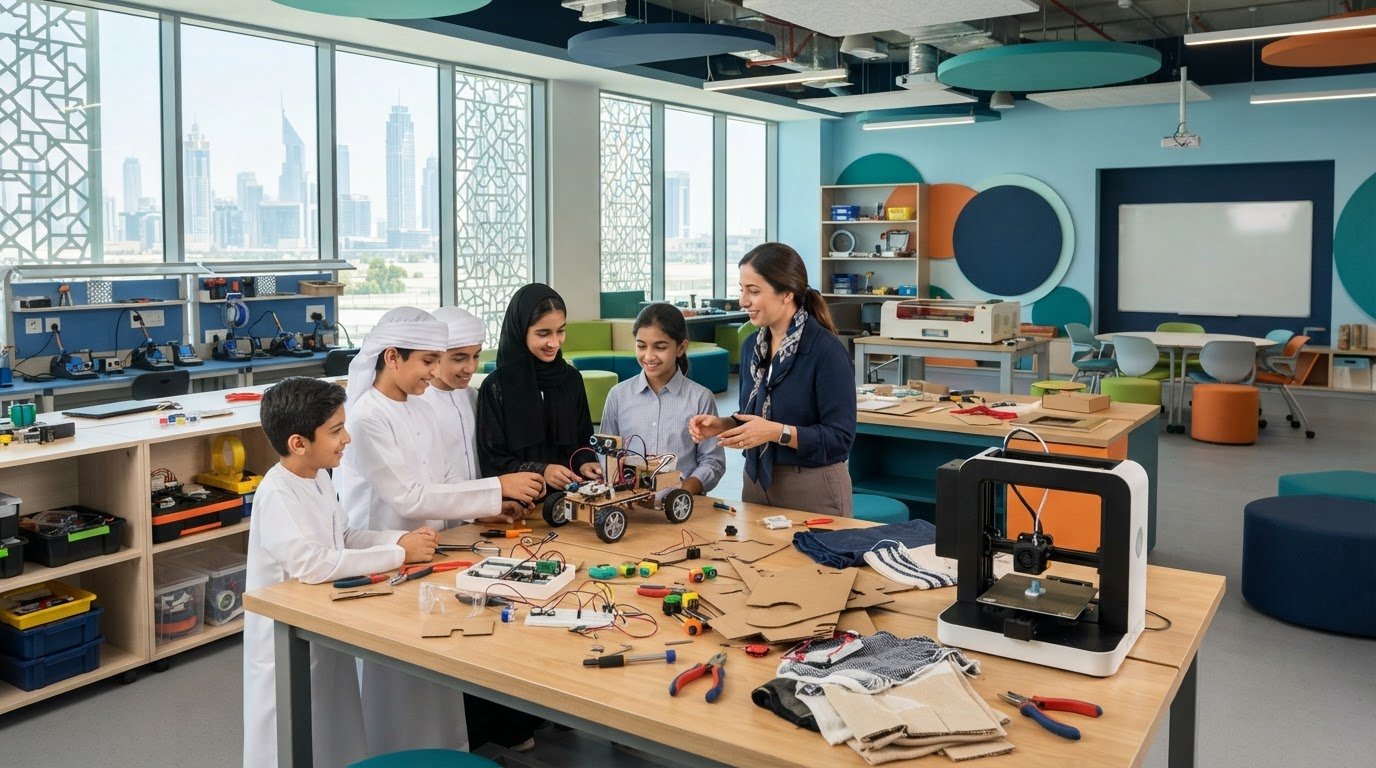
A makerspace isn’t defined by its most advanced machine; it’s defined by the range of ideas students can turn into prototypes. A makerspace setup for schools in the UAE can bring together electronics, robotics, woodworking, textiles and digital fabrication in a flexible, cross-subject environment. Unlike a lab designed around one discipline, it can adapt as projects and student needs evolve.
That flexibility makes planning essential. The space, equipment and activities need to suit the students who’ll use them, the curriculum they’ll support and the school’s resources. Simple materials can spark meaningful making, while specialised tools are useful when projects call for them.
This guide explains how to choose between a makerspace, Design Technology lab, STEAM lab or AI and robotics lab; assess school needs; plan age-appropriate layouts and equipment; and prepare teachers and learning activities. It also covers how to plan sourcing and support in the UAE, so the space serves purposeful learning rather than focusing on equipment alone.
Key Takeaways
- Choose a lab model by the learning experience you want: broad making, structured design-and-fabrication, cross-disciplinary STEAM, or focused AI and robotics.
- Build your equipment plan around intended projects, student age groups and supervision, from simple prototyping materials to electronics and fabrication tools.
- Make the space work for its users with flexible work areas, practical storage and infrastructure suited to the activities planned.
- Assess curriculum goals, existing resources, teacher readiness and room to grow before finalising the design.
- Explore how local STEAM, robotics and coding support can connect the space to curriculum-led learning in UAE schools.
Makerspace, Design Technology lab, STEAM lab or AI and robotics lab?
Choose a model by starting with what students will make and learn. A makerspace setup for schools in the UAE can support varied projects, while a subject-focused lab concentrates equipment, space and teaching around a defined discipline.
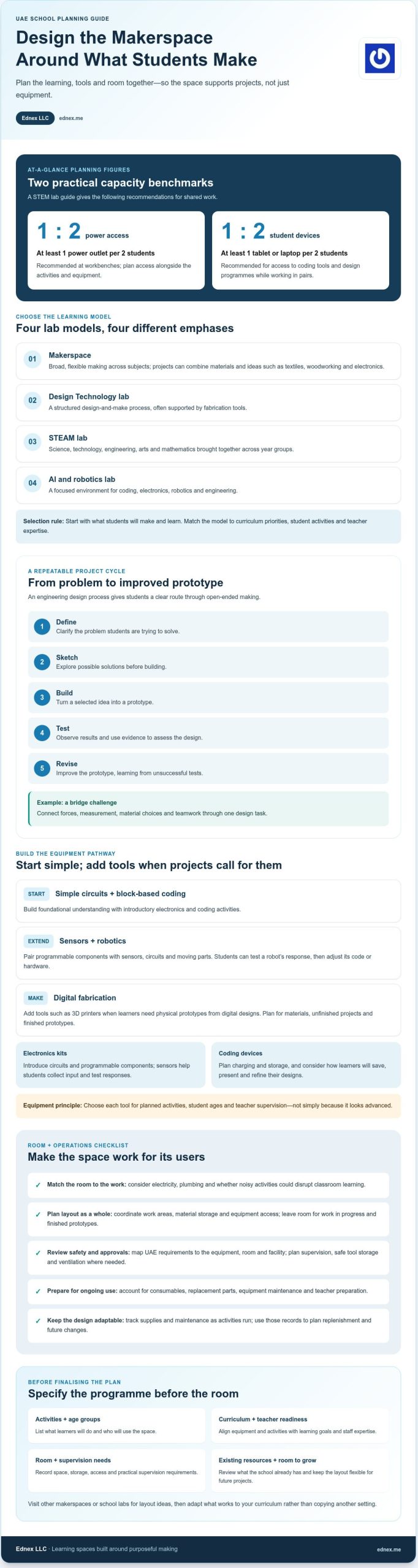
- Define the learning purpose before selecting a room or equipment. A Design Technology lab supports a structured design-and-make process, often using fabrication tools. A STEAM lab brings science, technology, engineering, arts and mathematics together across year groups. An AI and robotics lab focuses on coding, electronics, robotics and engineering. Choose the model that best matches curriculum priorities, student activities and teacher expertise.
- Use a makerspace when projects need to cross subject boundaries. Students might combine textiles, woodworking and electronics to prototype a practical solution, then explain its design using science and mathematics. An open-ended activity can also encourage creative thinking without a predetermined final product. The value comes from connecting materials, ideas and iteration, not from fitting every project into one subject.
- Build each activity around an engineering design process. Ask students to define a problem, sketch possible solutions, build a prototype, test it and revise it. A bridge challenge, for example, can connect forces, measurement, material choices and teamwork. This sequence gives teachers clear opportunities to prompt evidence-based thinking and help students learn from unsuccessful tests.
- Write a design programme that lists activities, age groups and room requirements before planning construction. Visit other makerspaces or school labs to see how their layouts support project work, storage and supervision. Record what works for activities such as robotics, textiles or digital fabrication, then adapt those observations to your curriculum rather than copying another setting.
- Match the location to the work. A suitable space needs access to electricity and plumbing, while noisy activities should not disrupt classroom learning. Plan work areas, material storage and equipment access together. One STEM lab guide recommends at least one power outlet per two students at workbenches. Keep the layout flexible so future projects can change without requiring a complete redesign.
- For a UAE school, map safety and approvals to the equipment, room and facility requirements. Plan appropriate supervision, safe tool storage and ventilation where equipment requires it. Include these considerations in the design review, rather than leaving them until after installation.
- Allow for ongoing consumables, replacement parts, equipment maintenance and teacher preparation. The workload depends on tool use, project frequency and the materials students consume. Track supplies and maintenance needs as activities run, then use those records to plan replenishment and keep equipment ready for learning.
Electronics, sensors and fabrication equipment
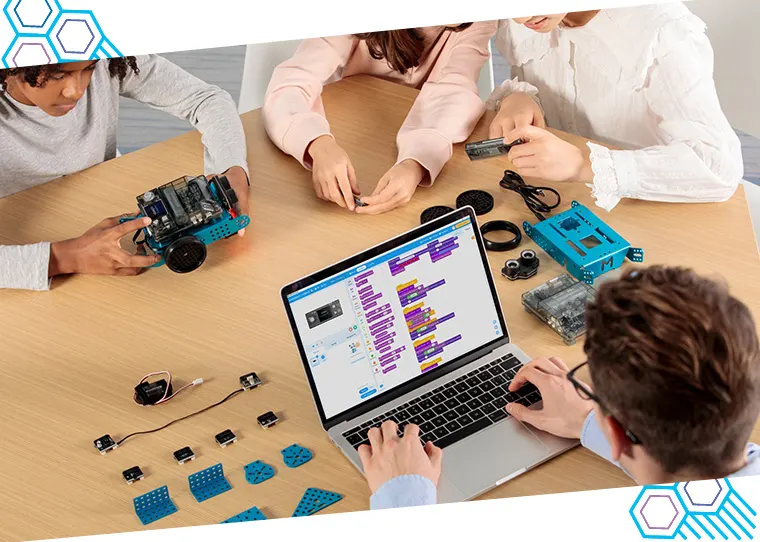
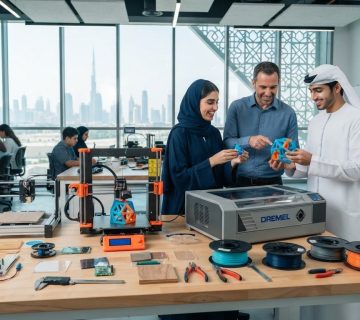
Start with the projects students will build, then select equipment that supports each stage. A school makerspace can combine electronics kits, sensors, robotics components, coding devices and fabrication tools such as 3D printers.
-
Select Electronics and Fabrication Tools
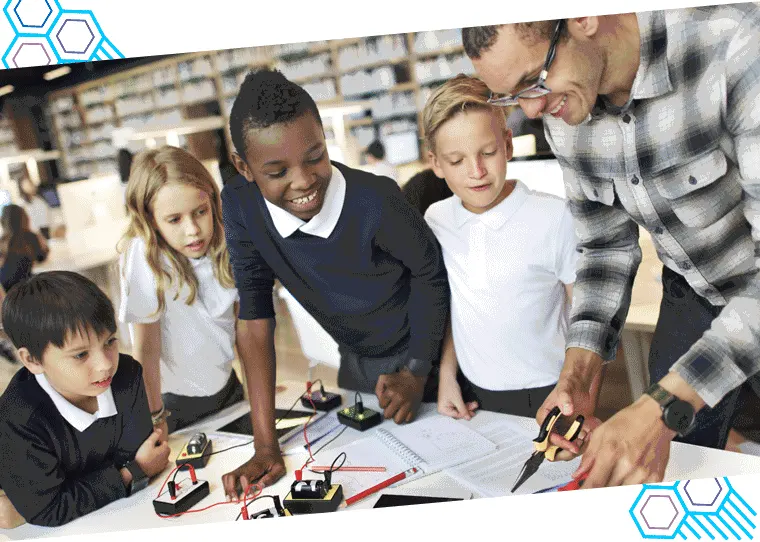
Choose tools that turn curriculum goals into practical tasks. Electronics kits can introduce circuits and programmable components, while sensors help students collect input and test responses. Add 3D printers when learners need to make physical prototypes from digital designs. Avoid buying equipment simply because it looks advanced; match each tool to planned activities, student ages and teacher supervision.
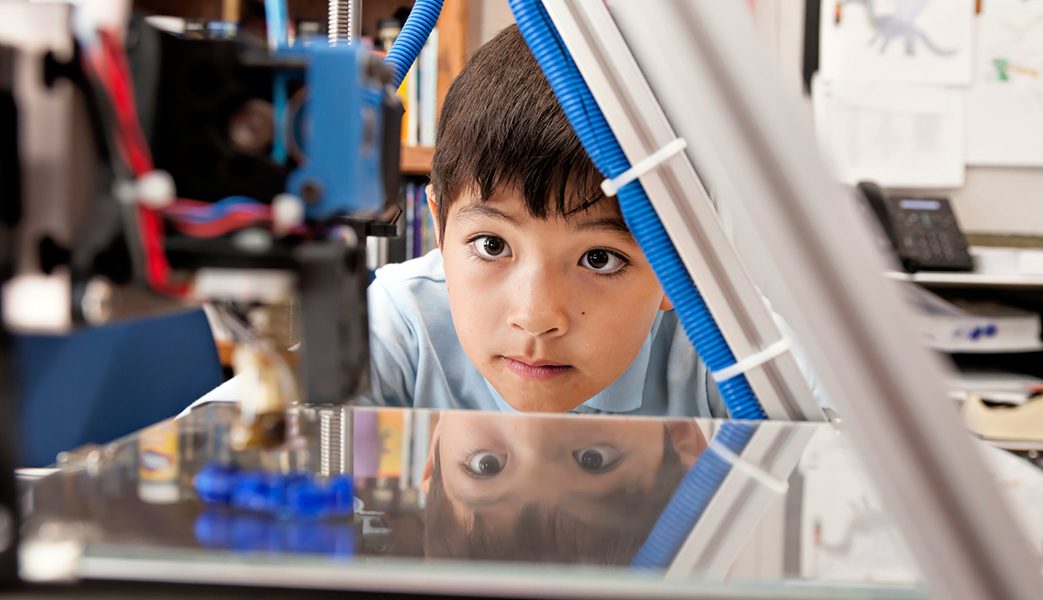
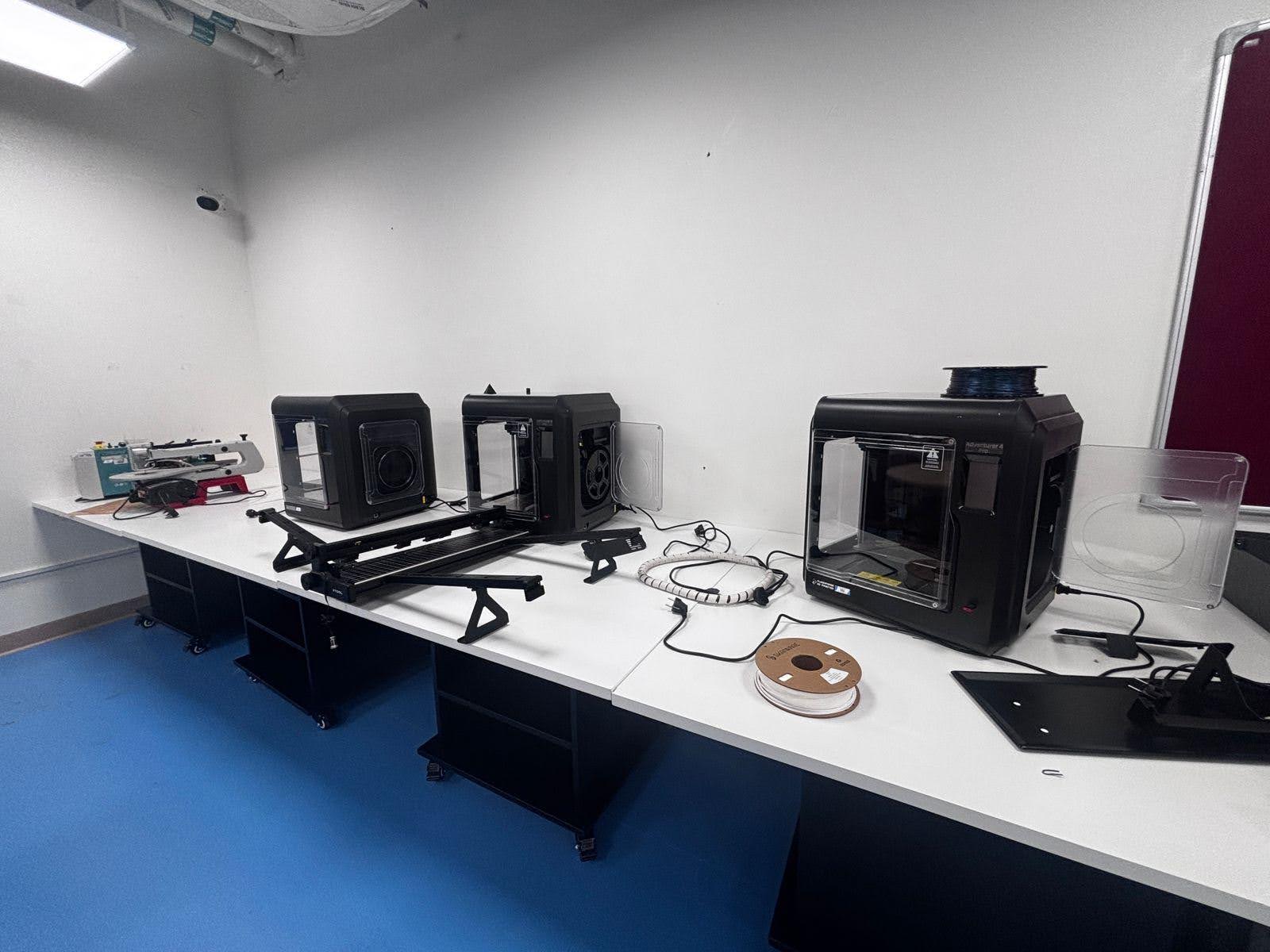
Plan the work area around how equipment operates. Some machines may need ventilation or other provisions for a safe working environment. Set aside space for materials, unfinished projects and finished prototypes, so printers and kits don’t compete for the same surface. A Grade 6 design task, for example, could pair a digital model with a printed component and a simple circuit.
-
Combine Physical Computing, Robotics and Coding
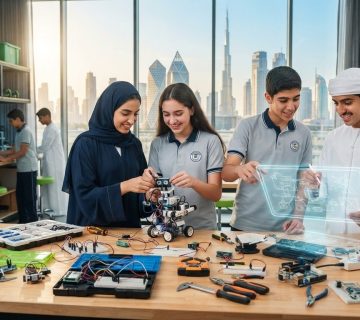
Connect coding to physical outcomes by pairing programmable components with sensors, circuits and moving parts. Students can write code, observe how a robot responds to sensor input, then adjust the programme or hardware. This sequence links abstract logic to visible results and develops engineering thinking through repeated testing.
Choose robotics kits and electronics components that support your curriculum activities. A coding task might ask students to programme a robot to respond to a sensor, while a physical computing project could use a programmable component to control a light. Organise components by type and use clearly labelled storage so classes can set up and return materials efficiently.
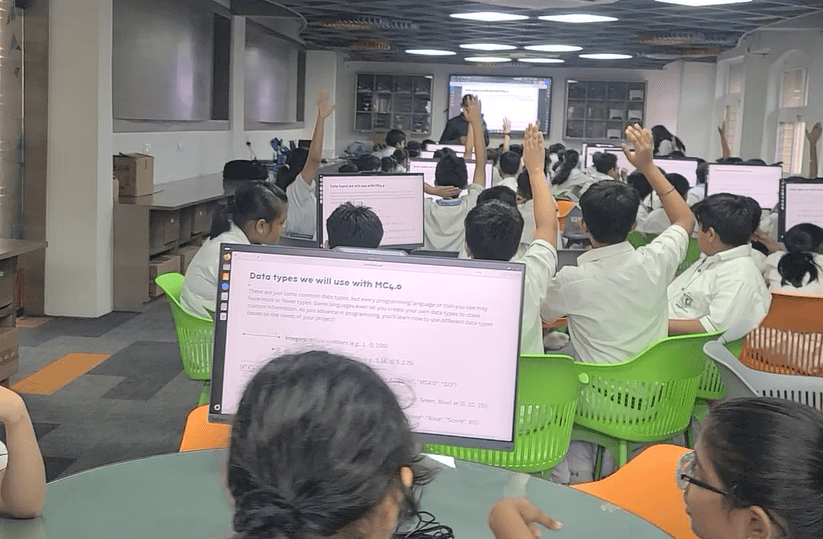
- Provide suitable devices for design and coding work. A STEM lab guide recommends at least one tablet or laptop for every two students. This minimum helps students access coding tools and design programmes while sharing work in pairs. Plan charging and storage alongside device use, and consider how learners will save, present and refine their designs.
- Sequence equipment into a learning pathway rather than a disconnected inventory. Begin with simple circuits and block-based coding, then introduce sensors, robotics and fabrication as projects demand. Prepare lesson activities that combine digital design with hands-on testing, and ensure teachers can use the equipment confidently. For a curriculum-linked electronics pathway, explore Arduino Education.
Student age ranges and space management
Map the room to student ages, class activities and storage needs. A clear layout helps different groups move between planning, making and project storage.
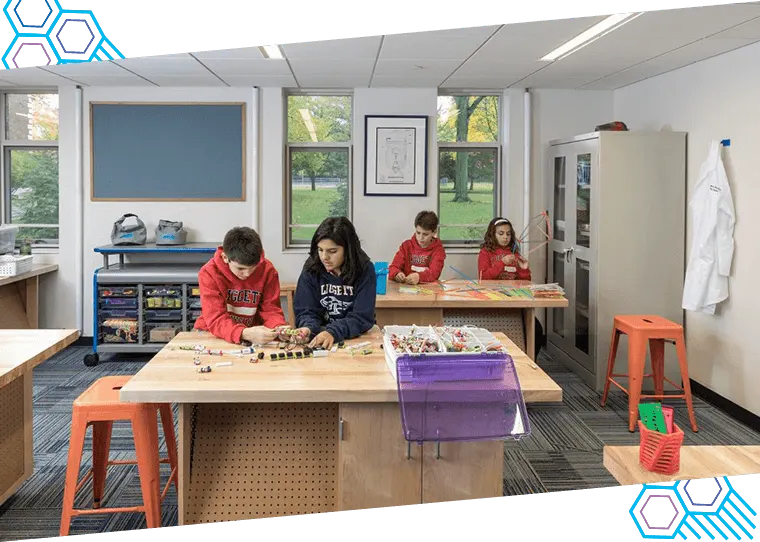
- Plan work zones around the age groups using the space. Younger students may benefit from clearly marked areas for drawing, building and returning materials. Older students can use dedicated surfaces for longer projects, such as a robotics prototype that stays in progress between lessons. Label shelves by activity or material type, and place frequently used items where students can easily reach and return them.
- Choose a location that students can find and teachers can supervise. A centrally located, visible makerspace lets students see work taking shape and supports access throughout the school day. If one dedicated room isn’t practical, distribute activities across classrooms. This can suit elementary settings, where a classroom corner or wall can hold project materials without requiring a separate lab.
- Measure the room against planned class size and equipment, not an abstract ideal. A standard classroom of roughly 60-70 sqm can accommodate a UAE school robotics and coding lab for 25-30 students. Arrange workbenches so groups can collaborate while keeping routes between activity areas clear. A computer-based coding task, for example, may need a different arrangement from a shared model-building activity.
- Reserve storage for materials, tools and projects at different stages. A class building a large model needs room for unfinished work, while electronics activities need organised storage for small components. Use labelled containers and assign a return location to each category. Estimate storage based on planned projects, then leave room for materials and equipment to expand as activities change.
- Match the layout to the scale and movement of the work. A nearby outdoor area can support larger or messier projects, while movable tables help a classroom switch between group builds and individual tasks. Consider access for delivering tools and materials when selecting the location. If existing rooms cannot accommodate the programme, a new structure, portable building or shipping container may provide some or all of the space.
- Design for multiple user groups if the school intends to share access. A makerspace may serve students across age ranges, clubs or parent groups, so plan storage and work areas around each group’s activities. Keep flexible zones available for changing projects, and establish a tidy-up routine so the next class can start with a usable workspace.
School-needs assessment and project planning
Begin with the school’s learning goals, available resources and intended users. A clear needs assessment connects project choices to curriculum, staffing and implementation.
- List the year groups, subjects and learning outcomes the space should serve. Include existing equipment, available rooms, teacher expertise and planned projects. For example, a curriculum focused on problem-solving through robotics needs different activities from one centred on design, textiles or general prototyping. Use this assessment to define the space’s requirements before finalising its design.
- Choose an implementation approach based on internal capacity and project complexity. A DIY setup can suit schools with the staff time and skills to plan, source and manage each element. A package can simplify a defined set of requirements, while turnkey implementation can coordinate design, equipment and setup as one project. Compare these approaches against curriculum fit, available resources and the support needed to put the space into use.
-
Plan a Flexible Implementation
Design around activities first, then select equipment, storage and supporting infrastructure. Allow tools and materials to grow as projects evolve, and consider future expansion when selecting the location. Keep the layout adaptable rather than fixing every surface to one activity. This makes it easier to shift from a coding task to collaborative prototyping without rebuilding the room or losing useful work areas.
-
Prepare Teachers and Manage Risks
Prepare teachers to use equipment safely and connect it to lesson objectives. At least one teacher, ideally two, should receive preparation before the STEM lab opens; develop 6-8 structured lesson plans in advance. Teacher training should address safe equipment use, activity setup and classroom supervision. Key risks include unsuitable activities, unsafe tool handling and underused equipment; manage them through age-appropriate planning, clear routines and curriculum integration.
- Set a review process before opening the space. Use early lessons to record which activities engage students, which materials run short and where workflow causes delays. Invite teachers to identify changes to storage, equipment access or project instructions, then adjust the implementation plan accordingly. This feedback loop helps keep the makerspace useful as subjects, student needs and project ambitions develop.
Match tools and materials to planned projects, and design activities for students’ age groups and supervision arrangements. Consider whether the location can support future expansion.
Local UAE equipment sourcing and support
Build a sourcing plan around curriculum activities, existing school resources and replenishment. In UAE schools, an initial inventory can combine reusable materials with equipment selected for specific science and design projects.
- Start with a curriculum-linked equipment list. Match each item to a structured activity, such as using sensors in an electronics project or building a prototype for a design challenge. Separate essential tools from optional additions, and identify resources the school already owns. This prevents duplicate purchases and keeps the initial setup focused on learning outcomes.
- Inventory school storage before sourcing new materials. Sort usable supplies by type, condition and likely classroom use, then record what each planned project requires. Reusable containers, craft materials and basic building supplies may support early prototyping. Keep electronics and specialist tools separate, with clear storage arrangements that help teachers prepare activities and return components after lessons.
- Include donations, recycling and school or community groups in the materials plan. Clean, reusable packaging can support model-building, while suitable donated materials may help students test ideas before using specialist equipment. Assign a teacher to review incoming items for relevance and condition. Keep an inventory so classes can find available resources instead of sourcing the same materials repeatedly.
- Source equipment in stages, following the project sequence. Begin with materials for core activities, then add electronics, sensors or fabrication tools when the curriculum requires them. A science unit, for example, can start with observation and simple prototypes before introducing programmable components. This staged approach gives teachers time to integrate equipment into lessons and identify useful additions through classroom experience.
- Plan replenishment and maintenance alongside initial sourcing. Track consumables used in lessons, reusable components returned to storage and tools needing attention. A simple record linked to each activity can show which materials need regular replacement and which equipment remains available. Use that information to plan future orders and keep structured projects ready for the next class.
- Coordinate delivery and setup with the school’s room plan. Match equipment storage to its intended work area, and ensure tools can move from storage to activity zones without interrupting other classes. For equipment that needs ventilation or supporting infrastructure, include those requirements in the room plan before installation. A connected plan helps align sourcing, setup and teacher preparation.
- Translate the sourcing list into a complete learning environment, not a collection of disconnected items. Schools planning a science-focused space can map a school science lab plan around curriculum goals, equipment and implementation needs.
Ednex: STEAM Programs
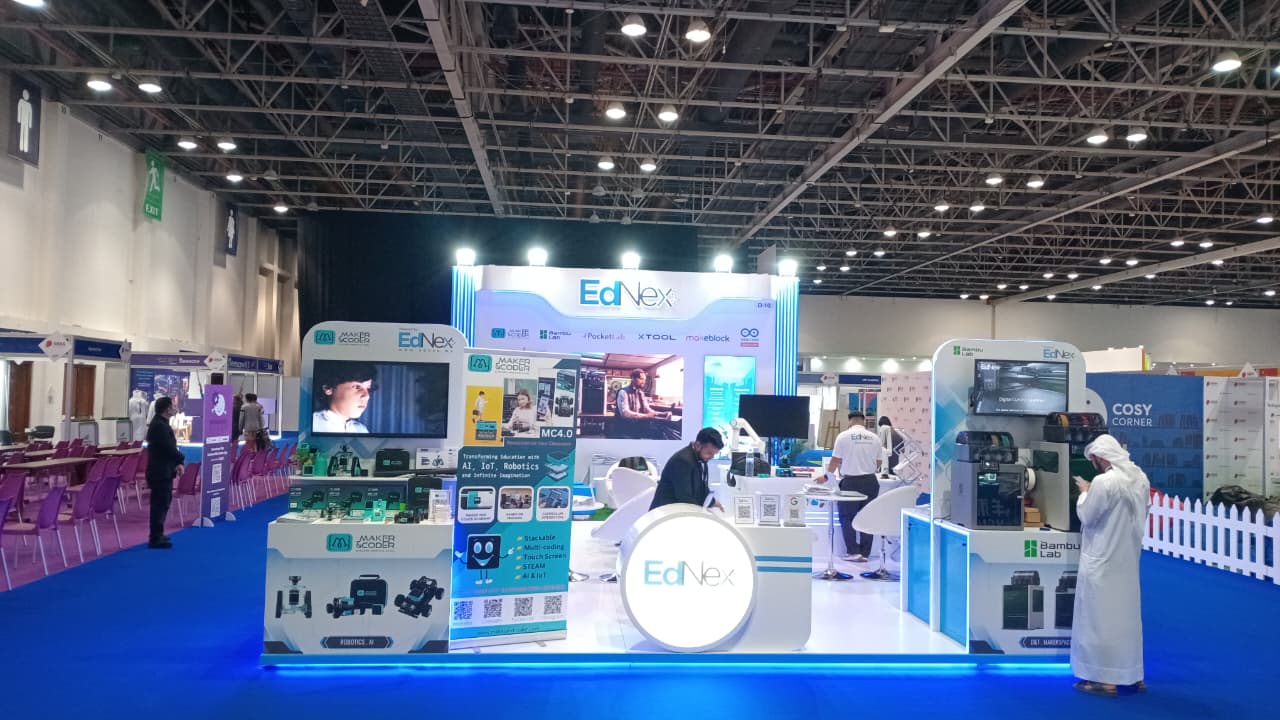
Ednex LLC helps UAE schools connect makerspace planning with curriculum-led learning through STEAM Programs and Robotics and Coding for schools. Turn to this support when your school has defined its learning goals and needs to bring activities, equipment and teaching together in a coherent programme.
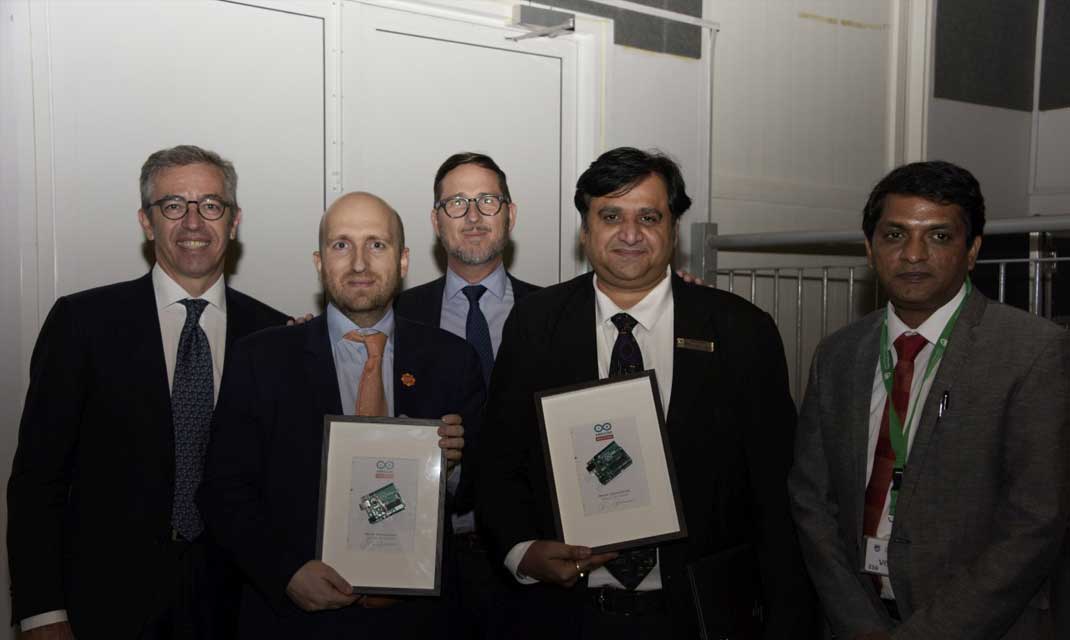
For hands-on electronics and physical computing, Arduino Education supports learning through programmable components and practical projects. A Future Science Lab Setup helps schools develop a dedicated environment for science activities. The right direction depends on the subjects, student age groups and outcomes your school intends to support.
Use your needs assessment and project plan to guide the next conversation. Contact Ednex LLC to discuss your school’s makerspace goals, or visit ednex.me.
Turn Your Makerspace Vision Into a Learning Pathway
A makerspace can be more than a room: it can shape how students approach questions, test ideas and carry learning into future projects. Connect your makerspace setup for schools in the UAE to a clear educational direction, with a programme that can develop alongside your students and curriculum.
Ednex LLC offers STEAM Programs, Robotics and Coding for schools, and Arduino Education. These offerings can help schools link hands-on exploration with structured learning. Consider which capabilities your school wants to build first, then align the next stage with that goal.
Contact Ednex LLC to plan your makerspace and discuss a direction suited to your school’s learning ambitions. A thoughtful first step can help turn a space into an enduring platform for student creativity, collaboration and discovery.
Frequently Asked Questions
What Makes a Makerspace Unique?
A makerspace gives students room to pursue different solutions rather than follow one fixed experiment or finished model. For example, a class exploring accessible design might produce several prototypes using different materials, then compare how well each meets the intended need. The teacher can assess design decisions, collaboration and revisions, not just whether students produced identical results. That open-ended approach distinguishes a makerspace from a room organised around one subject’s standard practical exercises.
How much work will it involve?
The workload spans planning, preparation and ongoing operation, and depends on the activities and equipment chosen. Before opening, staff need to align projects with curriculum objectives, prepare lessons, organise materials and establish room-use routines. Once classes begin, teachers manage setup, supervision, cleanup and replenishment. A teaching team can share these responsibilities, with a named coordinator keeping schedules, equipment records and project materials aligned.
Planning a STEM lab for your school?
A makerspace setup for schools in the UAE should begin with a short project brief covering learners, curriculum goals, available rooms and desired outcomes. Turn that brief into a trial unit before committing to a larger programme. For instance, one class could complete a sensor-based investigation while teachers record setup time, student participation and equipment needs. Use those observations to refine the teaching plan and define the next implementation stage.
Which UAE suppliers provide makerspace equipment and installation for schools?
Ednex LLC supports UAE educational institutions with makerspace design and implementation, alongside STEAM Programs and Robotics and Coding for schools. Its work suits schools that want the room and learning programme considered together, rather than sourcing equipment without a delivery plan. Prepare the school’s project brief, curriculum priorities and available-space details, then discuss how they can shape a suitable makerspace environment.
What makerspace layout and space requirements suit UAE schools?
The right layout depends on how students move between activities and how projects are stored. Plan distinct work surfaces for clean digital tasks and material-based making, with storage close to the activity that uses it. For example, keep model components near a group-build area and provide a presentation surface where students can explain prototypes. If classes share the room, a booking and reset routine helps each group start with an organised workspace.
Which makerspace activities and curriculum links suit UAE schools?
Choose activities that let students apply subject knowledge to a meaningful challenge. A sustainability project, for example, can connect science concepts with data gathering, design decisions and a student presentation. An investigation of the local environment could prompt learners to build a model solution and explain the evidence behind it. Teachers can link each project to curriculum objectives, then capture sketches, test results and reflections as evidence of learning and iterative thinking.
Related Posts ...
Comments are disabled