




VEX Robotics vs Arduino Education: How Schools Can Choose the Right Path
The strongest answer to VEX Robotics vs Arduino Education may be a learning pathway, not a single platform. A structured robotics challenge gives students a shared design problem to solve, while open-ended electronics projects invite them to experiment with components, code and ideas of their own.
Schools need to weigh more than equipment. A platform should fit students’ experience, curriculum goals and the time educators have to plan and deliver learning. Choosing a system before aligning those elements can make classroom implementation harder than it needs to be.
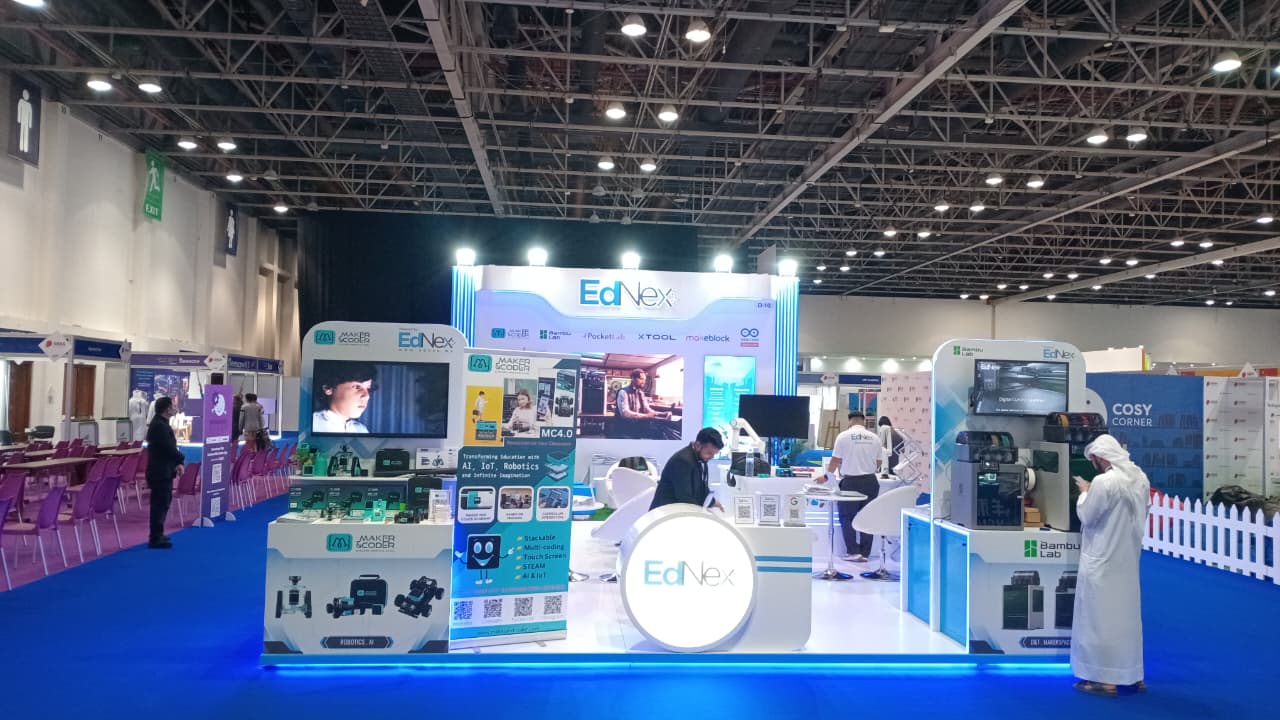
This comparison looks at how VEX Robotics and Arduino Education differ in learning approach, classroom fit and implementation needs. Use the criteria to match each option to your programme, from guided activities to increasingly independent design. For schools in the UAE, the decision can also sit within a broader STEAM strategy. Ednex provides Arduino Education, robotics and coding programmes, and integrated STEAM and laboratory solutions for hands-on learning environments.
Key Takeaways
- Compare VEX Robotics vs Arduino education by the skills and curriculum outcomes you want students to develop, not by brand popularity.
- Assess classroom fit against learning goals, student experience, teaching approach and programme context.
- Plan a pathway that moves students from guided activities towards more independent design and problem-solving.
- Before a pilot, align the platform with curriculum links, educator capacity and the hands-on learning environment.
- Explore how Arduino Education, robotics and coding programmes, and educational laboratory design can contribute to a coherent STEAM programme with Ednex.
VEX Robotics vs Arduino Education: What Is the Difference for Schools?
Choosing between structured robotics learning and flexible electronics projects can feel like choosing between two different definitions of STEM. One path gives students a clear engineering challenge to build and program toward; another opens up experimentation with circuits, code and prototypes. Start by comparing what learners will do, not which platform appears more impressive.
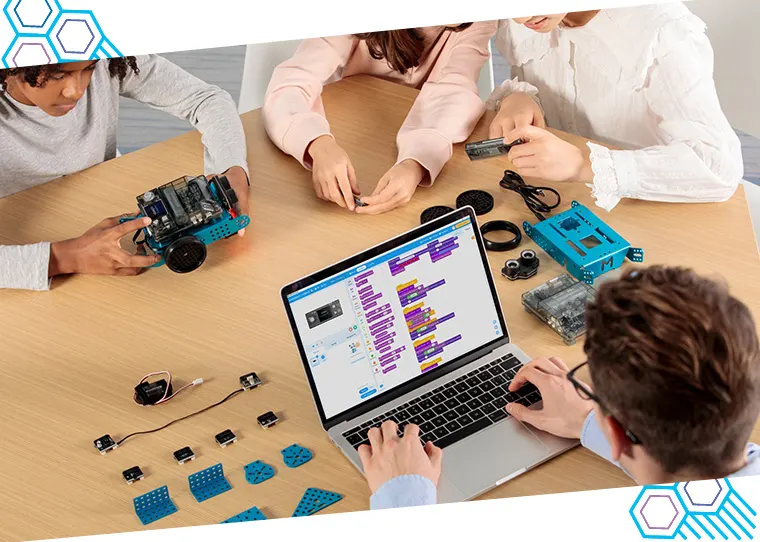
At a high level, VEX is an educational robotics ecosystem: coordinated hardware, programming tools and, in some pathways, competition-based challenges support the design and operation of robots. Arduino is a programmable electronics platform that lets learners use a board, code and connected components to create interactive projects. The distinction is about the learning environment and design process, not a simple hardware specification contest.
Both approaches support applied problem-solving, but neither guarantees particular learning outcomes on its own. Curriculum alignment, educator readiness, the quality of instruction and opportunities to test and improve designs all shape what students gain.
What does VEX Robotics bring to a learning programme?
VEX gives schools a structured route into building and programming robots, with an integrated system and competition-oriented activities available within its broader educational scope. Students might assemble a robot for a defined task, program its actions, test its performance and refine the design with teammates. This gives them a concrete context for applying engineering and coding concepts. The VEX Robotics Wikipedia page provides a general overview of its educational scope and competition leagues.
The platform provides a framework; teaching turns that framework into learning. A task is more valuable when teachers connect building and coding to clear objectives, ask students to explain design decisions and make time for iteration. Competition can add a shared challenge, but it does not need to define every lesson.
What does Arduino Education bring to a learning programme?
Arduino Education, offered by Ednex, supports learning through hands-on electronics, coding and prototyping. Students can use programmable electronics to explore how code and components work together, then develop an idea into a working project. The open-ended approach gives teachers room to connect activities with different curriculum themes and student interests.
Flexibility calls for purposeful planning. Educators need to shape a suitable project sequence, identify the concepts students should practise and prepare for the practical demands of hands-on work. For a broader perspective on its educational role, explore Arduino Education for future engineers.
In short, VEX foregrounds a robotics system and challenge-based application, while Arduino foregrounds programmable electronics and adaptable prototyping. Use this distinction to consider which learning experience best advances your curriculum, students and teaching programme.
How VEX Robotics and Arduino Education Develop Different Skills
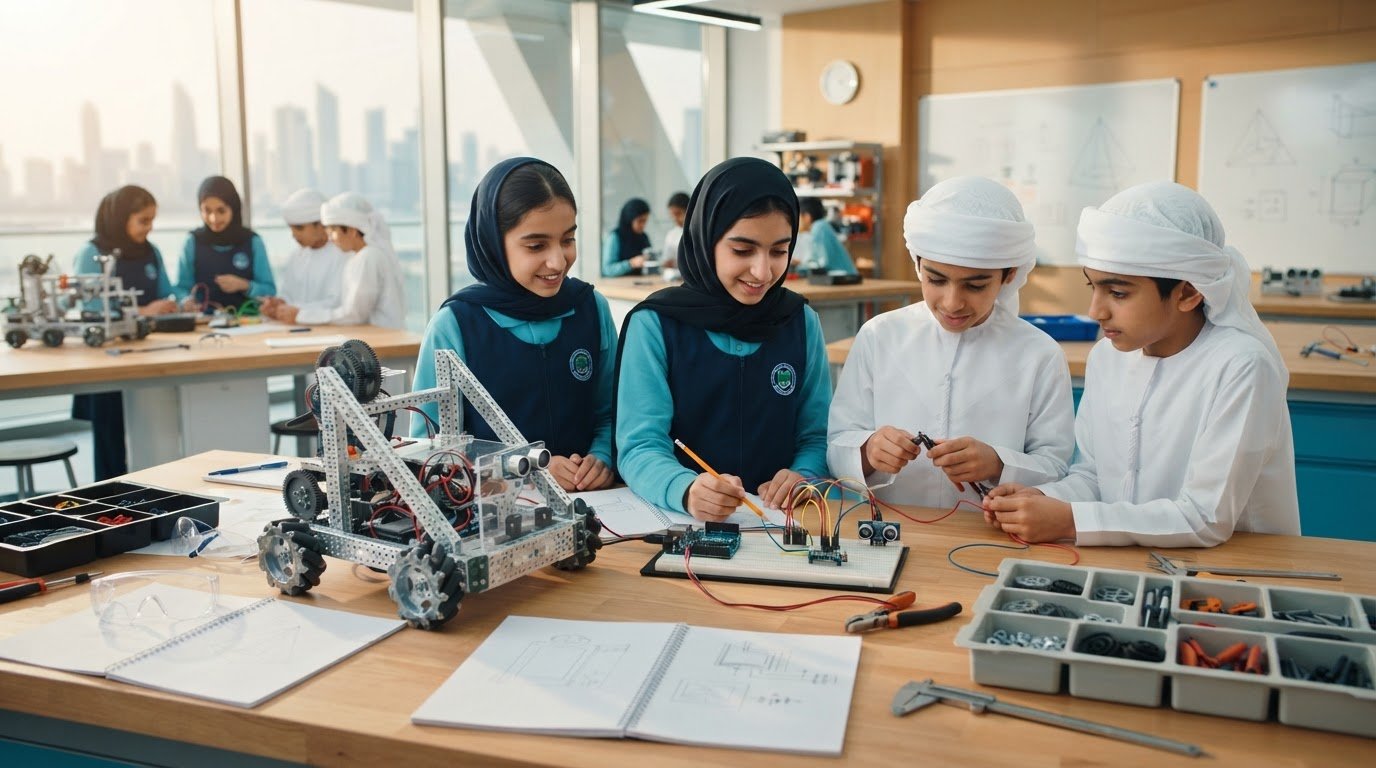
The distinction between VEX Robotics and Arduino Education becomes clearer when schools examine what students do, explain and improve during a project. A robotics task may centre on making a machine complete a defined challenge; an electronics project may focus on using code and components to build a response to a chosen need. Both approaches can bring design, coding, testing, iteration and collaboration into the classroom.
Neither platform alone determines learning depth. Task complexity, teacher facilitation, assessment criteria and students’ prior experience all matter. Ask learners to explain their reasoning, not simply present a device that works. This interdisciplinary view of robotics aligns with the National Science Foundation on Robotics in STEM, which connects robotics with broader science and engineering fields.
Curriculum focus: Robotics design and programmed behaviour in a VEX activity; electronics, code and prototyping in an Arduino activity.
Activity style: A teacher may frame VEX work around a shared robotics challenge; Arduino projects can start with an open-ended question or prototype brief.
Progression: In either approach, move from supported practice towards student decisions about design, testing and refinement. Match task scope to learner readiness.
From guided robotics tasks to iterative engineering
A teacher can introduce robotics through a tightly defined task, then gradually transfer decisions to students. For instance, a team might first build and program a robot to move an object along a marked route. In a later challenge, students could decide how to approach a new route or object, then justify their design choices. This is one possible teaching sequence, not a claim that every VEX programme follows a fixed curriculum.
Make the engineering process visible. Before a test, teams can record what they expect the robot to do and why. Afterwards, they can compare the result with that prediction, note where the design behaved differently and agree on one change to try. A brief design log gives teachers evidence of reasoning, collaboration and revision, even when a prototype does not work as intended at first.
From code and electronics to student-built prototypes
Arduino projects can help students investigate how a microcontroller follows instructions in code, receives information from a sensor and controls a physical output. The components depend on the activity. Learners might explore how an input changes a response, then adjust the code or circuit and observe the result.
Illustrative example: A class could design a simple model that responds to changing light, using a sensor as an input and a light as an output. Students could predict how the prototype will respond, test it under different conditions and refine their code or setup. The example is conceptual; required components and complexity vary by project.
To compare VEX Robotics vs Arduino education in practice, assess the quality of the learning task and the progression it enables, not only the finished build. Schools developing a connected programme can explore Ednex’s robotics and coding programmes alongside curriculum and hands-on learning environment planning.
VEX Robotics vs Arduino Education: Compare Classroom Fit, Not Brand Hype
Platform choice is most useful when it reflects the realities of teaching: intended curriculum outcomes, students’ starting points, available lesson time and educators’ confidence with practical work. In the VEX Robotics vs Arduino education comparison, neither option automatically creates stronger learning. The platform provides a context; the quality of the learning experience depends on how that context is planned, taught and assessed.
Platform fit depends on intended outcomes and implementation, not brand recognition alone. Use the comparison below as a planning tool, not a ranking. Each approach can support meaningful learning when activities match the learners and the programme.
| Decision factor | VEX Robotics | Arduino Education |
|---|---|---|
| Learning goals | Consider it for goals centred on designing, programming and testing robots. | Consider it for goals involving electronics, coding and adaptable prototyping. |
| Student readiness | Choose tasks with a suitable level of building and programming guidance for learners’ experience. | Set project scope and support to match students’ experience with code and electronics. |
| Teaching style | Can suit lessons organised around defined robotics activities or challenges. | Can suit lessons that invite exploration through electronics projects. |
| Programme context | Consider how robotics activities connect to curriculum aims and assessment. | Consider how prototypes connect to curriculum themes and practical learning goals. |
Which approach fits your curriculum and student starting point?
Start with the learning objective, then decide how much structure will help students reach it. Beginners may benefit from a well-scaffolded activity, whether it introduces robot movement or basic electronic inputs and outputs. Clear steps can reduce unnecessary setup demands while leaving room for learners to explain what they observe.
If a curriculum goal calls for exploration, comparison or iteration, an open-ended prototype brief may be a better match. Students could investigate a question, propose a design and revise it after testing. Scale the task to students’ prior experience rather than assigning a platform based on assumed age ranges. A familiar tool can still support a demanding task; a new one may need more teacher guidance.
How should schools evaluate classroom readiness?
Assess educator confidence across coding, electronics, robotics and project facilitation. Then map practical constraints: lesson length, student grouping, equipment storage, maintenance responsibilities and assessment. If students work in teams, decide how each learner will contribute and demonstrate understanding, rather than assessing only the group’s final build.
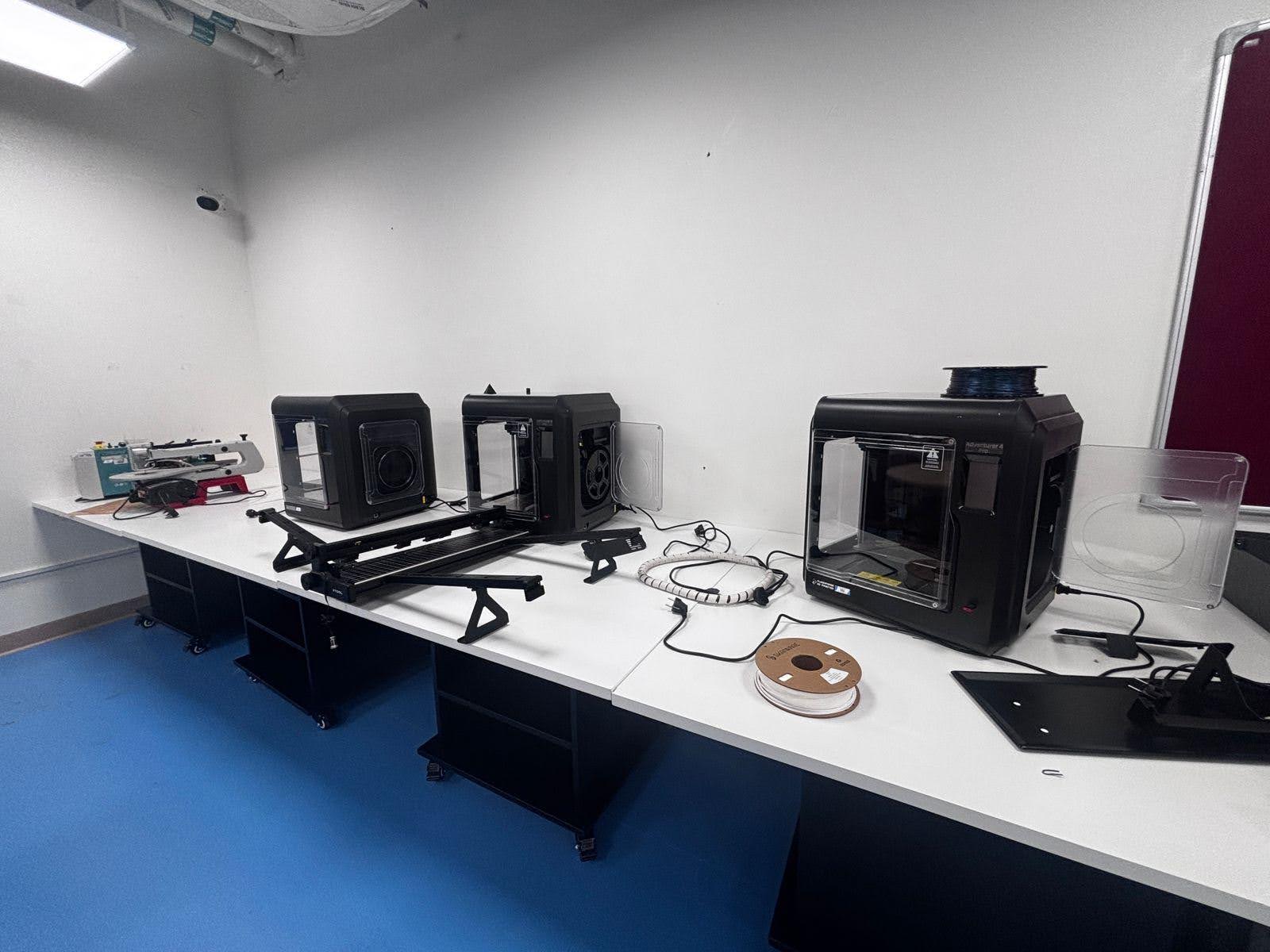
Include the learning environment in implementation planning. Consider how equipment will be organised and how practical activities fit the wider programme. Schools planning this dimension can use robotics lab setup for institutions as a related planning resource.
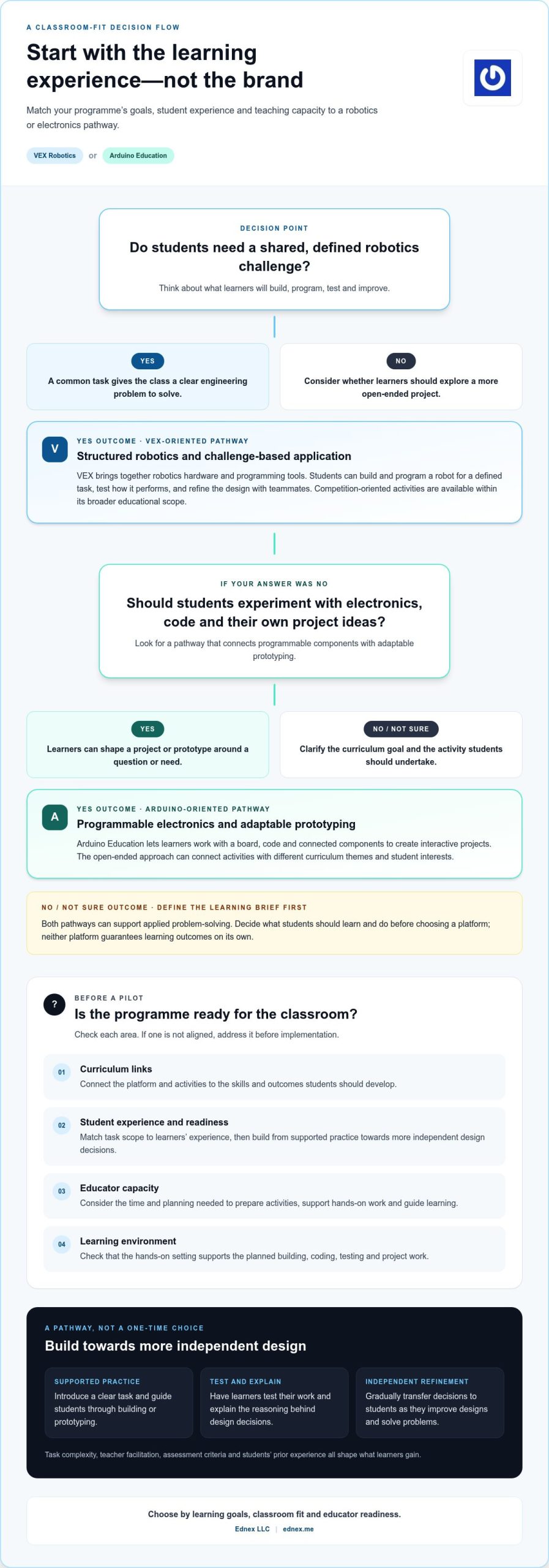
How to Choose a Robotics Education Pathway for Your School
A well-chosen platform supports a learning plan rather than becoming the plan itself. To make the VEX Robotics vs Arduino education decision practical, work from intended student outcomes towards classroom delivery. This process helps school leaders choose a direction, surface implementation needs and test assumptions before committing to a wider programme.
Start with learning outcomes and student progression
Define what students should understand or demonstrate at each stage. Map activities to the skills that matter for your curriculum, such as coding, design, electronics, systems thinking and collaboration. Then sequence learning so supported tasks build foundations before students take greater responsibility for planning and developing projects.
- Set the outcomes. Identify the concepts and capabilities students should demonstrate. Be specific: should they interpret code, explain a design choice, connect an electronic input to an output, or work effectively through a team challenge?
- Map the starting point. Record students’ prior experience with coding, electronics and practical design. Use this to set an appropriate level of guidance and project complexity, rather than relying on assumptions about age or year group.
- Connect the curriculum. Identify where robotics or electronics can reinforce existing subject goals. Choose activities that make those connections visible, and clarify what students will practise or explain in each lesson.
- Check delivery capacity. Consider educator confidence, preparation time, lesson length, student grouping and access to technical support. Plan how equipment will be scheduled, stored, maintained and shared so classroom routines support hands-on learning.
- Design a realistic pilot. Select a manageable class or unit, define what evidence you’ll collect and review the experience before expanding. A pilot can reveal whether lesson timing, equipment workflows, teacher preparation and assessment methods work as intended.
Plan teacher support, resources, and assessment
Prepare educators for the learning process, not only the equipment. Identify the lesson materials and technical support they’ll need, then agree how students will demonstrate progress. Design logs, short demonstrations and project reflections can capture decisions and understanding alongside the finished build.
Keep the pilot focused. Give it a clear learning goal, a defined set of activities and a review point. Afterwards, gather teacher observations and student work to see where learners needed support, which tasks connected well to curriculum goals and what should change before broader implementation.
Planning checklist: Record target skills, student experience, curriculum links, teacher preparation, equipment routines, assessment evidence and pilot review criteria. Comparing these priorities makes platform selection more transparent.
Use the pilot to guide a coherent pathway, from initial instruction to more independent project work. Plan your school’s robotics and coding programme with curriculum alignment and classroom readiness in view.
Build a Coherent Robotics Programme with Ednex
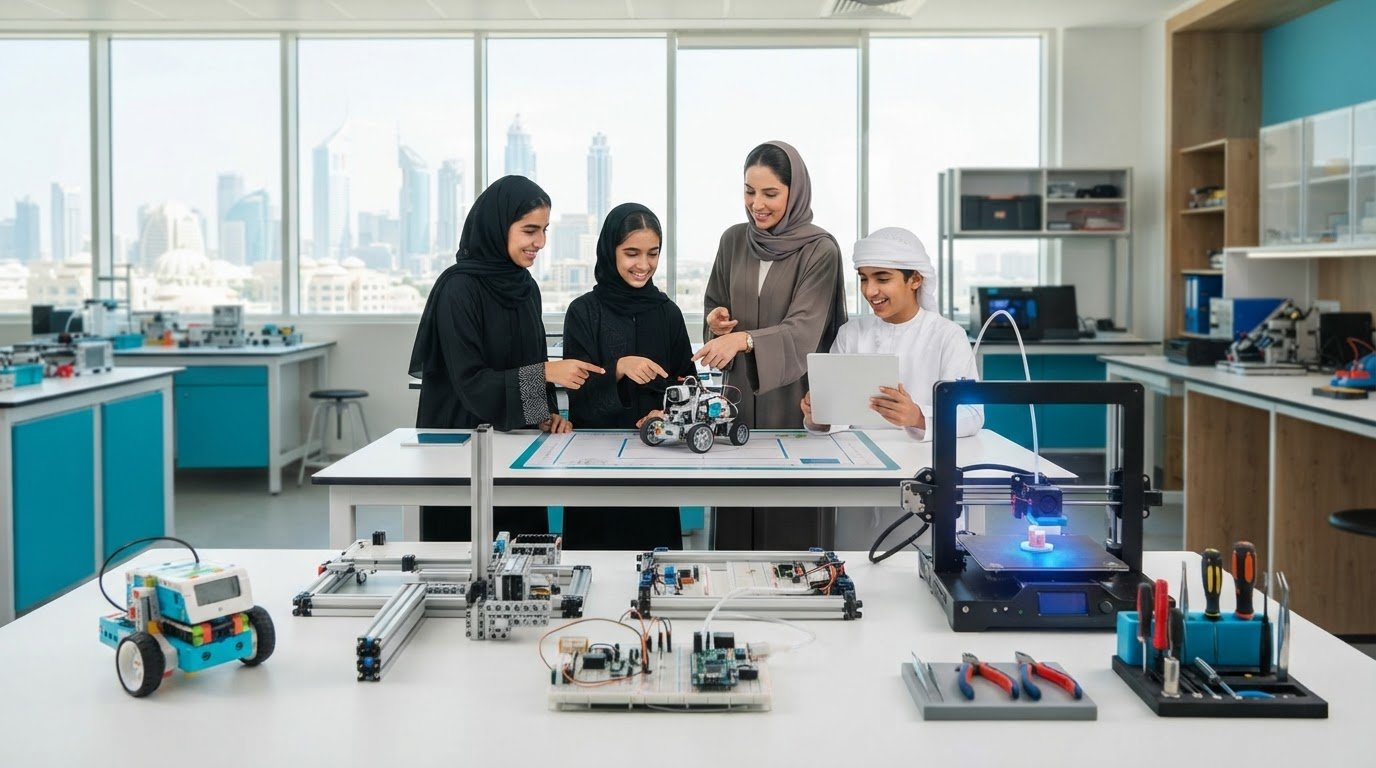
A platform decision creates value when it connects to a wider educational plan. The VEX Robotics vs Arduino education comparison can clarify the type of learning activity a school wants, but long-term implementation also depends on curriculum alignment, educator readiness and a suitable environment for hands-on practice. Ednex provides Arduino Education, robotics and coding programmes for schools, integrated STEAM programmes, and educational laboratory design and equipment solutions.
This combination lets institutions consider the learning experience alongside the setting in which it will take place. A programme can be shaped around student progression, the concepts each activity should develop and the practical conditions educators need to deliver it. The aim is coherence: activities, teaching plans and learning spaces support shared educational priorities.
Connect robotics activities to a wider STEAM ecosystem
Robotics can link disciplines in practical ways. Students may draw on science to investigate how a system behaves, technology to work with code, engineering to shape a design, mathematics to compare measurements, and creative thinking to develop possible solutions. Make these connections purposeful by identifying curriculum priorities first, then choosing projects that give students a reason to apply those ideas.
Progression matters, too. A sequence might begin with guided exploration of a concept, then invite students to adapt a design, explain their choices and take greater ownership of a project. Activities should reflect the institution’s objectives and learner needs; a robotics platform is one part of that wider plan. Ednex’s comprehensive STEAM programmes for schools connect learning experiences across a broader educational ecosystem.
For school leaders, this means considering how a robotics activity fits existing subjects and how students can revisit skills with increasing independence. A well-aligned plan supports continuity rather than treating each project as a standalone event.
Turn platform selection into an implementation plan
Move from comparison to design by documenting the intended outcomes, educator preparation, activities that support those outcomes and requirements of the learning environment. Align the laboratory or classroom setup with the work students will actually do, including how equipment will be organised and used. This connects a hands-on learning environment with day-to-day teaching priorities.
Ednex works across educational programmes and specialised learning environments, including laboratory design and equipment solutions. Institutions can shape the programme and environment around their curriculum priorities, educator readiness and practical learning needs, rather than assuming one platform or setup suits every context.
To take the next step, explore Ednex education solutions and consider how Arduino Education, robotics and coding programmes, and laboratory planning can contribute to your school’s wider STEAM direction.
Turn Your Platform Decision into a Learning Pathway
Translate your chosen direction into a sequence of experiences students can grow through. Define what learners should be ready to attempt next, how educators will guide that transition, and what evidence will show whether the programme is serving its purpose. A focused pilot can help your team refine the roadmap before extending it across classes or year groups.
The VEX Robotics vs Arduino education decision does not need to lock a school into a single style of learning. Let curriculum priorities and student progression guide the pathway, and revisit it as learners gain experience and new goals emerge. A thoughtful plan makes room for structured practice, exploration and increasingly independent design.
Ednex helps institutions connect educational programmes with the learning environments that support them. Explore Ednex education solutions to plan a robotics programme around your school’s priorities and take the next step towards a coherent STEAM pathway.
Frequently Asked Questions
Is VEX Robotics better than Arduino Education for schools?
Neither is automatically better for every school. For the VEX Robotics vs Arduino education decision, start with the capability students should demonstrate at the end of a unit, then consider which activities will make that learning visible. A robotics design objective may favour VEX activities, while an electronics investigation may suit Arduino Education. Schools can also sequence approaches across stages when each transition has a clear purpose and appropriate teacher support.
Can students learn coding with both VEX Robotics and Arduino Education?
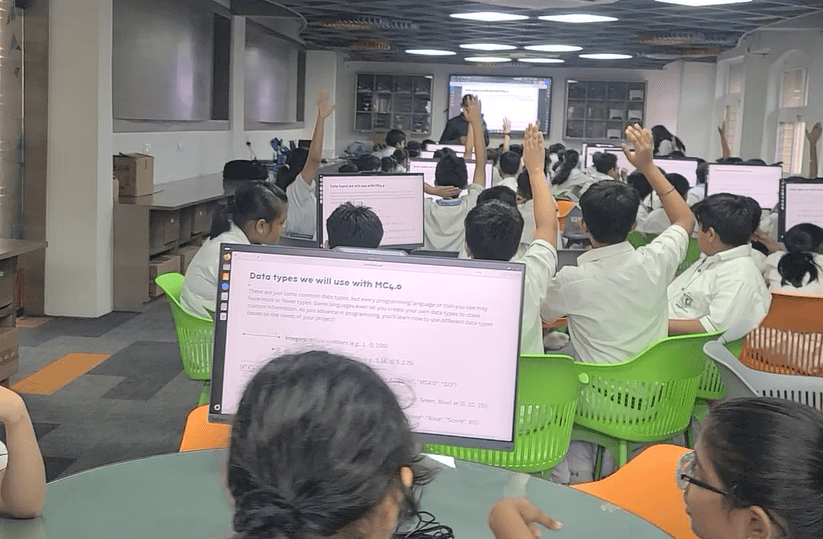
Yes, both can support coding-related learning, though students apply code in different contexts. A teacher might ask learners to trace how an instruction changes a robot’s behaviour, or explain how code responds to an electronic input. These examples show different ways to connect code with practical work. Align the intended coding concepts with the selected tools, curriculum materials and programme before planning a unit.
What is the main difference between VEX Robotics and Arduino Education?
The main difference is the educational context: VEX centres on robotics activities, while Arduino Education can support programming and electronics-based projects. To make this distinction useful, compare the student work each approach invites. Would learners benefit from focusing on a robotic system, or from exploring how electronic components and code contribute to a project? Their explanations and design decisions can help clarify which approach fits a particular unit.
How do schools choose between VEX Robotics and Arduino Education?
Choose by matching a learning objective to a suitable classroom activity, then assess whether educators can prepare and evaluate that activity effectively. Take an existing curriculum unit and mark where students could apply robotics or electronics concepts, what they would produce, and what evidence would show understanding. A limited trial can help the teaching team refine the plan before extending it to other classes or units.
Can a school use VEX Robotics and Arduino Education together?
Yes, a school can include both in a broader pathway if each serves a distinct learning purpose. Separate units might address different concepts, with a planned transition that builds on skills students have already practised. Avoid adding a second platform simply for variety. Map the sequence, teacher preparation, equipment access and assessment, and make sure the selected products support the planned activities.
What should teachers assess in a robotics education programme?
Assess the thinking behind the finished project as well as its operation. A rubric might ask students to explain a design decision, identify what they changed after testing, and describe how their contribution supported the team. Individual reflections or short explanations can reveal each learner’s understanding within a group project. Match these methods to the unit’s objectives so students know what learning, not just building, they are expected to demonstrate.
Does choosing a robotics platform guarantee better STEM learning outcomes?
No, a platform alone cannot guarantee learning outcomes. Students need clear learning goals, purposeful activities and teaching that helps them connect practical work with key ideas. Review whether students can explain their choices and use feedback to improve their work, rather than relying only on a successful final demonstration. If the activity is not meeting its objective, adjust the lesson design or support before repeating it.
Related Posts ...




Comments are disabled