


What Is a Makerspace and How Does It Change the Way Students Learn?
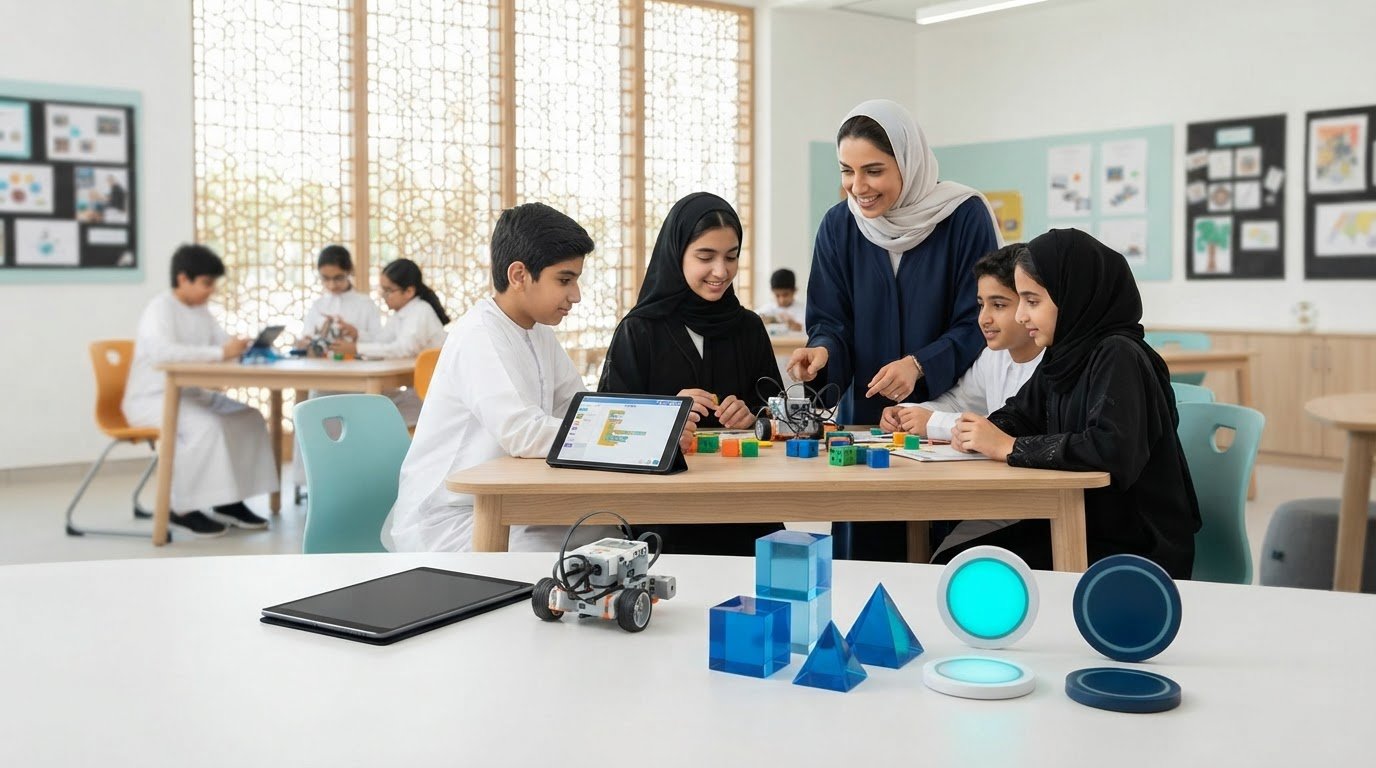
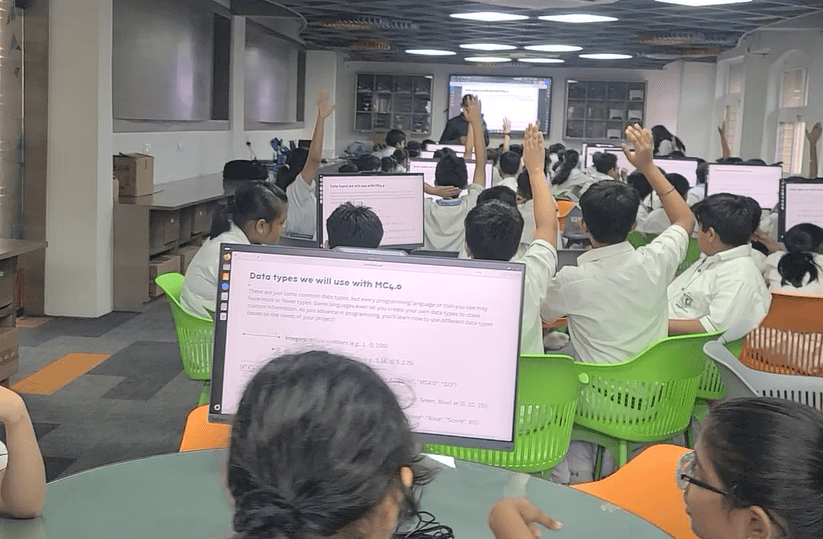
A makerspace is more than a room filled with tools. It is a learning environment where students design, build, test, fix, and improve ideas through hands-on work. In simple terms, a makerspace in education gives students a place to learn by doing.
Schools around the world are rethinking how learning happens. Students still need strong reading, writing, and subject knowledge, but they also need to solve problems, work with others, and think creatively. That is where makerspaces make a real difference. They shift students from passive learning to active exploration.
Instead of only listening to a lesson about engineering, students can build a bridge. Instead of just reading about renewable energy, they can design a simple solar-powered model. Instead of memorizing steps, they can experiment, fail safely, and try again.
That change matters.
When schools create a makerspace, they are not just adding equipment. They are building a culture of curiosity, creativity, and practical thinking. For educators, school leaders, and parents, the value goes far beyond technology. Makerspaces support deeper engagement, stronger collaboration, and more meaningful learning experiences.
In this guide, we will explore:
- What a makerspace really is
- The key benefits of makerspaces
- Practical school makerspace ideas
- The role of a STEM makerspace for schools
- A step-by-step look at how to create a makerspace
- Why makerspace learning for students can transform classroom outcomes
What Is a Makerspace?
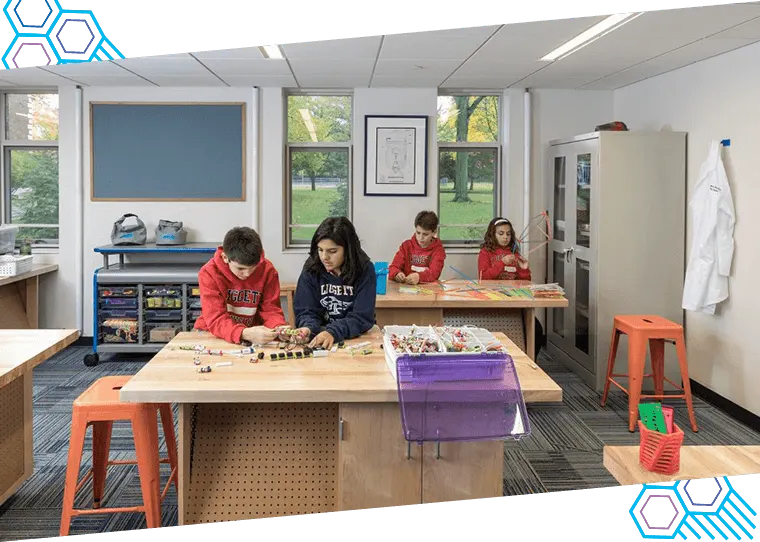
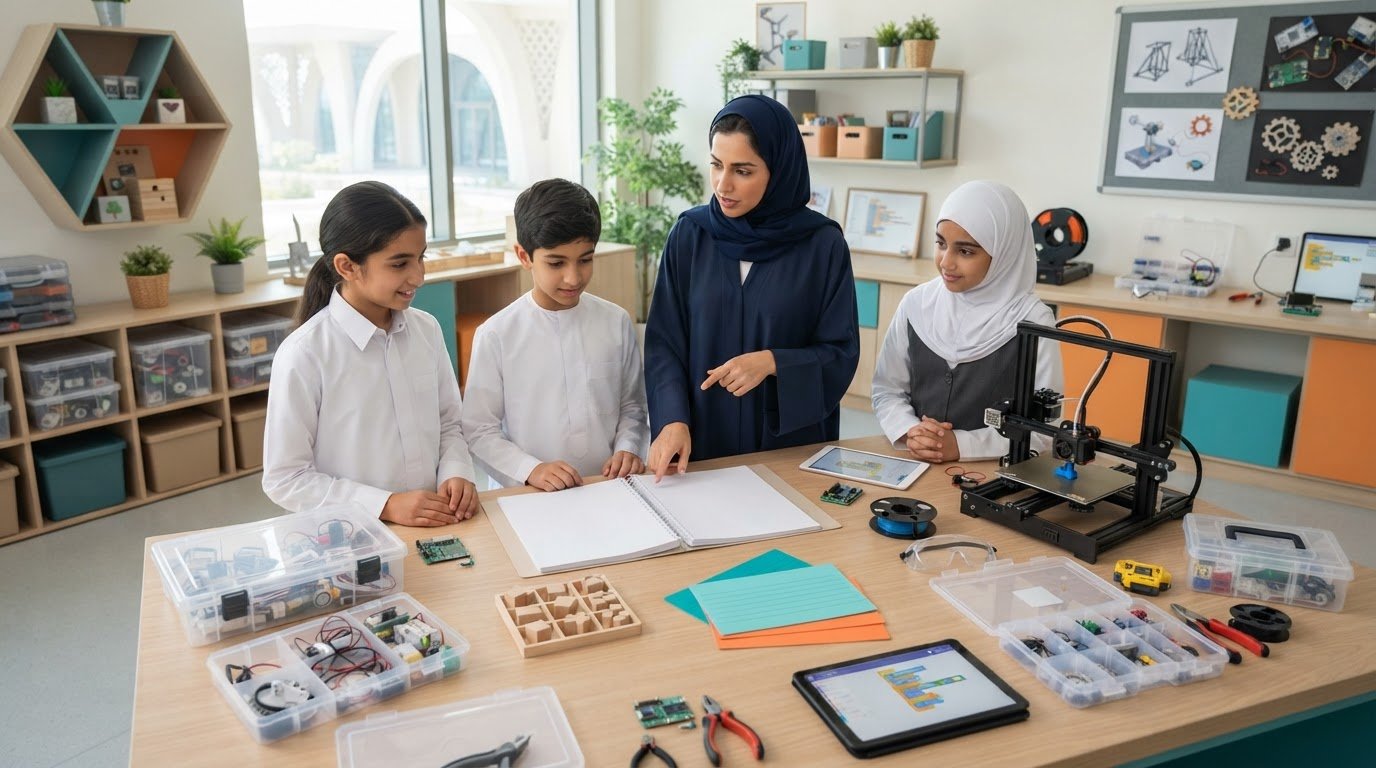
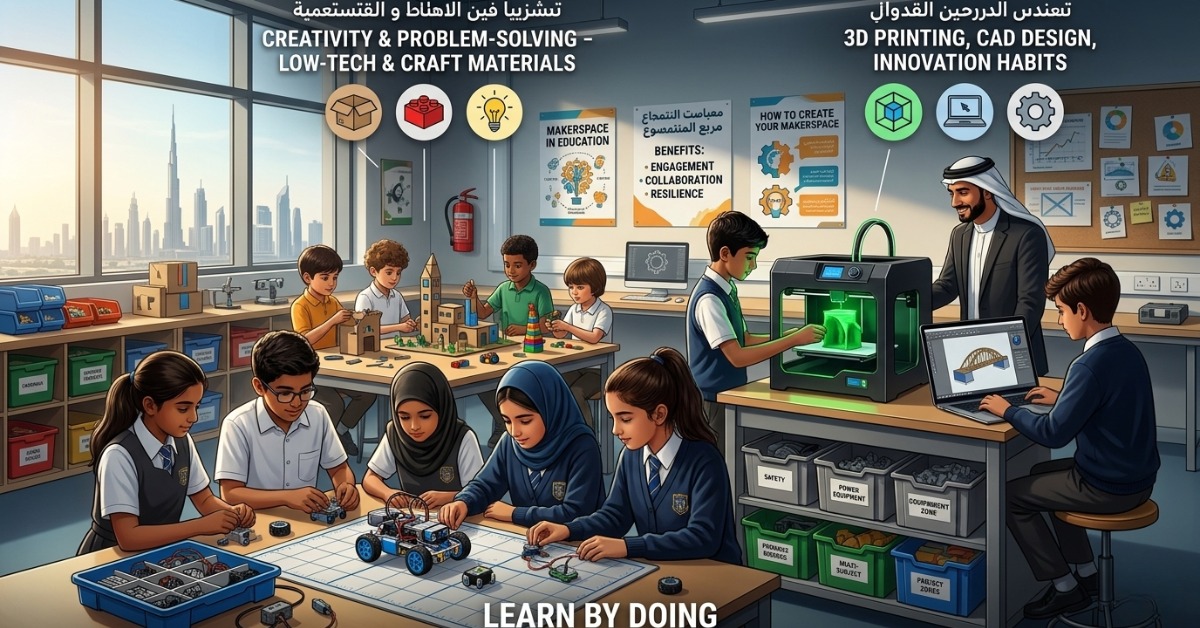
A makerspace is a dedicated area where students create things with purpose. It can be a full innovation lab, a corner in the library, a converted classroom, or even a mobile cart that moves between rooms. The format can vary, but the goal stays the same: give students space to explore ideas through hands-on projects.
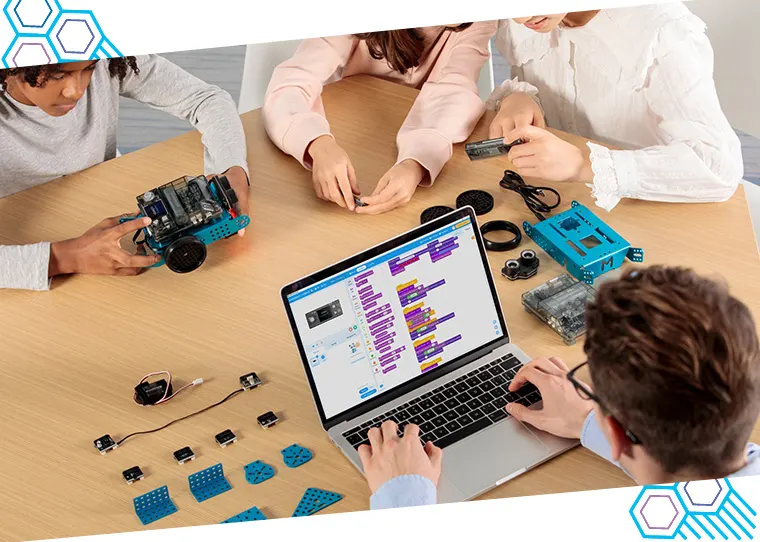
A makerspace may include:
- Craft and building materials
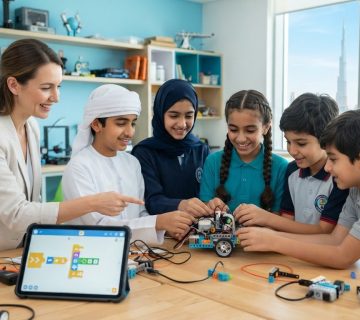
- Robotics kits
- Coding tools
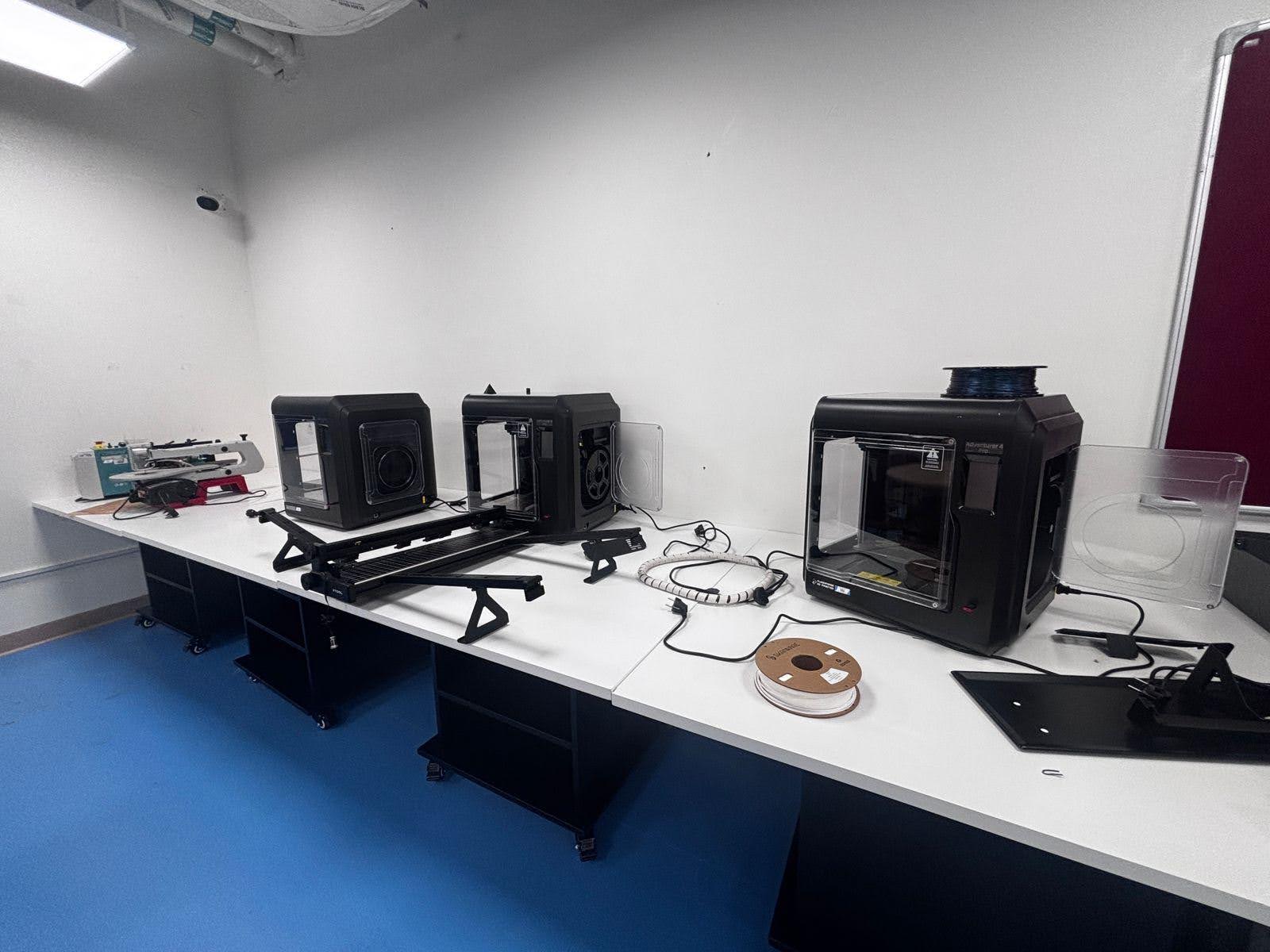
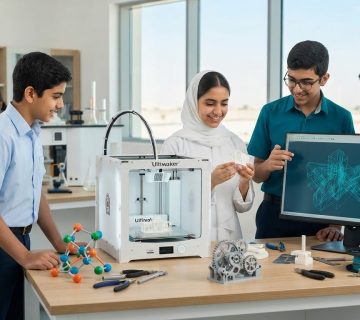
- 3D printers
- Electronics
- Woodworking tools
- Design software
- Recycled materials for creative projects
The best makerspaces are not defined by expensive equipment. They are defined by how students use them. A simple space with cardboard, glue, motors, and basic tools can inspire just as much learning as a high-tech lab when it is used well.
At its core, a makerspace in education encourages students to ask questions like:
- How can I solve this problem?
- Can I build a better version?
- What happens if I test another idea?
- Why did this design fail?
- How can I improve it?
These questions help students think like designers, engineers, and innovators.
Why Makerspaces Matter in Modern Education
Traditional learning often focuses on correct answers. Makerspaces focus on process as much as outcomes. That is one reason they are becoming such a valuable part of school learning.
Students today need more than content knowledge. They need to know how to apply what they learn in real situations. Makerspaces create those opportunities.
A well-planned makerspace helps students:
- Turn ideas into physical results
- Connect theory with practical action
- Build resilience through trial and error
- Develop confidence through making
- Learn how to work through open-ended challenges
This matters across grade levels. Younger students may build simple structures or explore creative design. Older students may create prototypes, code devices, or solve real-world problems. In both cases, the experience is active, memorable, and meaningful.
The Benefits of Makerspaces
There are many benefits of makerspaces, and they reach far beyond one subject area. They support academic learning, personal development, and future-ready skills.
1. Stronger Student Engagement
Students are more engaged when they are involved in the learning process. Making something with their own hands creates a sense of ownership that traditional worksheets rarely provide.
Makerspaces can help students:
- Stay focused for longer
- Participate more actively
- Feel excited about school projects
- Connect learning to their interests
When students feel that their ideas matter, motivation often increases.
2. Better Problem-Solving Skills
Makerspace activities often involve real challenges. A design may not work the first time. A structure may collapse. A circuit may fail. Students learn to troubleshoot, test, and improve.
This builds habits such as:
- Critical thinking
- Logical decision-making
- Experimentation
- Reflection
- Persistence
These are valuable skills in every subject and in life beyond school.
3. Deeper Collaboration
Many makerspace projects involve teamwork. Students share ideas, divide tasks, test solutions, and solve problems together. This helps them learn how to communicate clearly and work productively with others.
In a strong makerspace culture, students often learn to:
- Listen to different viewpoints
- Give and receive feedback
- Share responsibility
- Respect the design process
- Support team success
4. Real Support for STEM Learning
A STEM makerspace for schools can bring science, technology, engineering, and math to life. Instead of learning concepts in isolation, students see how they work together.
For example, students might:
- Use math to measure and scale a design
- Apply science to test materials
- Use engineering principles to improve a prototype
- Use technology to code or model a final product
This integrated learning makes STEM more practical and easier to understand.
5. Encourages Creativity and Innovation
Makerspaces give students room to think differently. They can try original ideas, personalize projects, and find multiple ways to solve the same problem.
That freedom helps students build:
- Imagination
- Design thinking
- Innovation habits
- Confidence in their own ideas
Not every student thrives in a traditional academic setting. Makerspaces can give those students another way to shine.
6. Builds Confidence Through Action
There is a special kind of confidence that comes from making something real. When students design a working model, fix a failed prototype, or complete a challenging project, they see proof of their own progress.
That confidence can carry into:
- Classroom participation
- Independent thinking
- Leadership
- Willingness to take on challenges
How Makerspace Learning Changes the Way Students Learn
Makerspace learning for students changes the classroom experience in a simple but powerful way: it puts students at the center of the process.
In many classrooms, students are expected to absorb information. In a makerspace, they interact with it. They question, test, and create. That shift changes learning from something students receive into something they build.
Here is how that change looks in practice:
From Passive to Active Learning
Students do not just read instructions. They make decisions, use tools, and solve problems in real time.
From Memorization to Application
Instead of only recalling facts, students apply knowledge to projects and challenges.
From Fear of Failure to Iteration
Failure becomes part of learning. Students see mistakes as steps toward improvement.
From Single Answers to Open-Ended Thinking
Makerspace tasks often allow more than one solution, which encourages creativity and flexible thinking.
From Teacher-Led to Student-Driven
Teachers still guide learning, but students take a more active role in exploring ideas and finding solutions.
This is one of the biggest strengths of a makerspace in education. It creates learning experiences that are not only informative, but transformative.
School Makerspace Ideas That Work
Schools do not need a huge budget or a full innovation center to get started. Many effective school makerspace ideas are simple, flexible, and highly engaging.
Here are some practical ideas schools can use:
Low-Tech Makerspace Ideas
These are ideal for schools that want to begin with accessible materials.
- Cardboard construction challenges
- Paper bridge design tasks
- Recycled material invention projects
- Simple machines using classroom supplies
- Marble runs and chain reaction builds
STEM-Focused Makerspace Ideas
These work well in a STEM makerspace for schools.
- Robotics challenges
- Coding with beginner kits
- 3D design and printing
- Circuit-building activities
- Engineering towers and bridges
- Water filtration model projects
Cross-Curricular Makerspace Ideas
Makerspaces do not have to stay within science or technology.
- Build historical landmarks for social studies
- Design story settings for language arts
- Create geometric models for math
- Make art installations with light or movement
- Build maps and landform models for geography
Seasonal or Themed Challenges
These help keep the space fresh and exciting.
- Sustainability projects
- Back-to-school design challenges
- National day themed builds
- Future city models
- Community problem-solving projects
The best makerspace activities connect clearly to learning goals while giving students enough freedom to explore.
What Can Be Included in a School Makerspace?
A makerspace should reflect the school’s age group, goals, and available budget. It does not need to include every tool from day one.
A basic makerspace may include:
- Scissors, glue, tape, and rulers
- Cardboard, paper, and recycled materials
- LEGO or construction kits
- Craft materials
- Basic hand tools
- Whiteboards for brainstorming
- Storage bins and labeled workstations
A more advanced space might include:
- 3D printers
- Laser cutters
- Microcontrollers
- Robotics kits
- Coding devices
- Electronics tools
- Design laptops or tablets
The right mix depends on how the school plans to use the space. The most important factor is not how impressive the tools look. It is whether students can use them to support meaningful learning.
How to Create a Makerspace
If your school is asking how to create a makerspace, the good news is that you can start small and build over time. A clear plan is more important than a large initial investment.
1. Define the Purpose
Start with the learning goals. Ask:
- What do we want students to gain from this space?
- Will it support STEM, design, creativity, or all three?
- Which year groups will use it?
- How will it connect to the curriculum?
A strong purpose helps guide every decision that follows.
2. Choose the Right Space
You do not always need a large dedicated room. A makerspace can begin in:
- An unused classroom corner
- A library zone
- A shared lab
- A mobile cart setup
- A multi-purpose room
What matters most is that the space is safe, organized, and accessible.
3. Start With Essential Tools
Avoid trying to buy everything at once. Begin with versatile, high-use materials that support many activities.
A smart starting list may include:
- Cutting and measuring tools
- Craft and building materials
- Storage solutions
- Simple construction kits
- A few STEM resources
- Safety supplies
4. Plan for Safety and Workflow
Students need clear routines for using tools and materials responsibly. Set simple expectations for:
- Tool handling
- Cleanup
- Storage
- Group work
- Supervision
- Movement within the space
A well-organized makerspace is easier to manage and more inviting to use.
5. Support Teachers
Even great spaces can go unused if teachers do not feel confident. Offer practical guidance, sample projects, and simple lesson ideas.
Teacher support can include:
- Short training sessions
- Project templates
- Curriculum connections
- Classroom management tips
- Shared planning resources
6. Launch With a Pilot
Start with one class, one unit, or one grade level. This gives your team time to test how the space works before expanding.
A pilot phase helps schools learn:
- Which tools are used most
- What students respond to best
- What routines need improvement
- Where future investment will matter most
7. Review and Grow
Once the space is active, gather feedback and improve it over time. Makerspaces work best when they evolve with student needs and school priorities.
Common Mistakes to Avoid
Schools can get better results by avoiding a few common issues.
Watch out for these mistakes:
- Focusing on equipment before learning goals
- Making the space too complex too soon
- Ignoring teacher support
- Using the makerspace as a one-time activity room
- Buying tools that are rarely used
- Overlooking safety and storage planning
A strong makerspace is built through thoughtful use, not just through impressive purchases.
FAQ
1. What is a makerspace in education?
A makerspace in education is a hands-on learning environment where students design, build, test, and improve projects using creative and technical tools.
2. What are the benefits of makerspaces?
The main benefits of makerspaces include stronger student engagement, better problem-solving, improved collaboration, increased creativity, and more practical STEM learning.
3. Do schools need expensive equipment to create a makerspace?
No. Schools can start with simple materials such as cardboard, tape, building kits, and basic tools. The value comes from the learning experience, not just the equipment.
4. How does makerspace learning help students?
Makerspace learning for students supports active learning, design thinking, resilience, teamwork, and the ability to apply classroom knowledge in practical ways.
5. What are some good school makerspace ideas?
Good school makerspace ideas include bridge-building challenges, robotics tasks, recycled material projects, 3D design activities, map models, and story-based design projects.
6. How can a school create a makerspace on a budget?
Start small, use an existing room or corner, choose flexible materials, launch a pilot, and expand based on student use and teacher feedback.
7. Why is a STEM makerspace for schools important?
A STEM makerspace for schools helps students connect science, technology, engineering, and math through hands-on projects that build practical understanding and future-ready skills.
8. Who can use a makerspace?
Makerspaces can be adapted for all age groups, from early years to secondary students, with projects and tools matched to skill level and learning goals.
Author Bio
Ednex is a trusted education solutions brand focused on helping schools create future-ready learning environments. From innovation spaces to classroom technology, Ednex supports educators with practical strategies and tools that improve engagement, creativity, and student outcomes.
Related Posts ...
Comments are disabled