



Top Robotics Lab Setup Solutions for Schools and Universities in Saudi Arabia
A robotics lab is more than a room of kits. It is a connected learning environment where coding, electronics, and automation come together. Effective Robotics Lab Setup Solutions turn those needs into a practical plan for schools and universities across the UAE, covering the learning goals, space, equipment, and curriculum.
Choosing equipment is only one part of planning. The lab should suit learners’ levels, support hands-on projects, and give educators a clear way to integrate robotics into teaching. That means planning the layout, selecting compatible technologies, and connecting curriculum resources with educator preparation and technical needs.
This guide explains how to plan a robotics lab in the UAE, select and install equipment, and align activities with students’ needs. It shows how robotics, coding, electronics, and automation can form a coherent learning experience, and how a specialist setup can bring these elements together.
Key Takeaways
- Align robotics activities with learning goals and build a clear route from introductory concepts to more advanced projects.
- Plan the lab layout around how learners will build, collaborate, store equipment, and test their robots.
- Select equipment as an integrated system, so robotics kits, electronics, and software support practical learning.
- Connect curriculum resources with educator guidance and technical support to help the lab stay useful beyond installation.
Curriculum resources and technical support
- Map robotics activities to existing subjects before selecting lessons. Robotics can complement physics or mathematics by linking concepts with practical builds. For example, students can explore forces through a robot’s movement or practise measurement and sequencing in a mathematics activity. This gives each project a clear learning purpose and helps teachers connect lab work with classroom objectives.
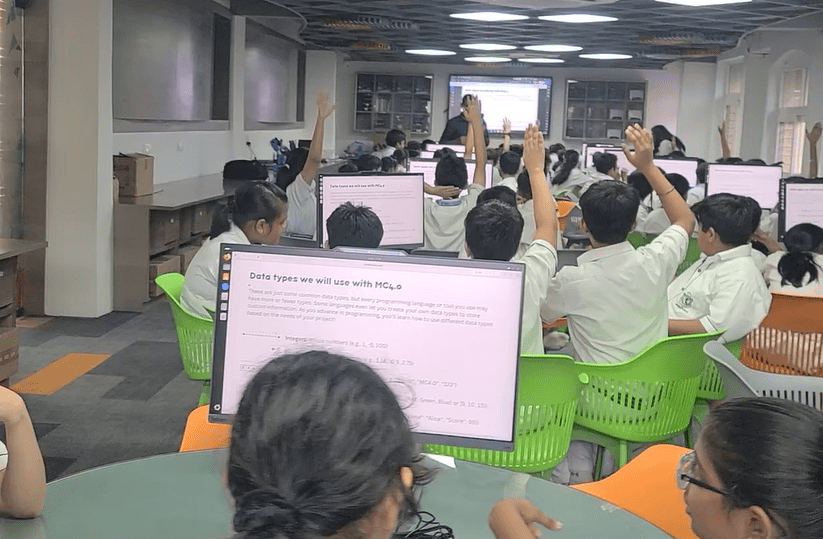
Set progression by age and experience. Classes 3–5 can focus on building, movement, sequencing, and block-based coding. For Classes 6–8, activities can introduce sensors, basic electronics, coding logic, and simple robotics. Older students can move toward microcontrollers, automation, data collection, and independent projects.
- Make educator preparation part of implementation, rather than an optional follow-up. Begin with an orientation to the kits, components, and programming environment. Then model a complete lesson: introduce its goal, demonstrate a build, guide student testing, and finish with reflection. Educators should also practise classroom routines, such as distributing components and helping teams document design changes.
Use sample lesson plans and project briefs to connect curriculum goals with hands-on work. A sensor activity, for instance, can combine coding logic with observation and discussion. Preparation should help educators adapt activities to students’ levels, simplifying instructions or extending the challenge when appropriate.
- Set out technical support and maintenance responsibilities before classes begin. A support plan can cover software access, equipment checks, troubleshooting, and replacement-part coordination. Establish a routine for inspecting cables, motors, and sensors, and keeping storage records. Labelled bins and a check-in process help staff spot missing components before the next lesson.
Plan for continuity after installation. School robotics lab services can include 1 year of ongoing support, giving educators a defined period for technical guidance. Record recurring faults and the steps used to resolve them. This creates a practical reference for staff and helps distinguish a software issue from a damaged component.
- Link educator preparation with maintenance through a simple issue-reporting process. Teachers can record the problem, the affected kit, and the lesson context. Technical staff can then reproduce the issue, document the resolution, and update classroom guidance. This makes recurring problems easier to address and helps limit disruption to teaching.
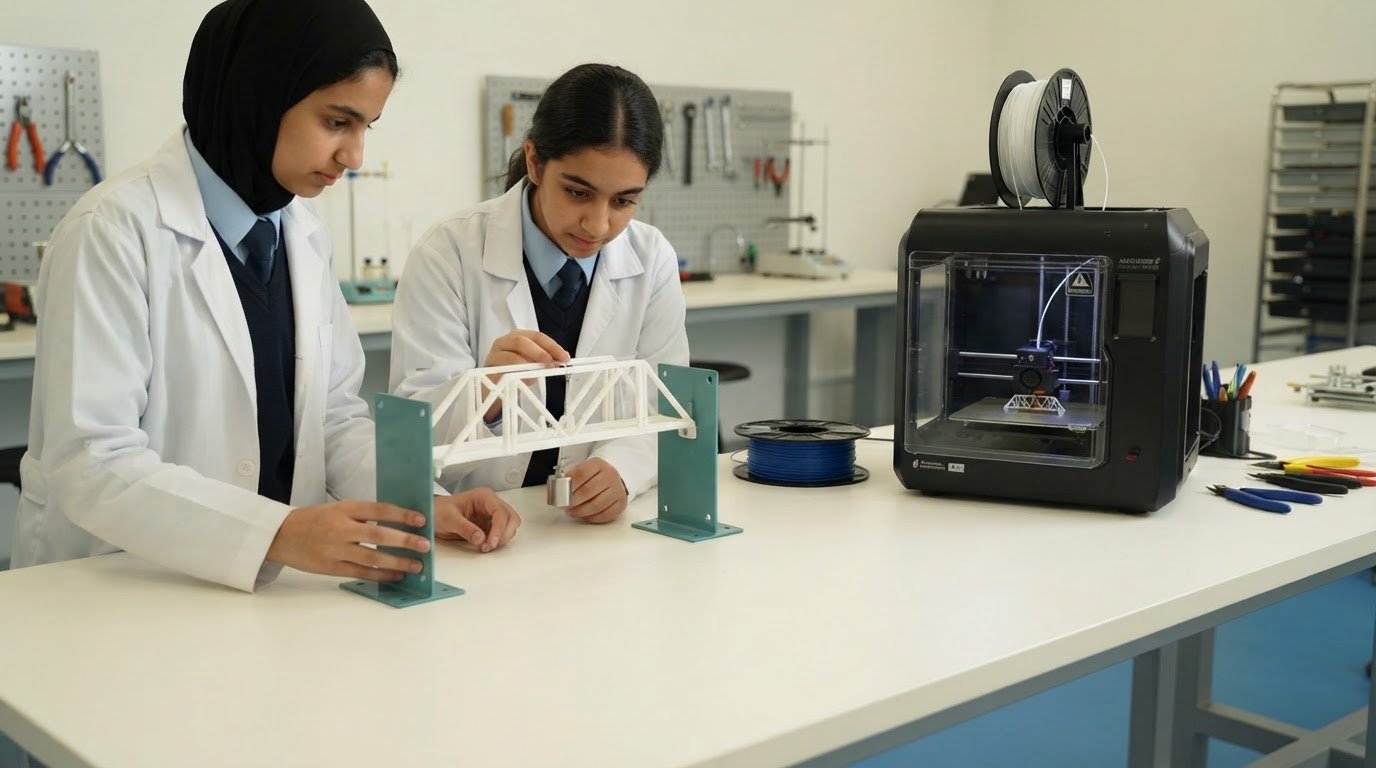
Include safety protocols in educator preparation. Give students clear instructions before they handle tools or electronics, and provide aprons, gloves, and safety eyewear. Planning lesson resources, educator preparation, and technical support together helps the lab serve everyday teaching as well as longer-term projects.
Customized robotics lab planning and layout
Start with learning goals, class size, equipment, and the room’s constraints. A professional plan brings together layout, safety, infrastructure, and room for future expansion.
-
Professional Robotics Lab Structure and Layout Planning
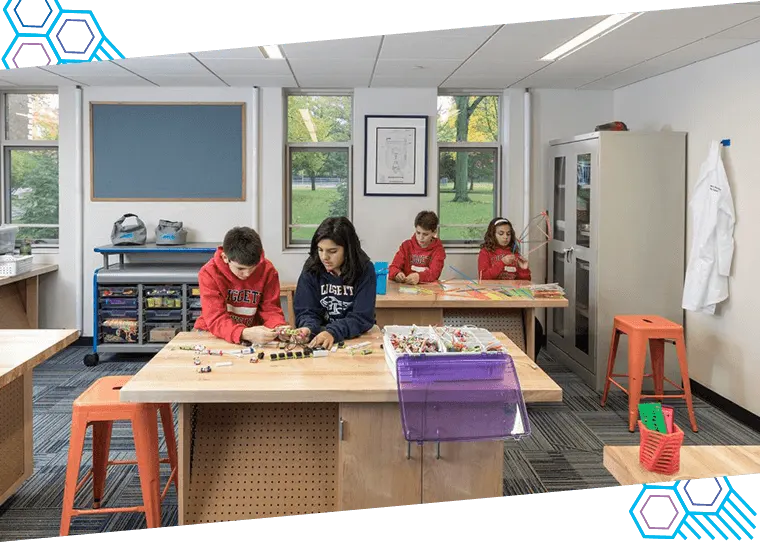
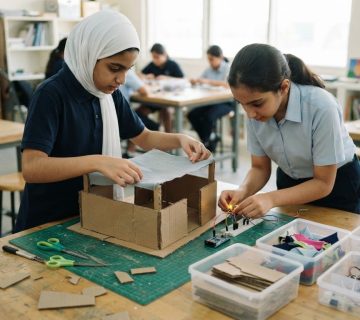
Define how the room will serve school, university, or business activities. A flexible layout separates teaching, assembly, storage, and robot testing while keeping clear movement between work areas. Schools may prioritize supervised group tables; universities may need dedicated project and testing zones. Businesses can organize space around prototyping and workflow demonstrations.
Plan around how students will use each zone, not furniture alone. A school lab may allocate 500 to 1,200 square feet, depending on student numbers. For 15–20 students, the recommended minimum is 600 square feet. Include an open testing area of at least 12 feet by 12 feet.
-
Address Safety and Applicable Requirements
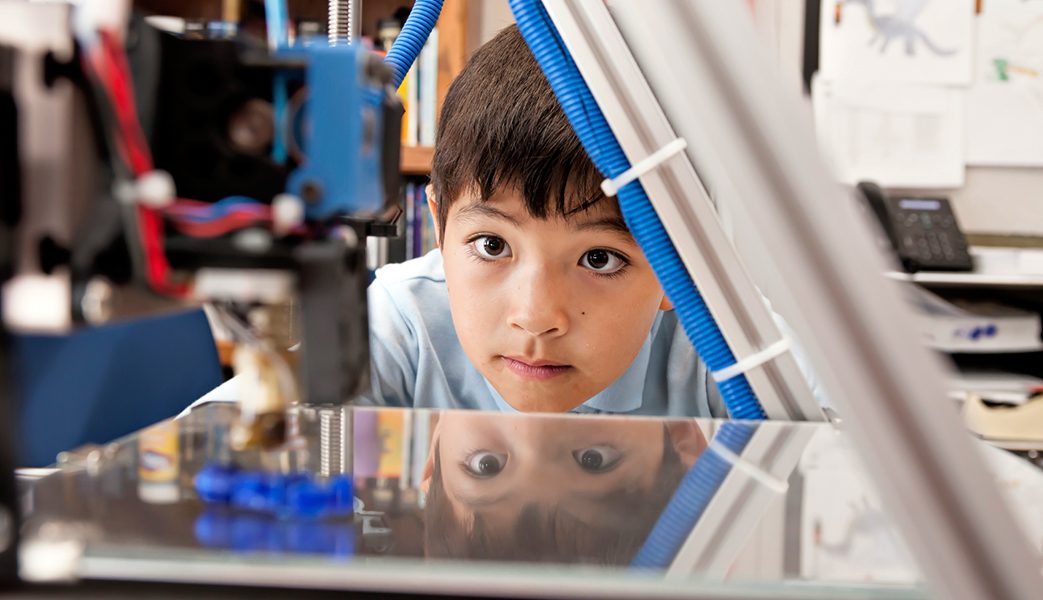
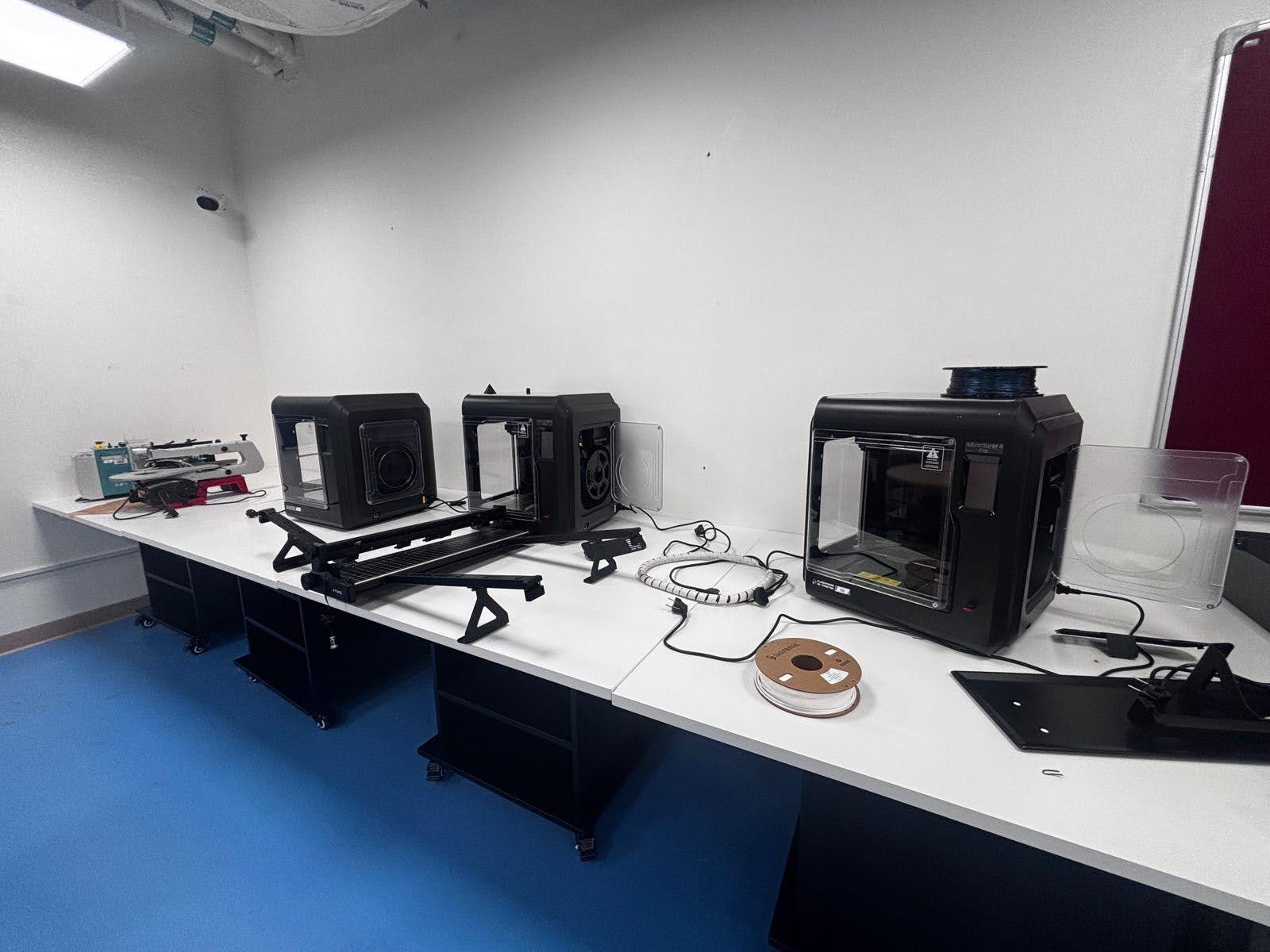
Identify hazards before finalizing the floor plan. Keep moving robots and testing activities away from walkways, and arrange workstations so instructors can supervise. Provide aprons, gloves, and safety eyewear, and train students in safety protocols. Equipment that may produce fumes, including 3D printers, needs proper ventilation.
For a UAE facility, identify the permits and standards relevant to its building, equipment, and intended use. Requirements depend on the project, so document the applicable requirements during planning and before installation. Standards and protocols can also support interoperability between laboratory instruments, robotics, and AI systems.
- Coordinate room services with the equipment schedule. Power and network needs depend on the selected devices, computers, and software. Confirm connection points and electrical requirements during design, before positioning workstations. Set ventilation requirements according to how equipment will be used, particularly when printers may produce fumes.
- Build in phases, starting with essential teaching and testing functions. The professional team assesses the room, plans zones and services, then sequences equipment installation around the institution’s priorities. Phasing helps decision-makers distinguish immediate needs from later expansion without disrupting the intended learning flow. For professional robotics lab planning, connect the layout to the equipment and curriculum plan.
Equipment selection and installation
Follow a specification-led sequence. Align equipment choices with the curriculum, room services, installation readiness, and the practical projects students will undertake.
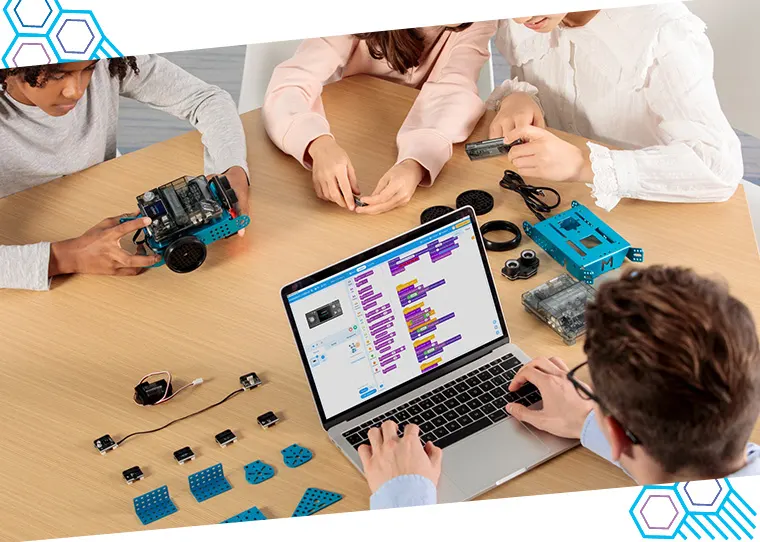
- Translate learning outcomes into an equipment schedule before procurement. Robotics Lab Setup Solutions are most effective when every item has a clear teaching purpose. For a mobile robot project, specify kits with wheels, chassis, motors, sensors, and controllers. Match quantities to planned team activities and lesson schedules instead of buying components in isolation. Include computers and compatible programming environments in the same specification so students can build, code, test, and refine complete models.
- Select components as an integrated system. Check that controllers connect with the selected sensors and motors, and that the chassis supports the planned builds. A wheeled prototype needs compatible drive components, while a robotic arm requires parts suited to precise movement. Record item names, quantities, and intended uses in the equipment schedule. This gives the engineering team a clear basis for ordering, receiving, and organizing the equipment.
- Match equipment complexity to learners’ readiness and project goals. Younger learners can begin with construction sets and guided movement tasks. More experienced students can use sensor add-ons, basic electronics, and programmable controllers. Advanced projects may call for configurable kits that support prototyping and independent design. This progression builds practical thinking while giving educators flexibility to adapt challenges across classes.
- Plan procurement in sequence: finalize the equipment schedule, coordinate delivery with room readiness, then install and test each kit. During installation, assess power connections, computer compatibility, component inventory, and robot movement on the designated test surface. Robotics Lab Setup Solutions should include a clear handover, with equipment records, setup instructions, and a demonstration of core functions. Document faults or missing parts before lessons begin to reduce avoidable disruption to planned engineering activities.
Robotics, coding, electronics, and automation
Design projects that connect physical movement with code and electronic control. A strong learning sequence links a robot’s actions to the logic and components that produce them.
- Begin with a clear input, process, and output. A motion sensor detects movement, a controller interprets its signal, and a motor triggers a response. Students connect electronics with coding instead of treating them as separate topics. This sequence also makes debugging purposeful: learners can work out whether the sensor, instructions, or motor caused an unexpected result.
- Match the controller and programming environment to the project goals. Arduino, Raspberry Pi, and micro:bit are examples used in robotics labs, while Scratch, Python, and Arduino IDE offer different programming environments. A project might start with a block-based sequence and progress to coded control of a robot’s movement. Choose an approach that fits learners’ experience and the intended depth of programming.
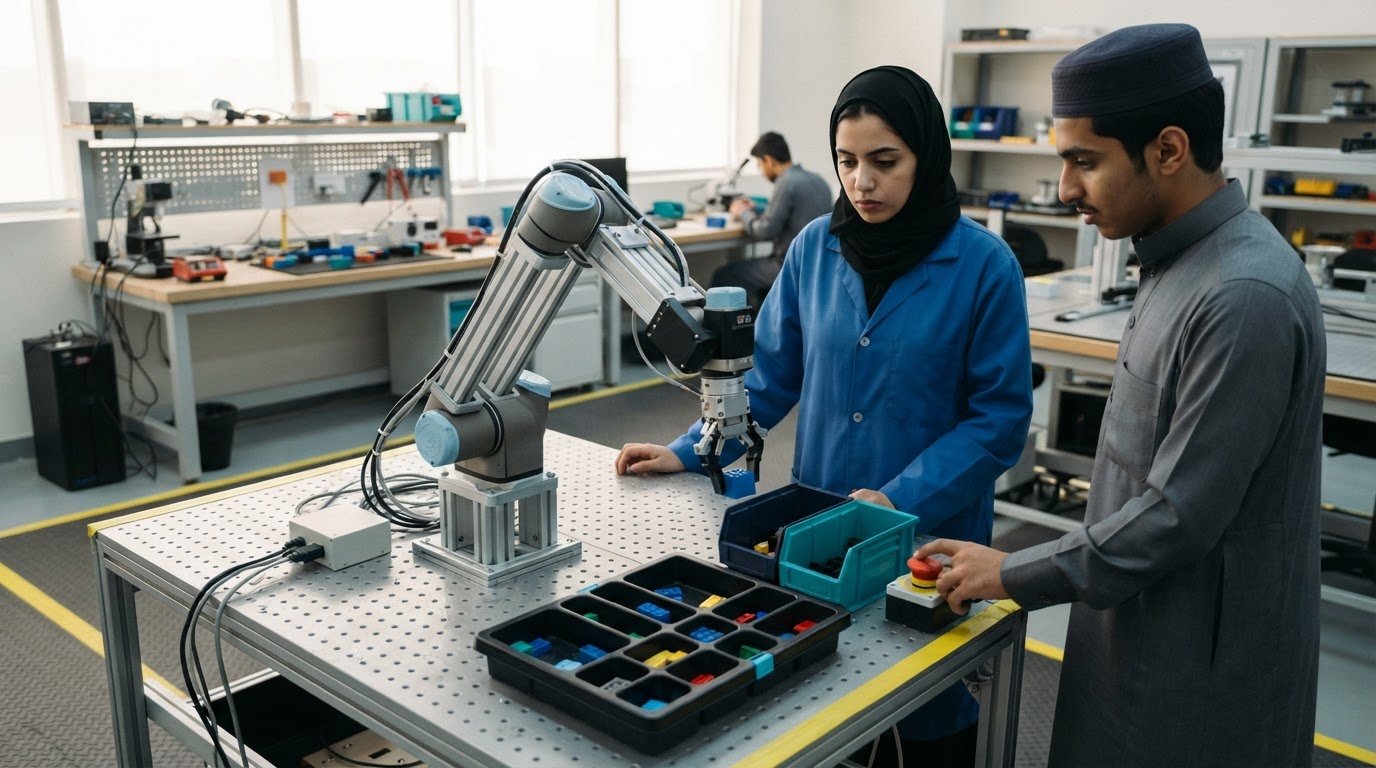
- Use automation tasks to bring design decisions together. A wheeled robot can respond to proximity or light readings, while a robotic arm can demonstrate precise movement. Students adjust code, observe the result, and refine their design. These practical cycles encourage critical thinking, logical reasoning, creativity, communication, and teamwork.
- Plan for systems to work together as the lab grows. Robotics projects may connect laboratory instruments, robotics, and AI systems. The European Union notes that standards and protocols can support interoperability between them. Include this consideration when planning interfaces and project pathways, so future activities can build on existing learning instead of becoming isolated demonstrations.
Connect coding and electronics through professional robotics and coding support for school projects.
Ednex
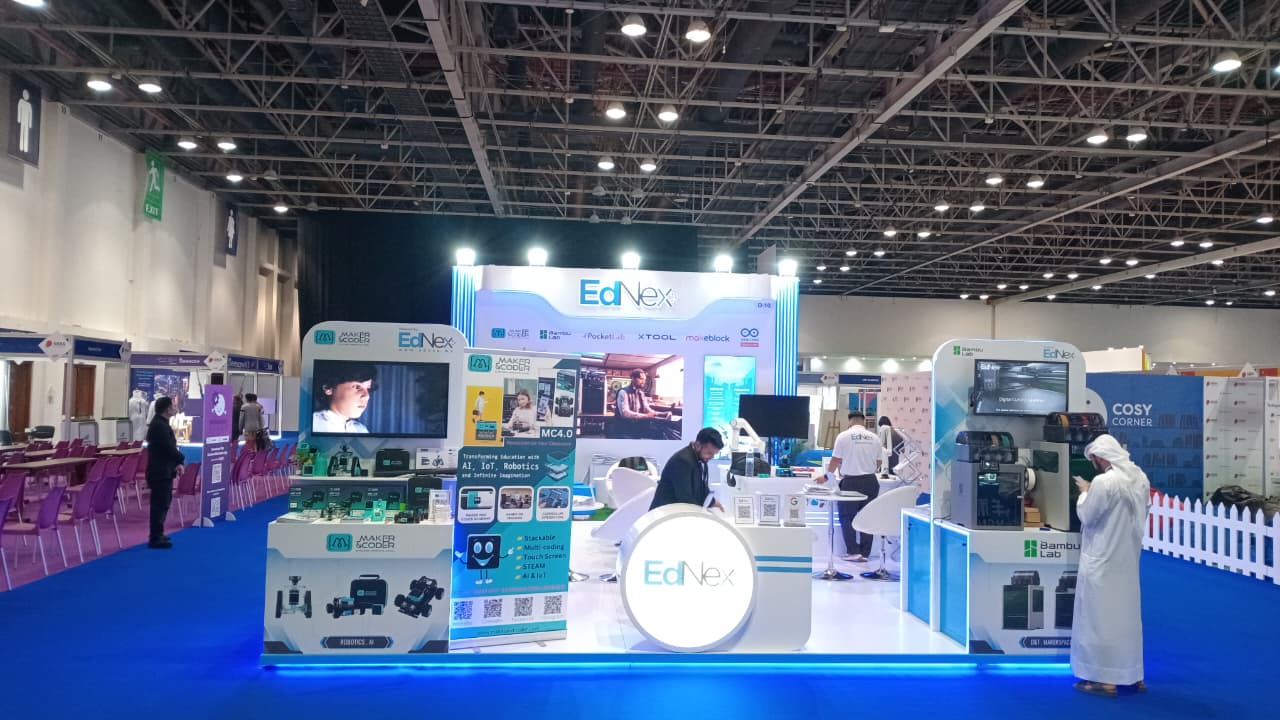
Ednex LLC helps schools connect robotics learning with curriculum goals, educator needs, and relevant resources. Its STEAM Programs and Robotics and Coding for schools support institutions developing practical learning pathways, while Arduino Education introduces learners to electronics and programming. Future Science Lab Setup can support broader science learning environments.
Turn to Ednex LLC when your institution is moving from an initial lab plan to decisions about learning activities, equipment, and how robotics fits into existing programs. Discuss student levels, curriculum priorities, and intended projects to shape a practical next step.
Contact Ednex LLC to discuss your school or university’s robotics learning plans.
Shape a Lab That Can Evolve
A robotics lab can become a lasting part of an institution’s learning strategy when its purpose can adapt as projects change. Treat the initial plan as a foundation, not a fixed endpoint. Robotics lab setup solutions should support current teaching while leaving room for new learning goals, emerging technologies, and deeper student-led exploration.
Turn your institution’s priorities into a focused plan. Consider the learners the lab will serve, the skills educators want to develop, and how practical projects will connect with existing programs. A shared direction helps decision-makers align the lab’s purpose with broader academic goals.
Ednex can help your institution develop that direction through relevant learning programs and lab planning. Contact Ednex to plan your robotics lab and take the next step toward a purposeful learning environment. Give students a space to imagine, build, test, and keep advancing.
Frequently Asked Questions
What equipment is needed to set up a robotics lab?
A robotics lab needs robot platforms that students can build, electronic components, computers, suitable software, and organized workspaces. Plan for supporting items too, including charging access, labelled storage, protective equipment, and a clear testing surface. For example, a school introducing robotics through group projects can organize equipment into team sets, with shared computers and a separate demonstration area. The final selection should reflect learning goals and room readiness.
How much does it cost to set up a robotics lab in the UAE?
The setup price depends on the project and is provided after a quote request. Key cost factors include room readiness, the number of learners the lab must serve, equipment scope, software requirements, installation needs, and planned technical support. A project with extensive engineering equipment has different requirements from a school introducing introductory robotics activities. Defining the intended use helps shape a relevant project scope.
Which robotics kits, sensors, tools, and software should a robotics lab include?
Choose kits and software according to the planned projects, students’ experience, and how the components work together. For a design challenge, prioritize equipment that lets learners modify a build and test different solutions. Match the software to the coding concepts being taught, and ensure it works with the selected computers and controllers. Keep an equipment schedule that connects each item to a learning purpose.
How should a robotics lab be maintained, staffed, and budgeted for ongoing costs?
Assign a lab lead to coordinate schedules, equipment records, and lesson readiness, as well as a technical contact for faults requiring specialist attention. Track recurring needs such as replacement components, software renewals, maintenance support, and staff time. Review equipment use against planned projects before each budget cycle. This helps distinguish essential upkeep from optional upgrades and supports considered decisions about future lab development.
Related Posts ...
Comments are disabled