


Design & Technology Lab vs Makerspace: What’s the Difference and Does Your School Need Both?
Schools are increasingly looking for ways to make learning more practical, creative, and connected to real-world applications. As students prepare for a future shaped by engineering, automation, artificial intelligence, digital manufacturing, and emerging technologies, traditional classroom teaching alone may not provide enough opportunities for hands-on learning.
This has led many schools to invest in Design & Technology Labs and Makerspaces.
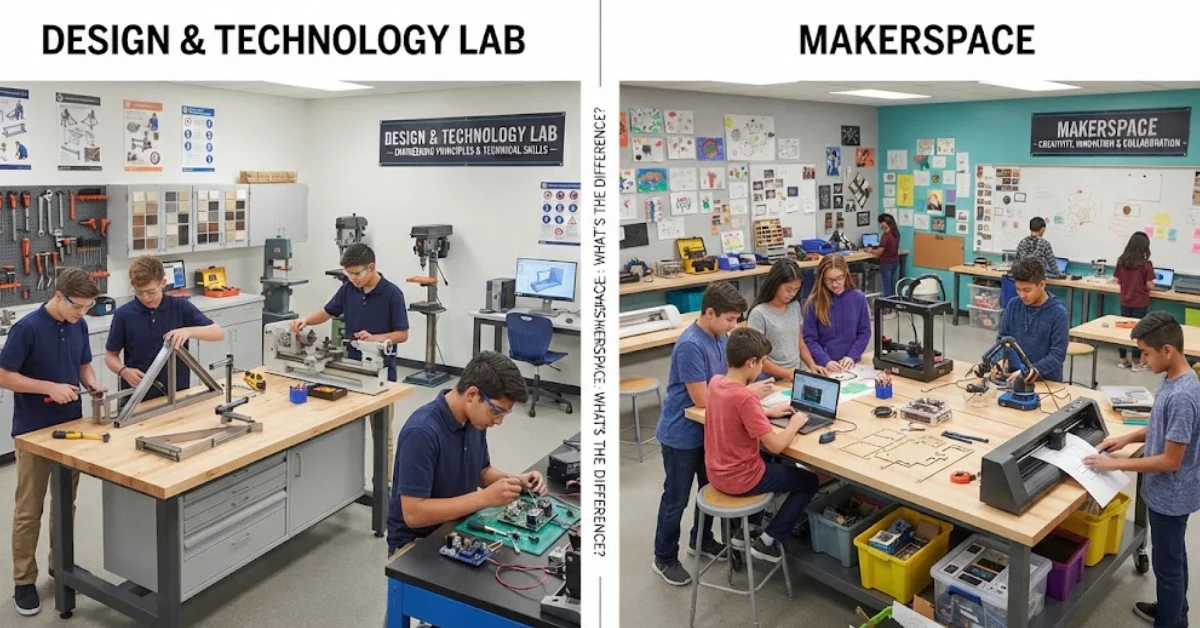
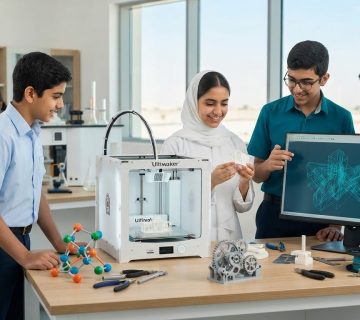
Although these environments may appear similar, they serve different educational purposes. A Design & Technology Lab is generally structured around curriculum-based technical learning, engineering principles, materials, manufacturing, and product design. A Makerspace is typically more open-ended, encouraging students to experiment, prototype, create, collaborate, and solve problems using a variety of tools and technologies.
So, what is the difference between the two? And does your school need both?
Understanding their roles can help school leaders make better decisions about laboratory space, equipment, curriculum, and investment.
What Is a Design & Technology Lab?
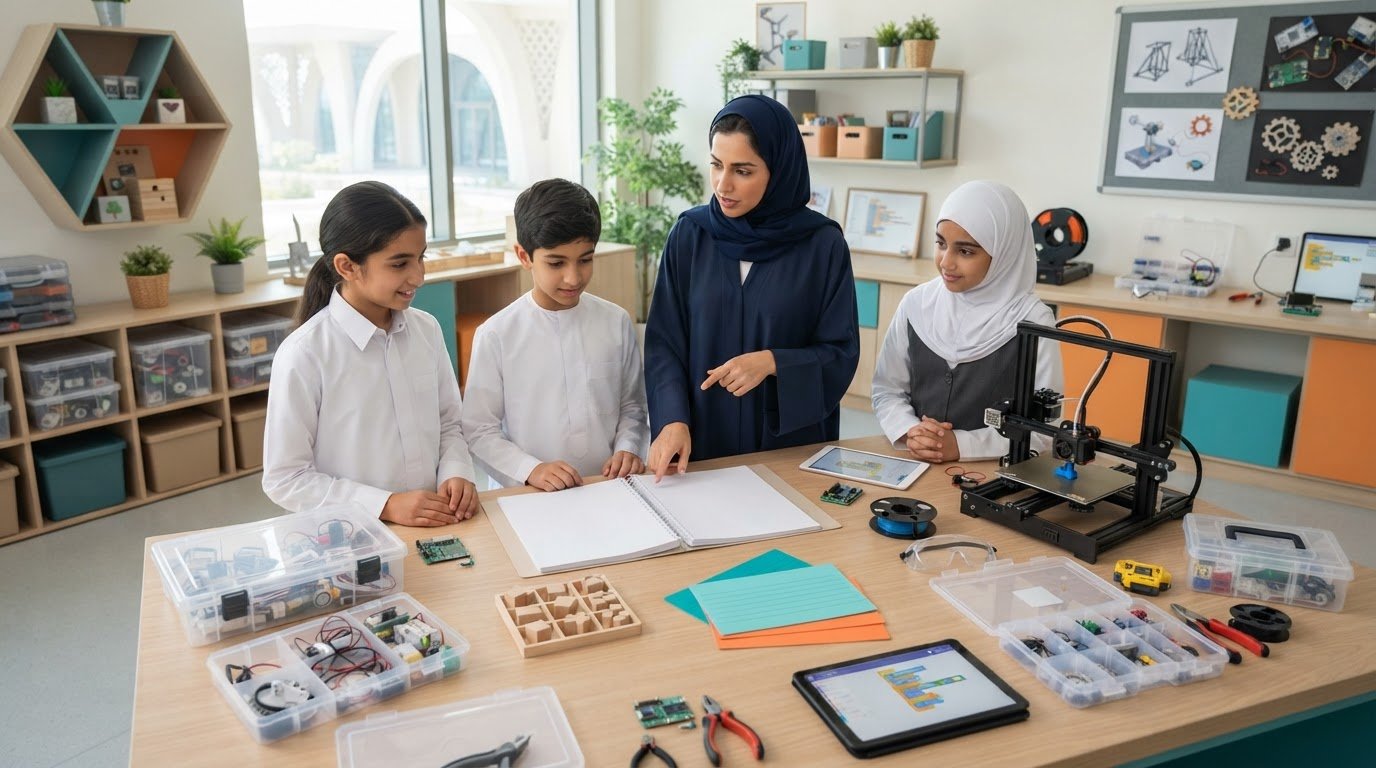
A Design & Technology Lab is a structured learning environment where students develop practical skills in designing, making, testing, and improving products or technical solutions.
The laboratory can support subjects and activities involving:
- Product design
- Engineering
- Electronics
- Mechanical systems
- Materials
- Manufacturing
- Computer-aided design
- Woodworking
- Metalworking
- 3D printing
- Robotics
- Technical drawing
The focus is usually on developing specific technical competencies while following a structured curriculum.
Students may be given a design problem and asked to research it, develop concepts, create technical drawings, build a prototype, test it, and make improvements.
This process reflects the type of design thinking and engineering workflow used in professional environments.
What Is a Makerspace?
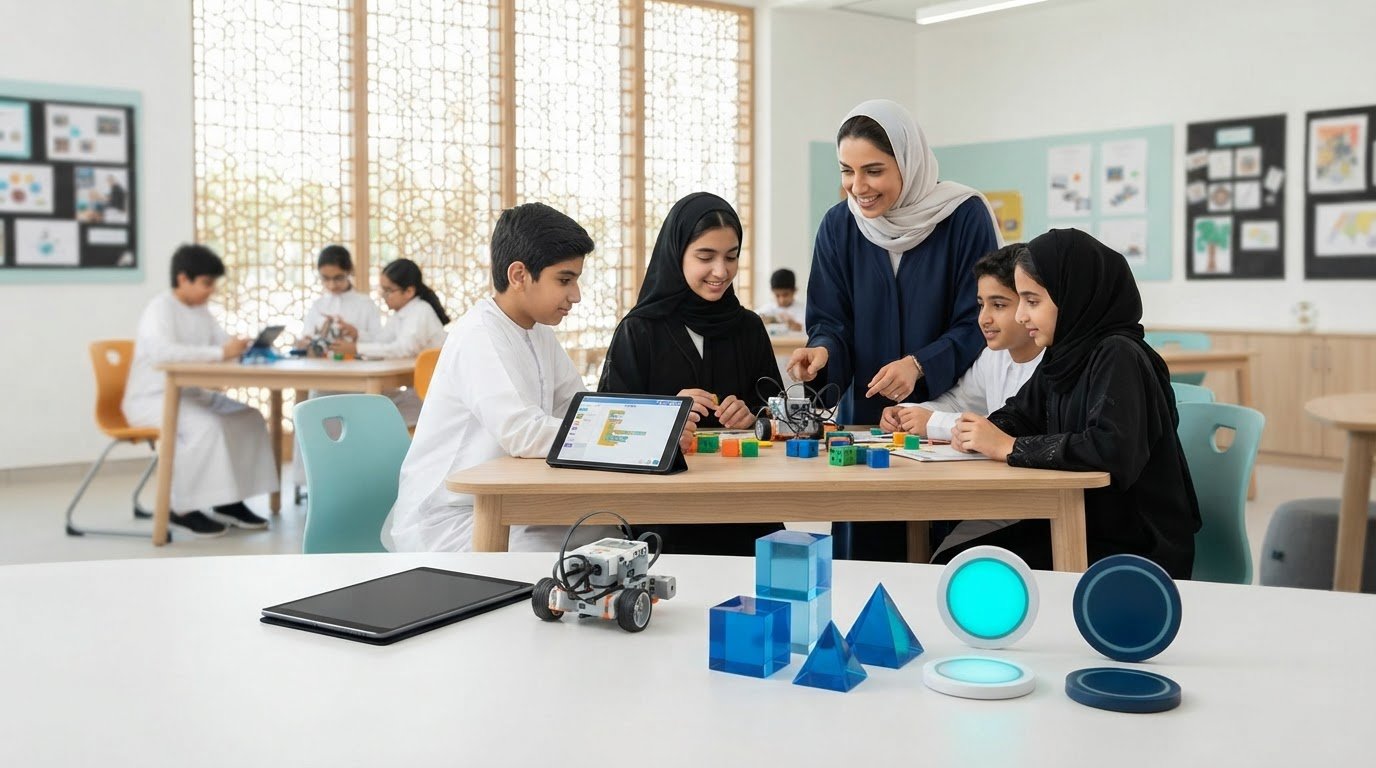
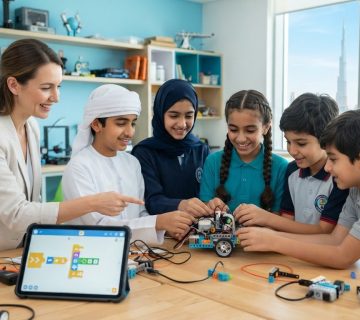
A Makerspace is a flexible environment designed to encourage creativity, experimentation, collaboration, and hands-on problem-solving.
Unlike a traditional laboratory, a Makerspace may not be organized around a single subject.
Students can use a combination of tools and technologies to turn ideas into physical prototypes.
A school Makerspace may include:
- 3D printers
- Laser cutters
- Electronics kits
- Microcontrollers
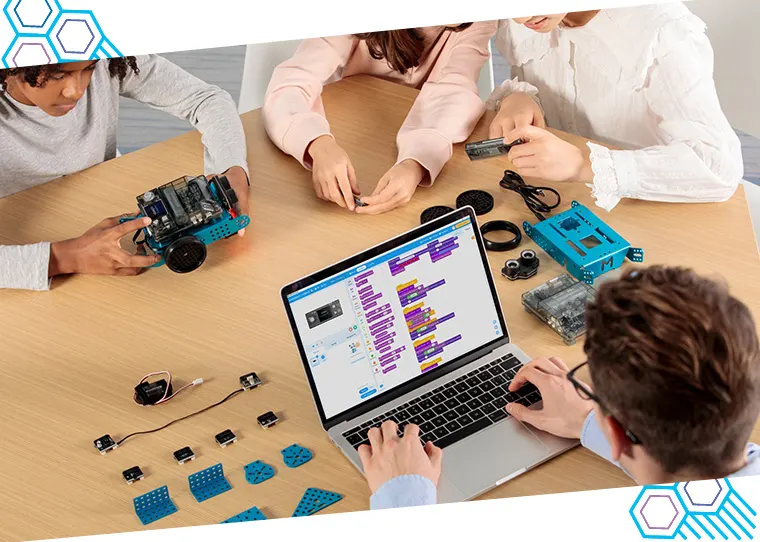
- Robotics kits
- Hand tools
- Craft materials
- Sensors
- Coding platforms
- Prototyping materials
- Digital fabrication tools
The objective is to encourage students to ask questions such as:
What can I build?
How can I solve this problem?
What happens if I change this design?
How can I improve my prototype?
This makes the Makerspace particularly suitable for project-based and interdisciplinary learning.
Design & Technology Lab vs Makerspace: The Key Difference
The easiest way to understand the distinction is to consider the primary learning objective.
A Design & Technology Lab is generally curriculum and skills driven.
A Makerspace is generally exploration and project driven.
A Design & Technology Lab may teach students how to safely use specific tools, understand materials, follow technical processes, and produce a functional product according to defined requirements.
A Makerspace may give students greater freedom to decide what they want to build and which tools they want to use.
Neither environment is necessarily better than the other. They support different learning experiences.
Design & Technology Lab: Structured Learning
A Design & Technology Lab is particularly useful when schools want students to develop structured technical competencies.
For example, students might learn:
- Design principles
- Material properties
- Technical drawing
- Manufacturing processes
- Electronics
- Mechanical systems
- Prototyping
- Product testing
- Design evaluation
Students can be assessed against clearly defined learning outcomes.
This makes a Design & Technology Lab particularly valuable for formal curriculum delivery.
Makerspace: Creative Exploration
A Makerspace provides greater flexibility.
Students can work individually or in teams to develop solutions to open-ended challenges.
For example, students might be asked to design:
- A water-saving device
- A smart plant-monitoring system
- A robotic vehicle
- A renewable energy prototype
- An assistive technology device
- A smart classroom solution
There may be multiple correct solutions.
Students can experiment, make mistakes, redesign their ideas, and learn through iteration.
This encourages creativity and entrepreneurial thinking alongside technical skills.
What Equipment Does a Design & Technology Lab Need?
Equipment depends on the school’s curriculum and student age group.
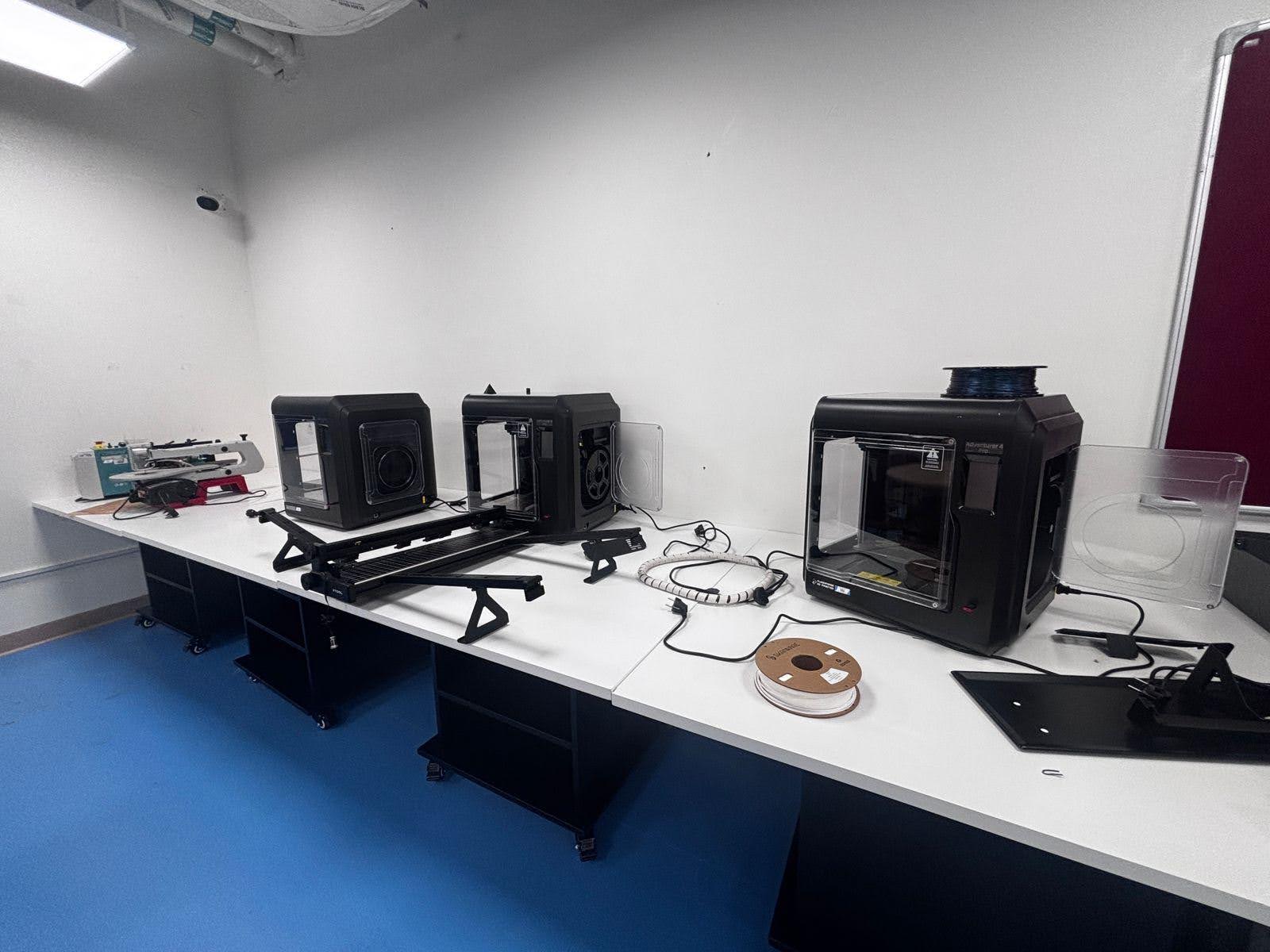
A Design & Technology Lab may include:
- Workbenches
- Hand tools
- Power tools
- Measuring equipment
- Electronics equipment
- Soldering stations
- CAD workstations
- 3D printers
- CNC equipment
- Laser cutting systems
- Robotics platforms
- Mechanical components
- Material samples
- Safety equipment
- Storage systems
Safety and supervision are particularly important when students work with cutting tools, machinery, electrical systems, or fabrication equipment.
The laboratory should be designed around appropriate age groups and operating procedures.
What Equipment Does a Makerspace Need?
Makerspaces can be configured more flexibly.
Common resources include:
- 3D printers
- Laser cutters
- Microcontrollers
- Robotics kits
- Sensors
- Electronics components
- Coding tools
- Hand tools
- Prototyping materials
- Craft materials
- Digital fabrication equipment
- Computers
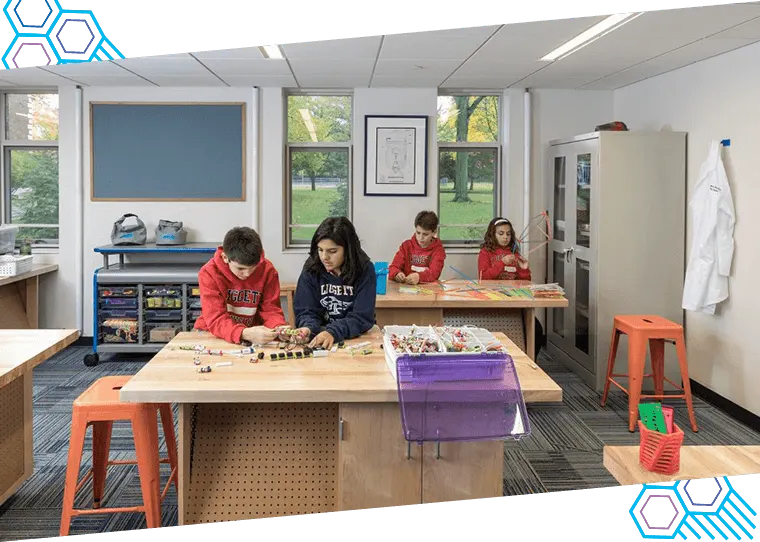
- Collaborative worktables
The emphasis is on providing students with a toolkit that allows them to explore ideas.
A Makerspace can also evolve over time. Schools may begin with basic prototyping equipment and gradually introduce advanced technologies such as robotics, IoT, AI, digital fabrication, and automation.
Does Your School Need Both?
For many schools, the answer can be yes—if the curriculum, space, and budget support both environments.
The two spaces can complement each other.
A Design & Technology Lab can provide structured technical learning, while a Makerspace can provide an environment for open-ended projects and experimentation.
For example, students may first learn electronics and mechanical principles in the Design & Technology Lab.
They can then apply those skills in a Makerspace to develop an independent project.
This creates a progression:
Learn → Design → Build → Experiment → Test → Improve
That combination can provide a powerful learning experience.
When a School May Need Only a Design & Technology Lab
A Design & Technology Lab may be the better initial investment if the school’s primary objective is curriculum delivery.
It can be appropriate when:
- Design & Technology is a formal subject
- Students require structured technical training
- Engineering skills are a curriculum priority
- Teachers need standardized equipment
- Assessment is based on defined technical competencies
- The school has limited laboratory space
In these situations, a well-designed Design & Technology Lab can provide a strong foundation.
When a School May Benefit From a Makerspace
A Makerspace may be particularly valuable when a school wants to expand project-based learning.
It can be useful for:
- STEM projects
- Innovation programs
- Robotics clubs
- Coding activities
- Entrepreneurship
- Interdisciplinary projects
- Student competitions
- Design challenges
- Creative technology activities
Makerspaces can also provide opportunities for students from different age groups or subjects to collaborate.
Combining Both Environments
Schools with sufficient space and resources can create a connected model rather than treating the two environments as completely separate.
For example:
Design & Technology Lab
Students learn technical foundations, materials, manufacturing, electronics, engineering design, and safe equipment operation.
Makerspace
Students apply those skills to independent or collaborative projects.
Shared Learning Outcome
Students develop the ability to identify a problem, design a solution, build a prototype, test it, analyze results, and improve the final product.
This model helps connect formal curriculum learning with creative exploration.
How to Decide Which Option Is Right for Your School
Before investing in either environment, school leaders should evaluate several factors.
Curriculum
What subjects and practical activities need to be supported?
Student Age
Younger students may require simpler tools and highly supervised activities, while older students may work with advanced fabrication and engineering equipment.
Space
How much laboratory or workshop space is available?
Teachers
Do teachers have the skills required to operate the equipment and supervise projects?
Budget
What can the school invest initially, and what ongoing costs can it support?
Student Outcomes
What skills should students develop?
The answers to these questions can help determine whether a Design & Technology Lab, Makerspace, or combination of both is appropriate.
Planning a Future-Ready Learning Environment
Schools should also consider how the learning environment can evolve.
Technology changes quickly, so purchasing equipment that is flexible and scalable can be valuable.
A modern learning environment may eventually combine:
- Design and engineering
- Robotics
- Coding
- Electronics
- AI
- IoT
- Digital fabrication
- 3D printing
- Automation
- Sustainable design
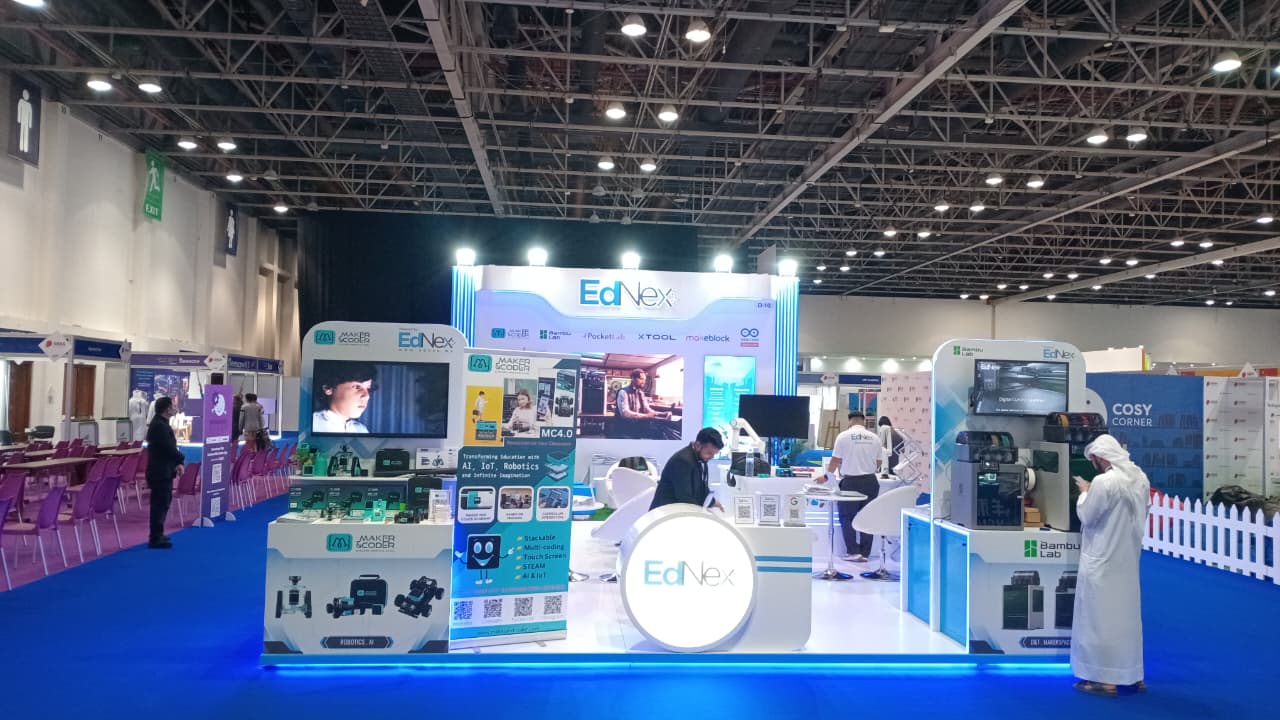
EdNex provides laboratory solutions for educational institutions and can support schools in developing practical, technology-enabled learning environments.
When planning a new facility, schools should consider not only today’s requirements but also how students may learn and build in the coming years.
Conclusion
A Design & Technology Lab and a Makerspace are not the same thing, but they can work extremely well together.
The Design & Technology Lab provides structured technical learning, helping students understand design principles, materials, engineering processes, tools, and manufacturing.
The Makerspace provides a more flexible environment where students can experiment, collaborate, prototype, and develop creative solutions to open-ended problems.
For schools with sufficient resources, combining both can create a powerful learning ecosystem.
However, schools do not necessarily need to build two completely separate facilities. A carefully planned, flexible space can incorporate elements of both approaches depending on curriculum requirements, available space, budget, and student learning objectives.
The most important consideration is not whether a school has a particular type of room. It is whether students have meaningful opportunities to design, build, test, fail, improve, and create.
With the right equipment, curriculum, teacher training, safety procedures, and laboratory design, schools can create learning environments that prepare students for a future where creativity and technical problem-solving are increasingly important.
Frequently Asked Questions
1. What is the difference between a Design & Technology Lab and a Makerspace?
A Design & Technology Lab is generally structured around curriculum-based technical learning, engineering, design, materials, and manufacturing skills. A Makerspace is typically more flexible and focuses on creativity, experimentation, prototyping, collaboration, and open-ended projects.
2. Does a school need both a Design & Technology Lab and a Makerspace?
Not necessarily. The choice depends on curriculum requirements, available space, budget, teacher expertise, and student learning objectives. Schools with sufficient resources can benefit from having both because they support complementary learning experiences.
3. What equipment is commonly found in a school Makerspace?
A Makerspace may include 3D printers, laser cutters, robotics kits, electronics components, microcontrollers, sensors, hand tools, prototyping materials, computers, and digital fabrication equipment.
4. What skills can students develop in a Design & Technology Lab?
Students can develop skills in product design, engineering, technical drawing, electronics, materials, manufacturing, prototyping, testing, problem-solving, and safe use of technical tools and equipment.
5. How can EdNex help schools create Design & Technology Labs or Makerspaces?
EdNex provides laboratory solutions for educational institutions and can support schools in developing practical learning environments based on their curriculum, available space, student requirements, and technology goals.
Related Posts ...
Comments are disabled