


Makerspace Setup in UAE Schools: Everything You Need to Know
A strong makerspace setup in UAE schools can do far more than add new tools to a campus. It can change how students think, build, test, and solve problems. As schools across the UAE focus more on innovation, STEM, coding, robotics, and future skills, makerspaces are becoming a practical way to bring those goals to life.
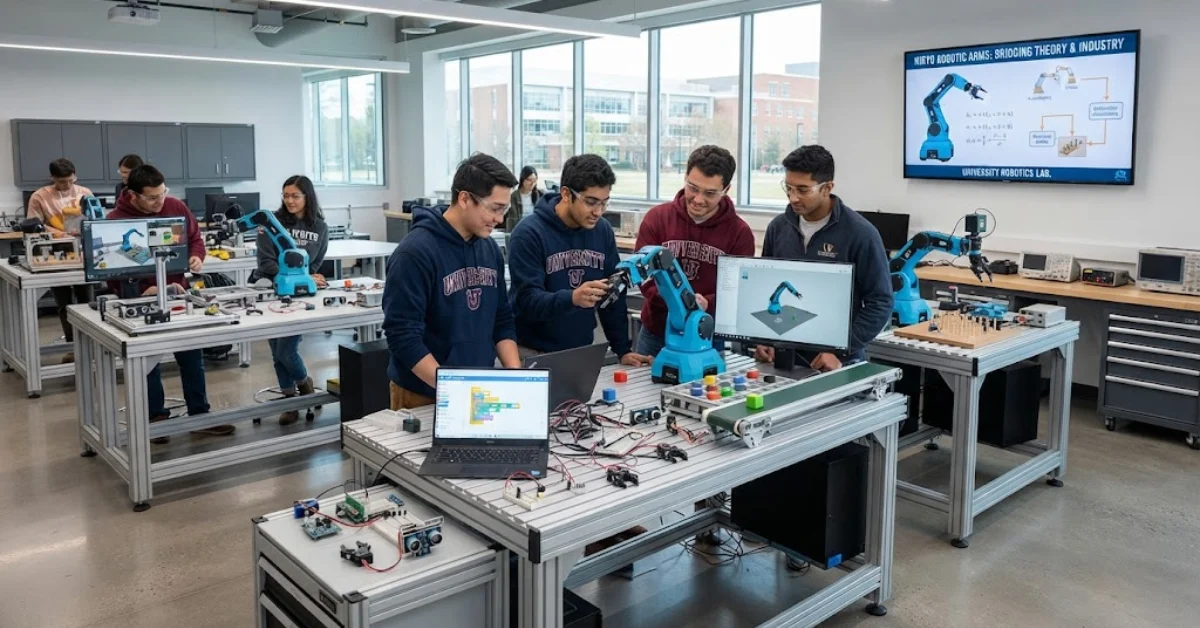
A makerspace is a hands-on learning environment where students design, experiment, prototype, and create. It may include 3D printers, laser cutters, robotics kits, electronics tools, craft materials, and digital design software. More importantly, it gives students a place to turn ideas into working projects.
For school leaders, the opportunity is clear. A well-planned school makerspace UAE strategy can support project-based learning, strengthen STEM programs, and align with national priorities around innovation and technology. By the end of this guide, you will understand how to build a school makerspace, what equipment matters most, how it supports an effective STEM lab setup in UAE, and how it fits into wider goals for innovation labs for UAE schools.
Why Makerspaces Matter in UAE Schools
Makerspaces are gaining attention because they support the kind of learning modern schools want to deliver. Students do not just absorb theory. They apply it. They work with real materials, face real design problems, and learn through trial, error, and improvement.
This matters in the UAE, where education is closely linked to innovation, entrepreneurship, digital readiness, and future workforce development. Schools are under growing pressure to prepare students for a world shaped by technology, engineering, sustainability, and creative problem-solving.
A makerspace helps schools build these outcomes by supporting:
- Hands-on STEM learning
- Design thinking and creativity
- Collaboration and communication
- Practical technology use
- Engineering and prototyping skills
- Problem-solving in real contexts
- Confidence through experimentation
In simple terms, a makerspace turns abstract learning into visible action.
What a School Makerspace Actually Includes
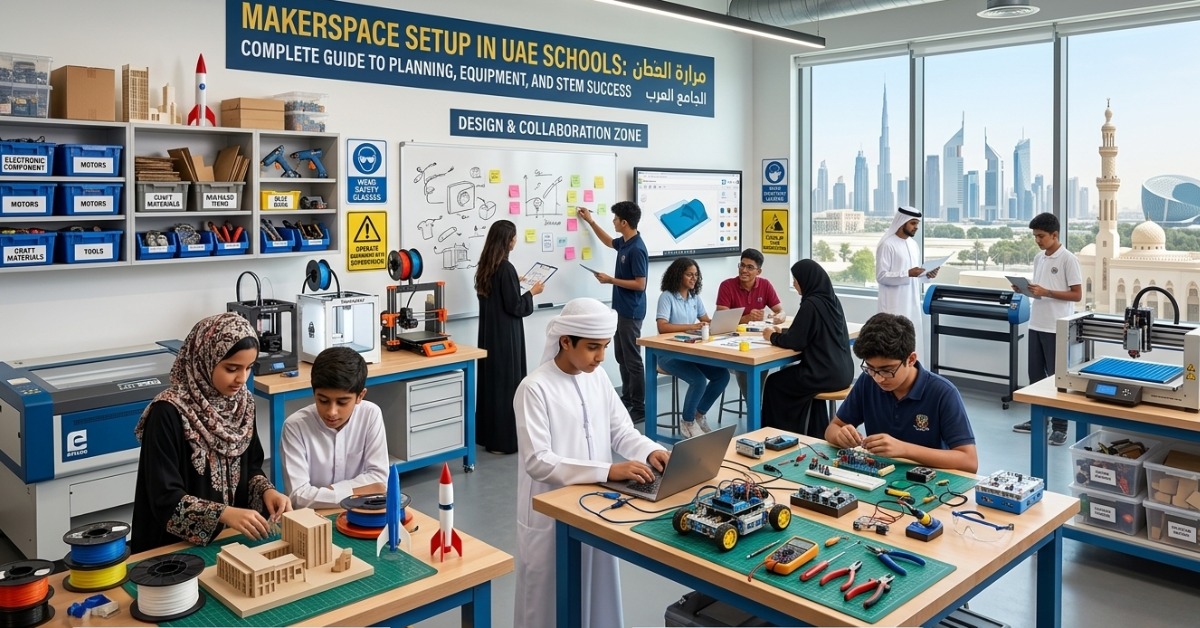
A makerspace is not just a room with machines. It is a learning environment designed for active creation. The exact setup depends on age group, curriculum, available space, and budget, but the core purpose stays the same.
A good school makerspace UAE model usually combines three elements:
Physical tools and equipment
These are the hands-on resources students use to build projects.
Digital tools and software
These include design programs, coding platforms, and simulation tools that support planning and development.
Teaching framework
Without curriculum links, teacher guidance, and clear project goals, even the best room can become underused. The learning model is just as important as the equipment.
Makerspace Setup in UAE Schools: Start With a Clear Plan
Before buying tools, schools need a practical roadmap. The most successful makerspace setup in UAE schools begins with purpose, not products.
1. Define the educational goals
Start by asking what the makerspace should help students do. Different schools will have different priorities.
Common goals include:
- Strengthening STEM learning across grade levels
- Supporting coding, robotics, and engineering projects
- Encouraging innovation and entrepreneurship
- Creating a project-based learning environment
- Improving student engagement through practical work
- Building skills in design, testing, and iteration
If the purpose is clear, every later decision becomes easier.
2. Identify the target users
A makerspace for primary students will look very different from one designed for secondary or senior students.
Think about:
- Age group and skill level
- Number of students using the space
- Subject areas involved
- Frequency of use
- Teacher confidence and training needs
This step helps schools avoid overbuilding or underbuilding the space.
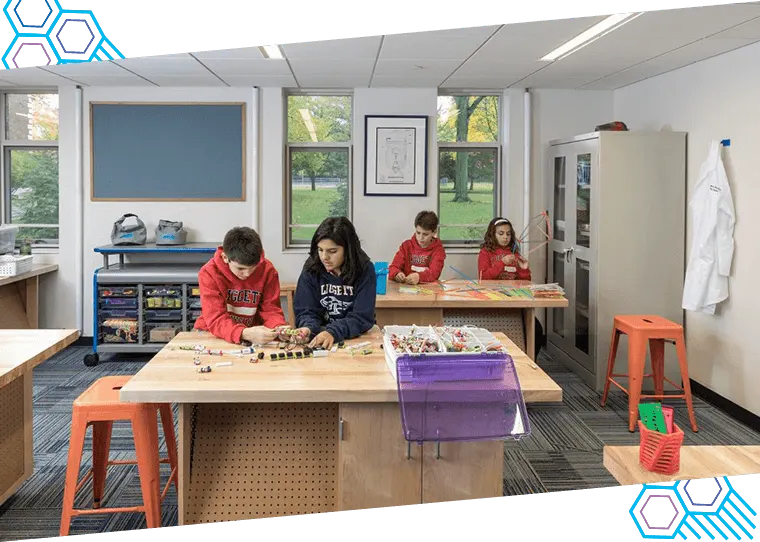
3. Choose the right room and layout
The room should support movement, teamwork, storage, and safe use of equipment. Flexibility matters because makerspaces often serve multiple classes and project types.
A practical layout may include:
- A design and planning zone
- A digital work area
- A fabrication area
- A prototyping bench
- Storage for tools and materials
- A display space for student work
The goal is to make the room functional, safe, and easy to manage.
How to Build a School Makerspace Step by Step
If you are planning how to build a school makerspace, it helps to treat the project like a phased rollout rather than a one-time purchase.
Step 1: Audit your current STEM capability
Review what the school already has.
Check for:
- Existing lab furniture
- ICT devices and software
- Robotics or coding kits
- Electronics tools
- Science lab equipment that can be shared
- Available technical staff or lab support
Many schools already have useful resources that can be integrated into the makerspace.
Step 2: Set the scope and budget
A makerspace does not need to start at full scale. Schools can begin with a core setup and expand over time.
A phased budget may include:
- Furniture and workstations
- Entry-level digital fabrication tools
- Basic electronics and robotics kits
- Safety equipment
- Storage systems
- Software licenses
- Teacher training
- Maintenance and consumables
This approach makes the project more realistic and sustainable.
Step 3: Select curriculum-linked tools
The best equipment choices are driven by learning outcomes. Buy tools that teachers can actually use in lessons and projects.
For example:
- Primary schools may focus on simple robotics, craft-based engineering, and beginner design tools
- Middle schools may add electronics kits, coding platforms, and 3D printing
- Secondary schools may need advanced prototyping, digital fabrication, and engineering systems
Step 4: Create safety and usage protocols
Safety must be built into the setup from the start. This is especially important when using fabrication tools, soldering equipment, or cutting devices.
Your safety framework should include:
- Age-appropriate access rules
- Teacher supervision standards
- Equipment handling procedures
- Personal protective equipment
- Fire safety and ventilation planning
- Tool maintenance schedules
- Student induction sessions
Step 5: Train teachers before launch
Many schools invest in tools but not in teacher readiness. That creates a gap between the room’s potential and its actual use.
Training should cover:
- How each tool works
- Basic troubleshooting
- Lesson integration
- Classroom management in a makerspace
- Safety procedures
- Project-based learning methods
A makerspace becomes valuable when teachers feel confident using it.
Step 6: Launch with structured projects
Start with guided activities before moving into open-ended innovation challenges. This helps students and teachers build confidence.
Early project examples include:
- Designing simple 3D models
- Building basic circuits
- Creating mechanical prototypes
- Programming beginner robots
- Solving a classroom or campus problem through design
Essential Makerspace Equipment for Schools
Choosing the right makerspace equipment for schools is one of the biggest decisions in the process. Schools should aim for a balanced mix of digital fabrication, electronics, robotics, hand tools, and creative materials.
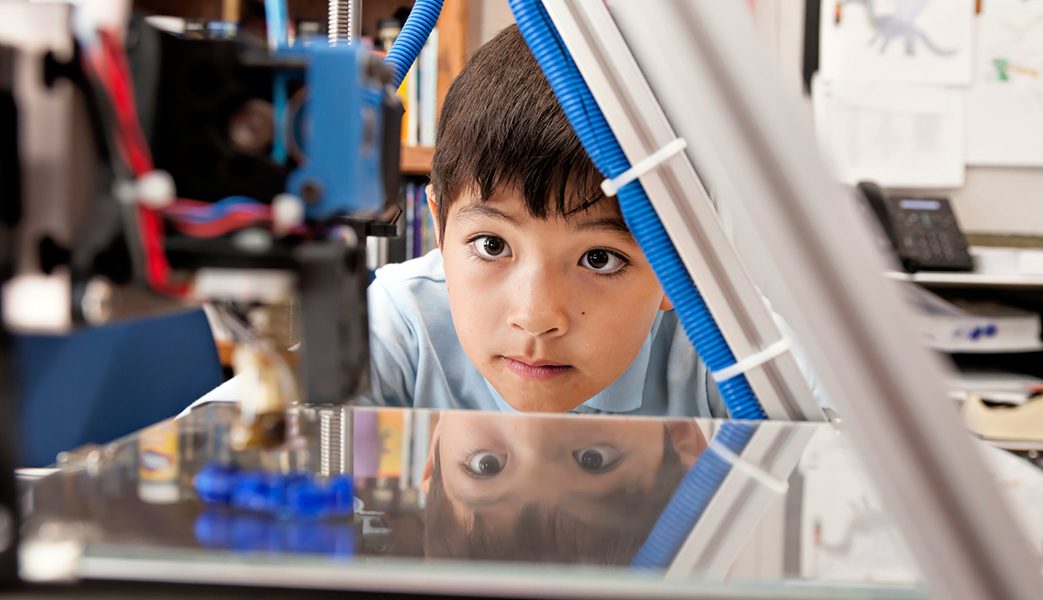
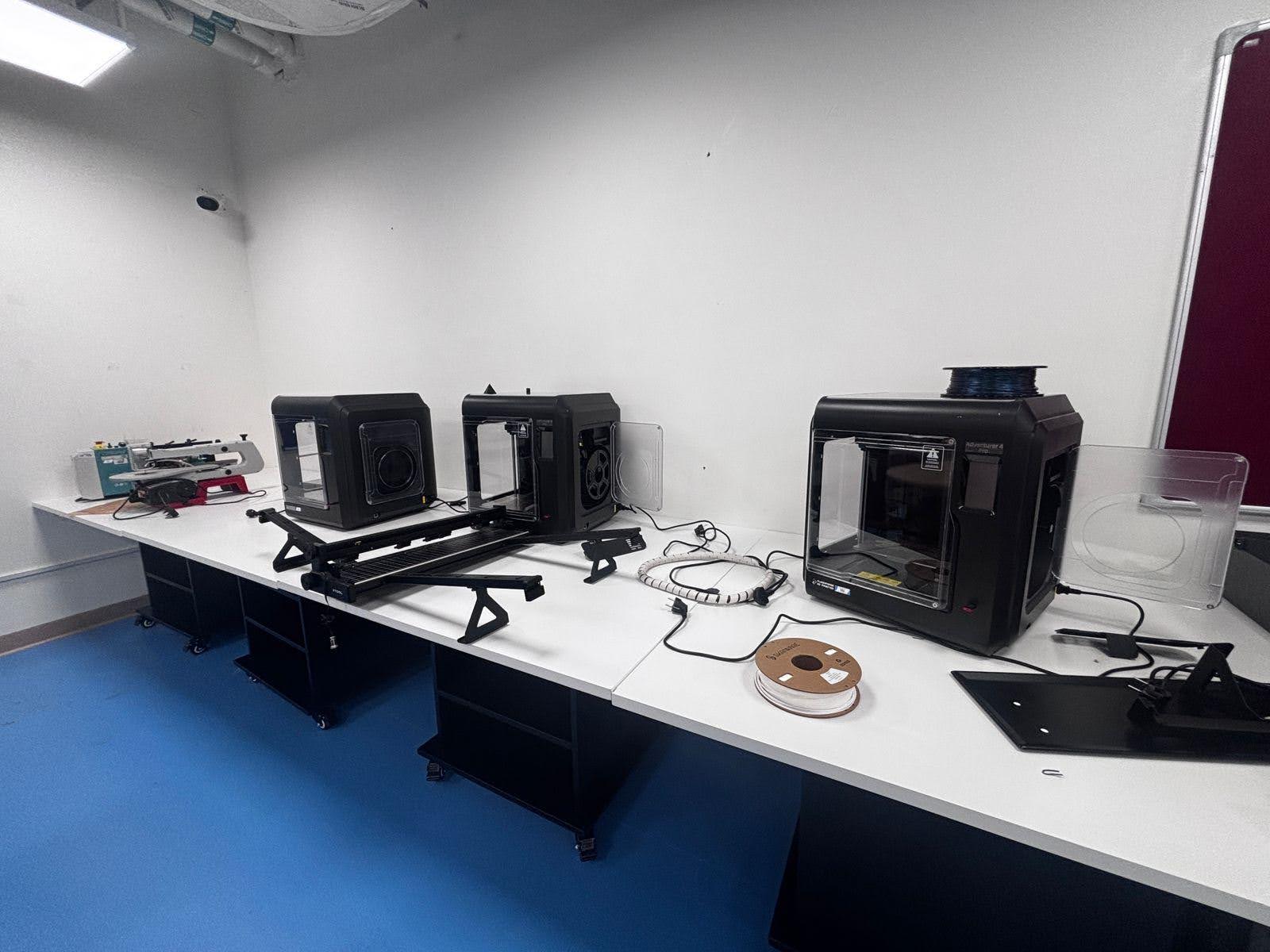
Digital Fabrication Tools
These tools help students design and make physical prototypes.
Core equipment options
- 3D printers
- Useful for prototyping, design thinking, and engineering models
- Ideal for product design, math models, and STEM projects
- Laser cutters
- Good for precision cutting and engraving
- Supports model-making, signage, design projects, and structural builds
- Vinyl cutters
- Helpful for design, branding, packaging, and creative classroom tasks
- CNC machines
- Better suited for advanced secondary environments with strong supervision
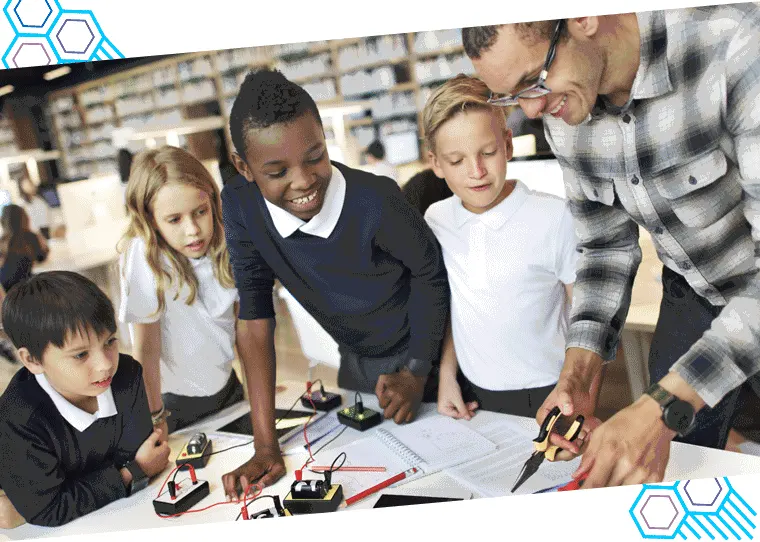
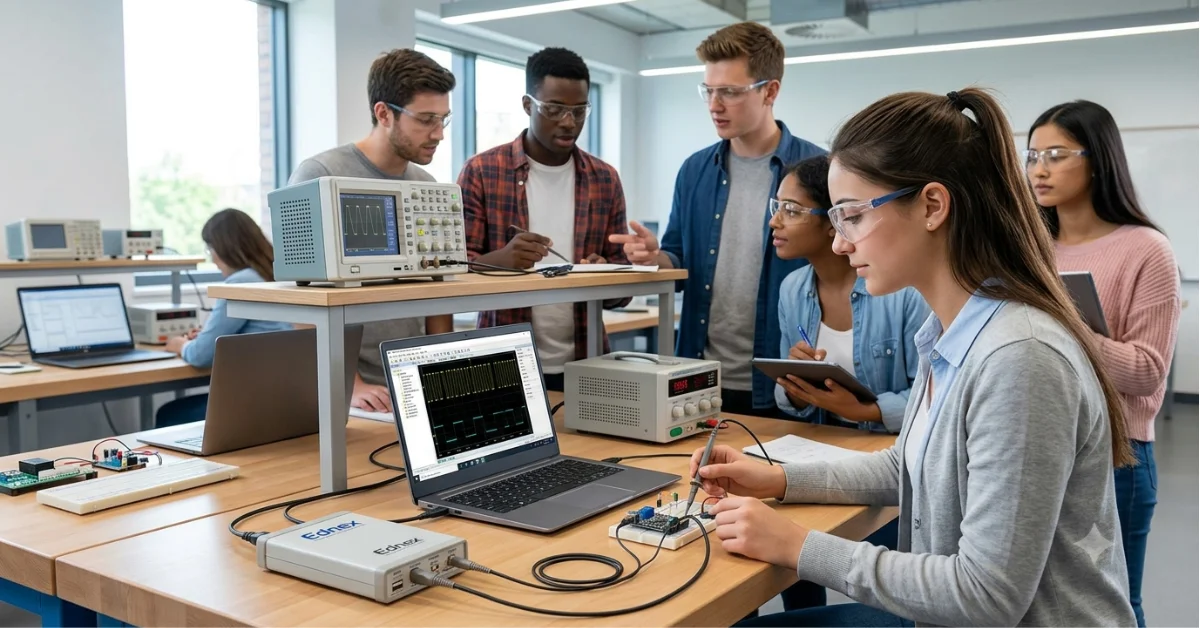
Electronics and Engineering Tools
These are essential for applied STEM and technology projects.
Recommended equipment
- Arduino or microcontroller kits
- Breadboards and jumper wires
- Sensors and actuators
- Soldering stations
- Multimeters
- Basic circuit training boards
- IoT and smart device kits
- Motors, servos, and relays
These tools make it easier to connect a makerspace with a broader STEM lab setup in UAE.
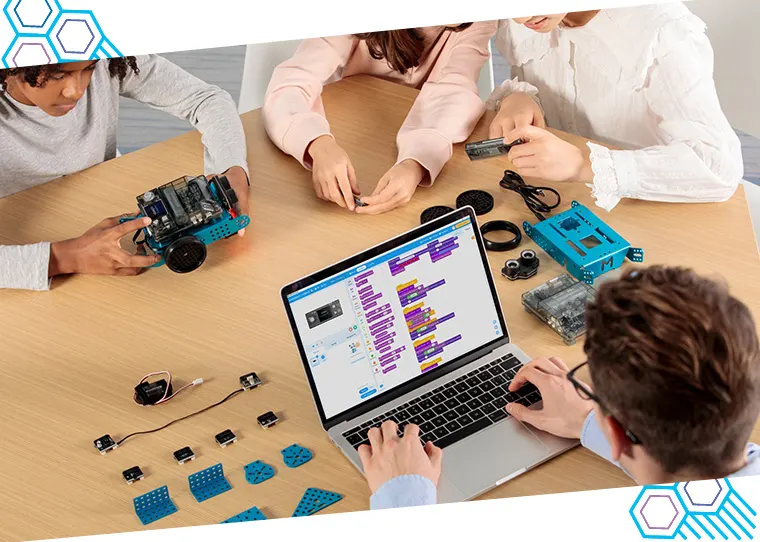
Robotics and Coding Kits
Robotics adds movement, logic, and problem-solving to the learning experience.
Common options for schools
- Beginner robotics kits for primary learners
- Intermediate coding and robotics kits for middle years
- Competitive robotics platforms for advanced students
- AI and automation modules for senior grades
Robotics supports both STEM learning and student engagement.
Design, Build, and Craft Materials
Not every great project starts with advanced machinery. Students also need low-risk, easy-access materials for rapid prototyping.
Useful items include
- Cardboard and foam board
- Glue guns and cutting mats
- Hand tools
- Measuring tools
- Connectors and fasteners
- Woodworking basics for supervised use
- Recyclable materials for sustainability projects
These materials encourage creativity and lower the barrier to making.
Digital Tools and Software
The digital layer is a key part of modern makerspaces.
Schools may need
- 3D design software
- Coding platforms
- Robotics programming tools
- Simulation software
- Digital portfolio tools
- Presentation and collaboration platforms
A strong software stack helps students move from idea to prototype more efficiently.
How Makerspaces Support STEM Lab Setup in UAE
A makerspace should not sit outside the academic plan. It should support the wider STEM lab setup in UAE by extending traditional learning into practical, cross-disciplinary experiences.
For example:
- Science becomes stronger when students build and test models
- Math becomes more meaningful when students measure, scale, and optimize designs
- Engineering becomes visible through prototyping
- Technology becomes practical through coding, sensors, and automation
This integration creates a more complete learning environment.
Key benefits of a STEM-focused makerspace
- Encourages project-based learning
- Supports interdisciplinary teaching
- Increases student participation in STEM
- Builds design and engineering confidence
- Improves technology fluency
- Supports innovation competitions and showcases
- Creates stronger links between theory and practice
For UAE schools, this makes the makerspace both a learning asset and a strategic asset.
Innovation Labs for UAE Schools and National Vision Alignment
Many schools now see makerspaces as part of broader innovation labs for UAE schools. This is an important shift. The space is no longer just about tools. It is about building a culture of innovation.
The UAE places strong emphasis on future skills, entrepreneurship, digital transformation, sustainability, and creative problem-solving. A makerspace supports these goals in practical ways.
National alignment areas include
- Innovation and entrepreneurship
- STEM capability development
- Digital literacy and technology integration
- Sustainability-focused design projects
- Future career readiness
- Applied learning and problem-solving
When schools align their makerspaces with these priorities, the space becomes more than an enrichment room. It becomes part of the school’s long-term academic strategy.
Common Mistakes to Avoid
Even a well-funded makerspace can struggle if the setup is not planned carefully.
Here are common mistakes schools should avoid:
- Buying too much equipment too early
- Choosing tools with no curriculum link
- Ignoring teacher training
- Underestimating storage and safety needs
- Launching without clear project plans
- Treating the makerspace as a standalone room rather than a school-wide resource
- Failing to budget for maintenance and consumables
If this sounds familiar, the issue is usually not the idea. It is the implementation.
What Success Looks Like in a School Makerspace
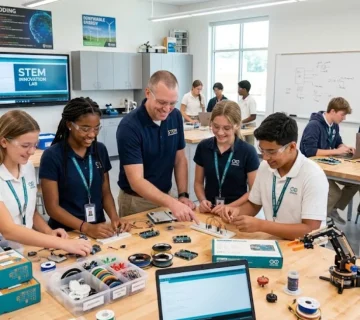
A successful makerspace is active, structured, and clearly linked to learning outcomes. You should be able to see students designing, building, testing, refining, and presenting their work.
Signs of success include:
- Regular use across multiple subjects
- Visible student projects and prototypes
- Strong teacher participation
- Safe and organized workflows
- Improved student engagement
- Better collaboration and creativity
- Participation in STEM and innovation programs
Over time, the makerspace can become a centerpiece of school innovation.
Conclusion
A thoughtful makerspace setup in UAE schools can transform how students learn. It gives them a space to create, explore, solve problems, and apply knowledge in ways that feel real and meaningful. More importantly, it supports the wider goals of STEM learning, innovation, and future readiness that many UAE schools are now prioritizing.
The best results come from planning carefully. Start with clear goals, choose curriculum-linked tools, train teachers well, and build the space in phases. When done right, a school makerspace UAE strategy can strengthen your STEM lab setup in UAE, support national education priorities, and create one of the most valuable innovation labs for UAE schools. The next step is simple: assess your current needs and begin with a makerspace plan that matches your students, teachers, and long-term vision.
FAQ
1. What is a makerspace in a school?
A makerspace is a dedicated learning area where students design, build, test, and improve projects using tools, materials, and technology. It supports hands-on learning across STEM, design, coding, robotics, and creative problem-solving.
2. Why is a makerspace setup in UAE schools important?
It helps schools deliver practical STEM learning, support innovation goals, improve student engagement, and prepare learners for future careers in technology, engineering, and design.
3. What makerspace equipment for schools is most essential?
The most essential equipment often includes 3D printers, electronics kits, robotics kits, basic hand tools, design software, prototyping materials, and safe storage and workstations.
4. How to build a school makerspace on a limited budget?
Start in phases. Use existing school resources, begin with basic tools and prototyping materials, add entry-level digital fabrication equipment, and expand as teacher confidence and student use grow.
5. How does a makerspace support STEM lab setup in UAE?
A makerspace adds practical design, prototyping, coding, and engineering experiences to the STEM program. It helps students apply science, math, and technology concepts in real projects.
6. Are makerspaces only for secondary schools?
No. Makerspaces can work for primary, middle, and secondary schools. The tools, activities, and supervision model should match the age and ability of the students.
7. How do makerspaces connect with innovation labs for UAE schools?
Makerspaces are often a core part of innovation labs. They provide the tools and environment needed for experimentation, student-led projects, entrepreneurship, and future-focused learning.
Author Bio: Ednex
Ednex helps schools create future-ready learning environments through smart lab planning, STEM infrastructure, makerspace solutions, and practical education technology integration. With a strong focus on hands-on learning, Ednex supports UAE schools in building spaces where students can design, experiment, and innovate with confidence.
Related Posts ...
Comments are disabled