


Complete Guide to STEM Lab Setup for Schools in 2026
Setting up a modern STEM lab transforms how students learn science, technology, engineering, and math. A well-designed STEM lab setup for schools provides hands-on learning opportunities that prepare students for future careers. This guide covers everything you need to build an innovative learning space.
Schools worldwide are prioritizing experiential learning. You need the right plan, equipment, and curriculum to make your school innovation lab setup a success.
Read on to discover practical steps, costs, and requirements for building a future-ready educational space.
What is a STEM Lab?
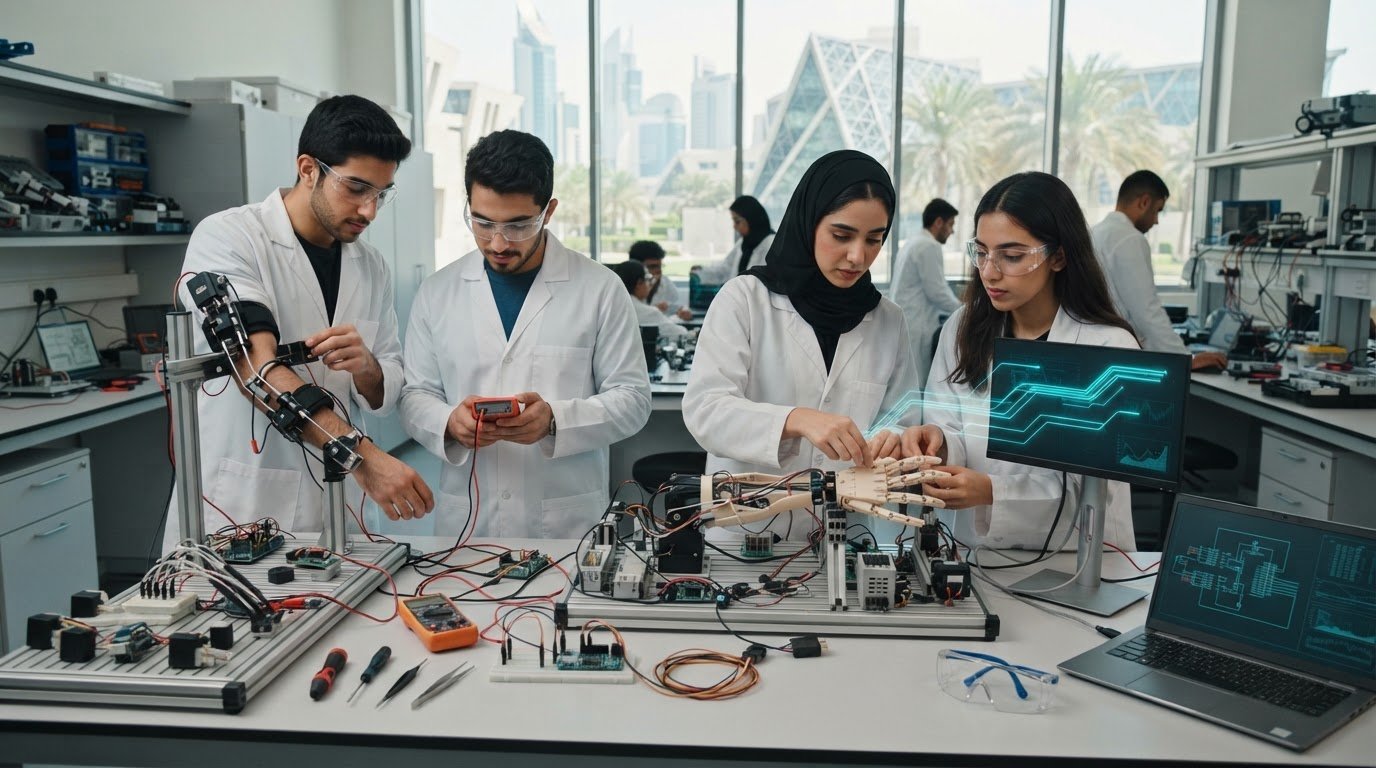
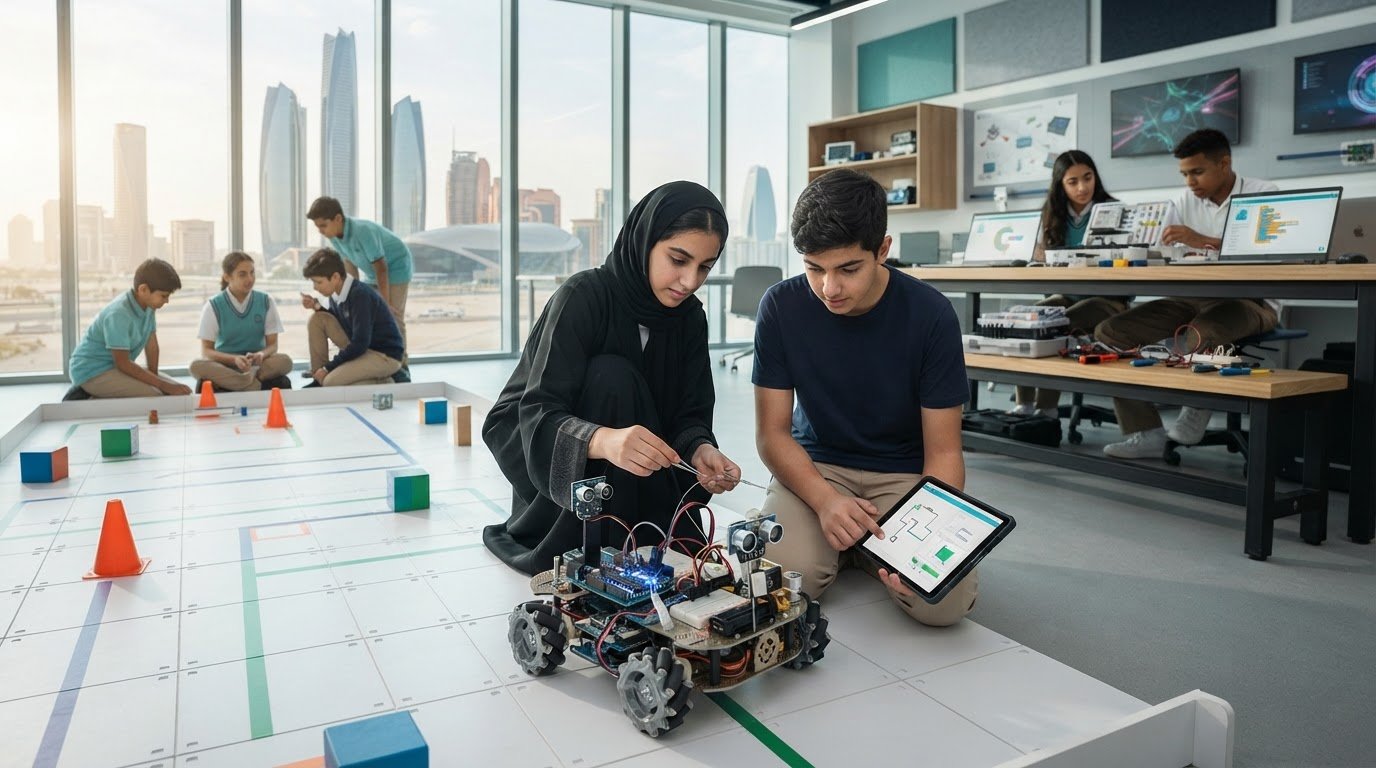
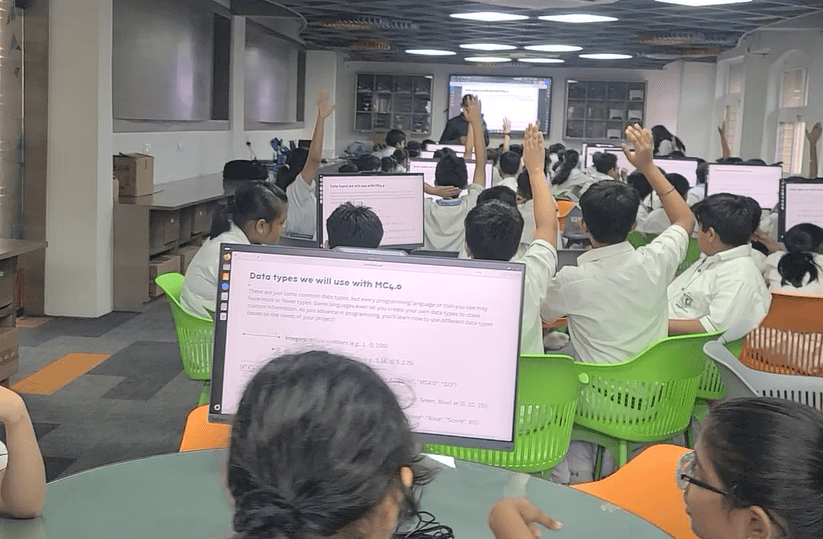
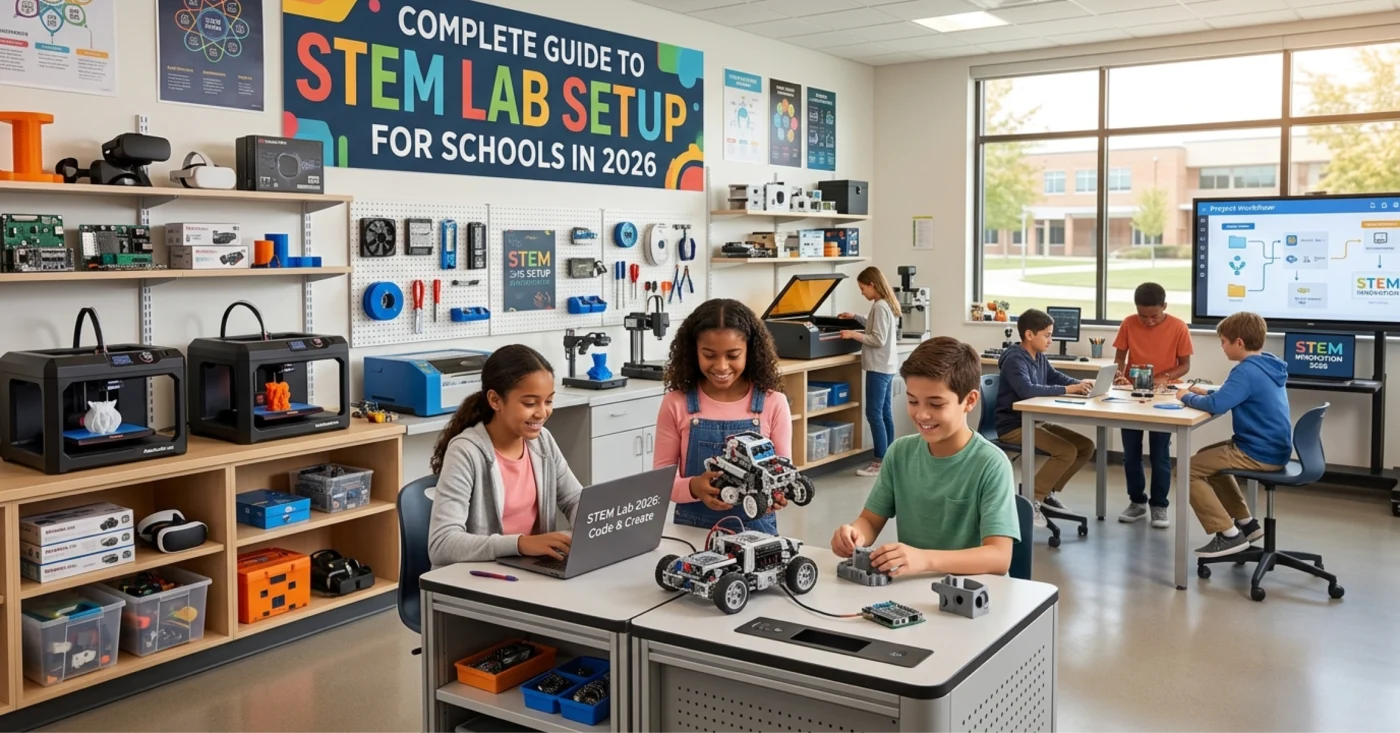
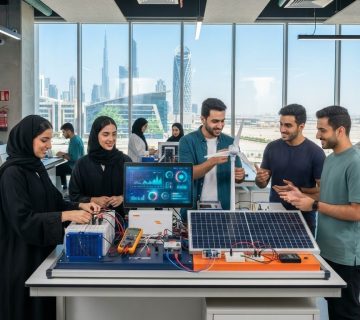
A STEM lab is a dedicated, interactive workspace where students apply science, technology, engineering, and mathematics concepts to solve real-world problems. These labs act as creative hubs that replace traditional passive learning with active, project-based experimentation.
Unlike standard science classrooms, a modern STEM lab setup integrates multiple disciplines into one fluid space. Students can transition seamlessly from coding software to building physical robotics.
Key characteristics of a standard STEM education lab setup include:
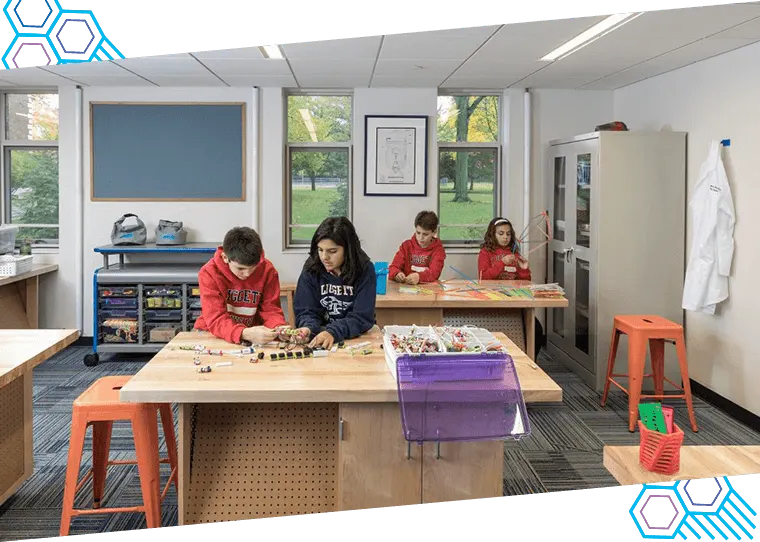
- Flexible workspaces: Movable furniture to support team collaboration.
- Integrated technology: Access to computers, 3D printers, and digital tools.
- Project-based focus: Zones designed specifically for building, testing, and presenting.
- Cross-curricular design: Tools that support math, science, and engineering simultaneously.
Importance of STEM Labs in Schools
The main benefits of STEM labs in education revolve around building critical thinking, problem-solving, and collaborative skills. Students learn to fail safely, iterate on designs, and understand complex concepts through direct application.
Standard classrooms often struggle to keep students engaged. A dedicated STEM lab for K12 schools bridges the gap between theoretical textbook knowledge and practical reality.
Here is why your school needs a dedicated STEM space:
- Future career readiness: Equips students with high-demand technical skills.
- Boosts student engagement: Interactive tools keep learners focused and motivated.
- Encourages teamwork: Group projects teach communication and collaboration.
- Fosters creativity: Open-ended design challenges inspire innovative thinking.
Key Components of a STEM Lab
A successful school STEM lab setup requires more than just placing computers on desks. The key components of a STEM lab include flexible furniture, robust power infrastructure, storage solutions, and distinct learning zones.
You must design the room to handle high traffic, messy projects, and delicate technology safely. STEM lab setup requirements in schools dictate a careful balance between digital and physical workstations.
Essential components include:
- Collaboration zones: Large, collaborative tables with whiteboard surfaces.
- Makerspace areas: Workbenches equipped with hand tools and safety gear.
- Technology hubs: Computer stations for coding, CAD design, and research.
- Presentation spaces: Screens and seating for students to pitch their ideas.
- Secure storage: Lockable cabinets for expensive tech and unfinished student projects.
Essential STEM Lab Equipment
Choosing the right tools is the most critical part of your complete STEM lab guide for schools. A comprehensive STEM lab equipment list for schools includes 3D printers, robotics kits, coding platforms, and basic hand tools.
You must tailor your equipment to the age group of your students. A high school will need advanced machinery, while primary schools focus on basic building blocks and visual coding.
Core Technology and Machinery
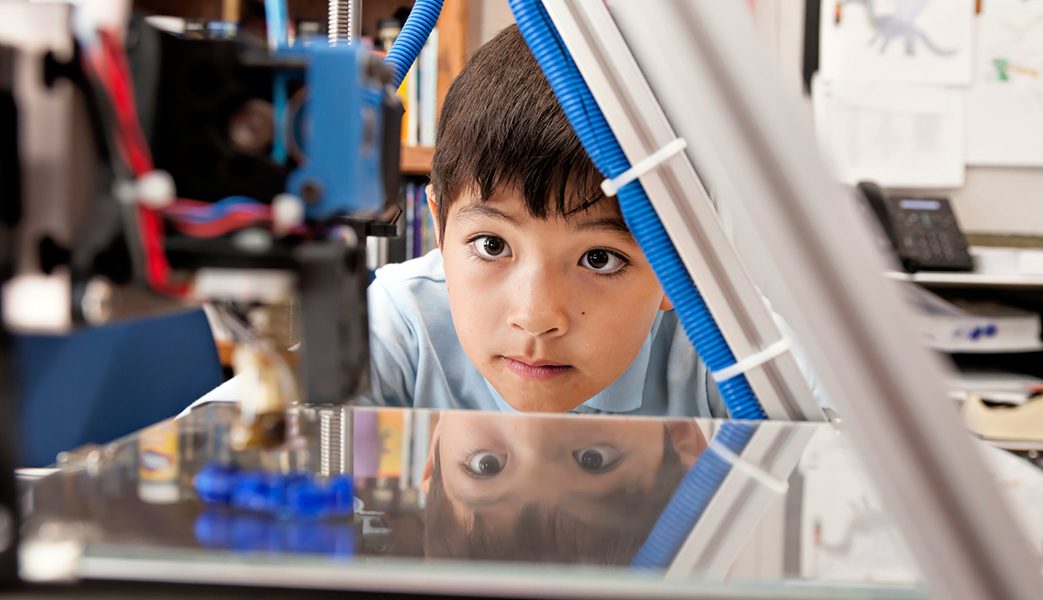
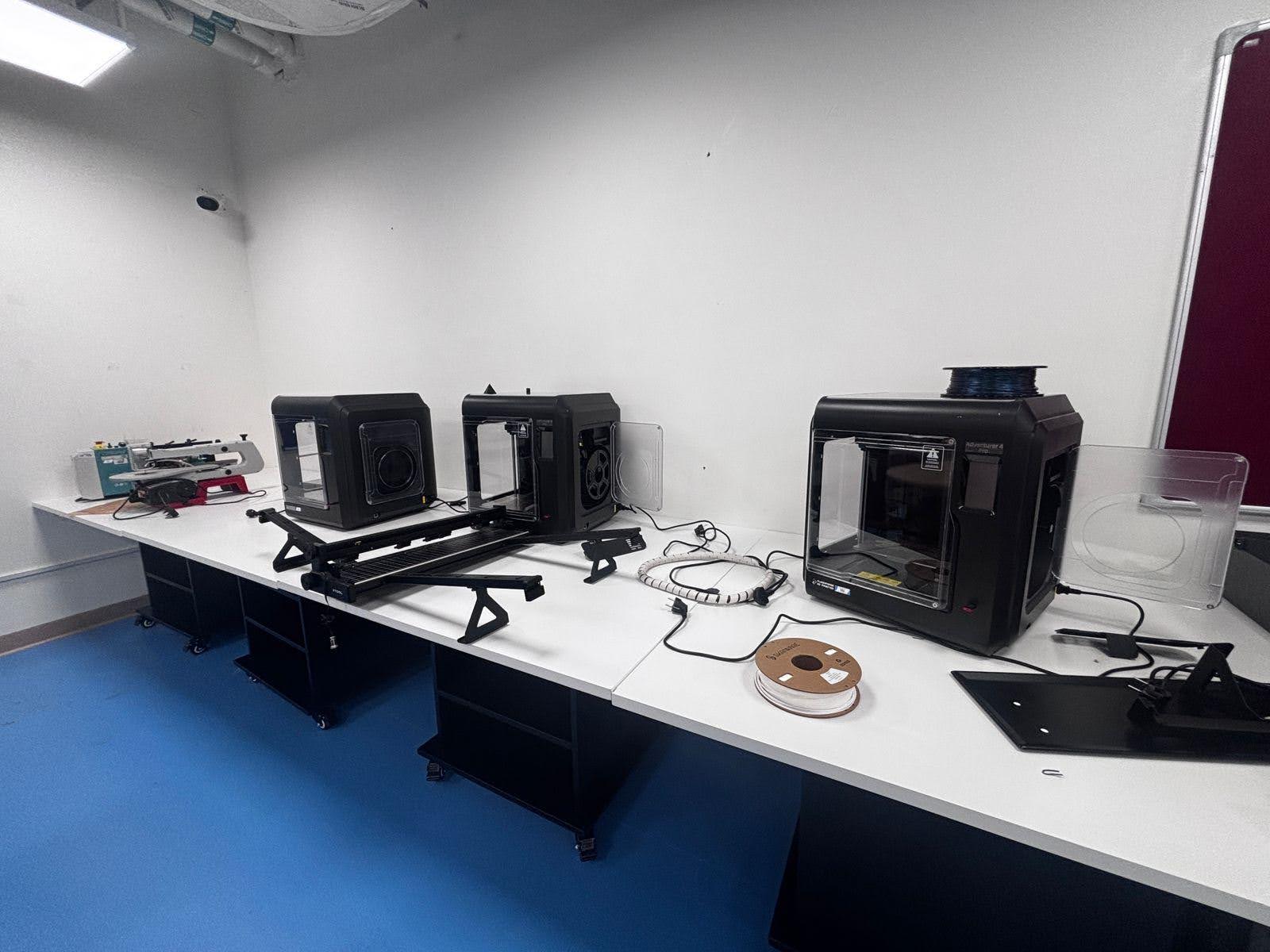
- 3D Printers: Essential for rapid prototyping and bringing digital designs to life.
- Laser Cutters: Precision cutting tools for advanced engineering projects.
- Computers/Tablets: High-performance devices to run CAD software and coding apps.
- Interactive Displays: Smartboards for teacher instruction and student presentations.
Robotics and Electronics
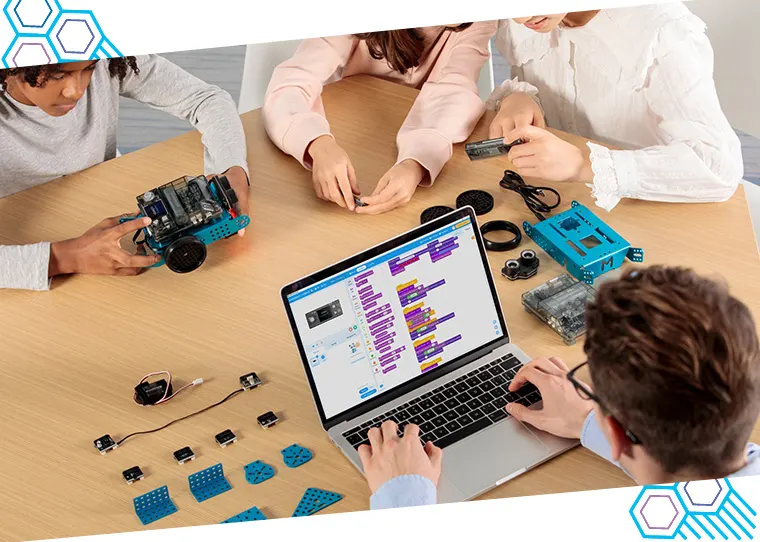
- Robotics Kits: Modular kits for all skill levels.
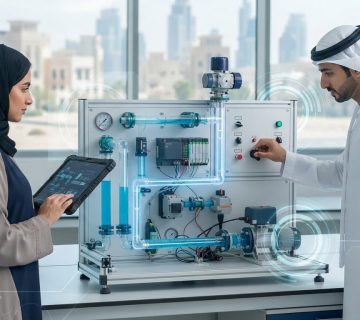
- Microcontrollers: Arduino and Raspberry Pi boards for coding and circuitry.
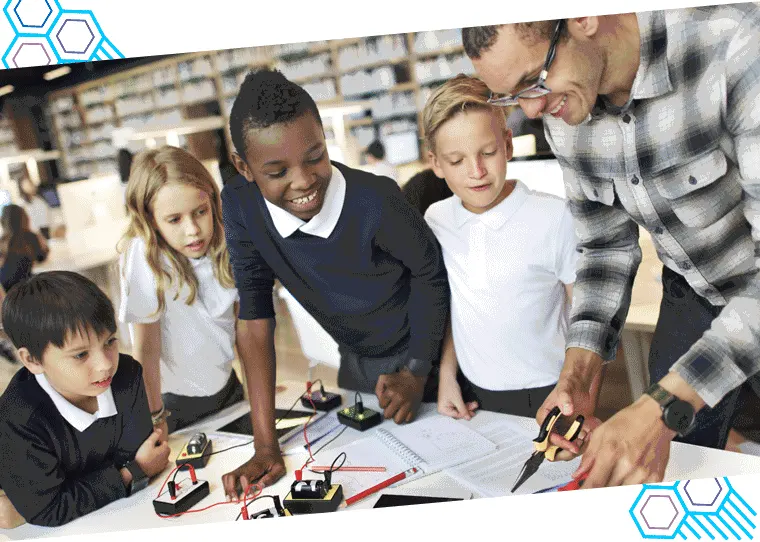
- Circuit Building Sets: Snap circuits and breadboards for learning electronics.
- Sensors and Motors: Components to make student projects interactive and mobile.
Step-by-Step STEM Lab Setup Process
Learning how to setup a STEM lab in school requires a structured, phased approach. Our step by step STEM lab setup guide starts with defining your educational goals and ends with comprehensive teacher training.
Skipping steps can lead to wasted budgets and unused equipment. Follow this STEM laboratory setup guide to ensure a smooth launch.
Step 1: Define Goals and Space
- Identify objectives: Determine what skills you want students to learn.
- Select the room: Choose a space with good ventilation, lighting, and ample power outlets.
- Assess infrastructure: Ensure Wi-Fi bandwidth can support dozens of connected devices.
Step 2: Plan the STEM Lab Design for Schools
- Create a floor plan: Map out learning zones and traffic flow.
- Focus on flexibility: Specify movable tables and chairs on casters.
- Plan for power: Install ceiling drop-down power outlets to avoid tripping hazards.
Step 3: Procure Equipment and Install
- Order core equipment: Purchase technology, robotics, and storage based on your budget.
- Set up workstations: Assemble furniture and install major machinery safely.
- Test all tech: Ensure software is installed and robotics connect to the network.
Step 4: Train Staff and Launch
- Conduct teacher training: Ensure educators know how to use and troubleshoot the tools.
- Develop safety protocols: Post clear rules for using tools and machinery.
- Host a soft launch: Run a pilot project with a small group of students before full rollout.
STEM Lab Curriculum and Activities
Equipment alone will not teach your students; you need a robust framework. A highly effective STEM lab curriculum for schools integrates core academic standards with hands-on, project-based activities.
Teachers should guide students through the engineering design process: ask, imagine, plan, create, and improve. Activities should scale in difficulty as students progress through grade levels.
Elementary School Activities
- Visual coding: Using block-based apps to move virtual characters.
- Basic mechanics: Building bridges with craft sticks to understand weight distribution.
- Simple circuits: Creating paper circuits with copper tape and LED lights.
Middle and High School Activities
- Robotics competitions: Designing and programming robots to complete specific tasks.
- 3D design and printing: Modeling custom parts to solve a real-world mechanical issue.
- Environmental monitoring: Programming microcontrollers to track soil moisture in a school garden.
Cost of Setting Up a STEM Lab
Budgeting is often the biggest hurdle for educational institutions. The cost of STEM lab setup for schools typically ranges from $15,000 for a basic elementary setup to over $100,000 for an advanced high school innovation center.
Costs vary wildly based on the level of technology and room renovations required. It is crucial to budget for ongoing maintenance and material replenishment, not just the initial purchase.
Breakdown of Expected Costs
- Furniture and Room Renovation: 25% of the budget (desks, storage, electrical upgrades).
- Core Technology: 40% of the budget (computers, 3D printers, smartboards).
- Robotics and Consumables: 25% of the budget (kits, filament, electronic parts).
- Teacher Training and Curriculum: 10% of the budget (professional development).
Challenges in STEM Lab Implementation
Administrators often face roadblocks when introducing new educational models. The most common challenges in STEM lab implementation include lack of teacher training, inadequate budgets, and technology maintenance issues.
Identifying these hurdles early helps you create contingency plans. Support from school leadership is vital to overcome these obstacles.
- Teacher confidence: Many educators feel intimidated by new technology.
- Ongoing costs: Schools forget to budget for replacing broken parts or buying 3D printer filament.
- Curriculum alignment: Struggling to connect lab activities with standardized testing requirements.
- Tech support: Managing software updates and broken equipment requires dedicated IT help.
Tips for Creating an Effective STEM Learning Environment
An effective lab is more about the learning culture than the expensive gadgets. To create an effective STEM learning environment, foster a culture where failure is viewed as a necessary step in the learning process.
Make the space inviting and visually stimulating. Display student work proudly to inspire the next class that walks through the doors.
- Embrace the mess: Allow students to make a mess during the creative process; clean up together.
- Prioritize safety: Always enforce the use of safety goggles and proper tool handling.
- Promote equity: Ensure all students get equal time with the most popular tools, like 3D printers.
- Keep it organized: Use clear, color-coded bins with labels so students can find and return items easily.
Future Trends in STEM Education (2026)
Education technology evolves rapidly. Looking into 2026, future trends in STEM education include the heavy integration of Artificial Intelligence (AI), Augmented Reality (AR), and sustainability-focused engineering.
Schools must design labs that can adapt to these emerging technologies. Static computer labs are quickly becoming obsolete in favor of highly adaptable tech hubs.
Top Trends to Watch
- AI in the classroom: Students will learn to train basic AI models and understand machine learning.
- AR/VR learning: Virtual reality headsets will allow students to conduct complex chemistry experiments safely.
- Green engineering: Projects will increasingly focus on renewable energy and sustainable materials.
- Cloud-based collaboration: Students will co-code and design 3D models simultaneously from different devices.
Conclusion
Building a modern educational workspace is an investment in your students’ futures. A successful STEM lab setup for schools requires clear goals, the right equipment, flexible design, and comprehensive teacher training.
By following this guide, you can create a dynamic environment where students love to learn, experiment, and innovate. Start planning today to give your students the competitive edge they need for tomorrow.
Transform Your School’s Future Today
Are you ready to bring world-class STEM education to your institution? We specialize in designing and implementing state-of-the-art STEM labs for schools across the GCC region, including Saudi Arabia, the UAE, and Qatar.
Our team provides end-to-end solutions, from spatial design and equipment procurement to curriculum integration and teacher training. Contact us today to schedule a free consultation and start building the ultimate innovation hub for your students!
Frequently Asked Questions (FAQ)
How much space is required for a STEM lab?
A standard STEM lab should be at least 800 to 1,200 square feet. You need enough room for flexible furniture, equipment storage, and safe walkways between active project zones.
Can we set up a STEM lab on a tight budget?
Yes, you can build a lab in phases. Start with cost-effective tools like block-coding software, basic craft materials, and a few entry-level robotics kits before investing in expensive 3D printers.
What age group is a STEM lab suitable for?
STEM labs benefit all ages, from kindergarten to 12th grade. You just need to adjust the curriculum and STEM lab equipment list to match the developmental stage of the students.
Do I need a dedicated STEM teacher?
While a dedicated teacher is ideal, it is not mandatory. With proper professional development, existing science, math, or technology teachers can successfully run STEM lab activities.
Author Bio:
Ednex is a leading brand in educational technology and curriculum design, specializing in school infrastructure planning. With extensive experience supporting schools worldwide, Ednex has partnered with institutions to design, build, and launch high-impact STEM labs that empower students for the future of work.
Related Posts ...
Comments are disabled