Introduction: Transforming Classrooms into Innovation Hubs
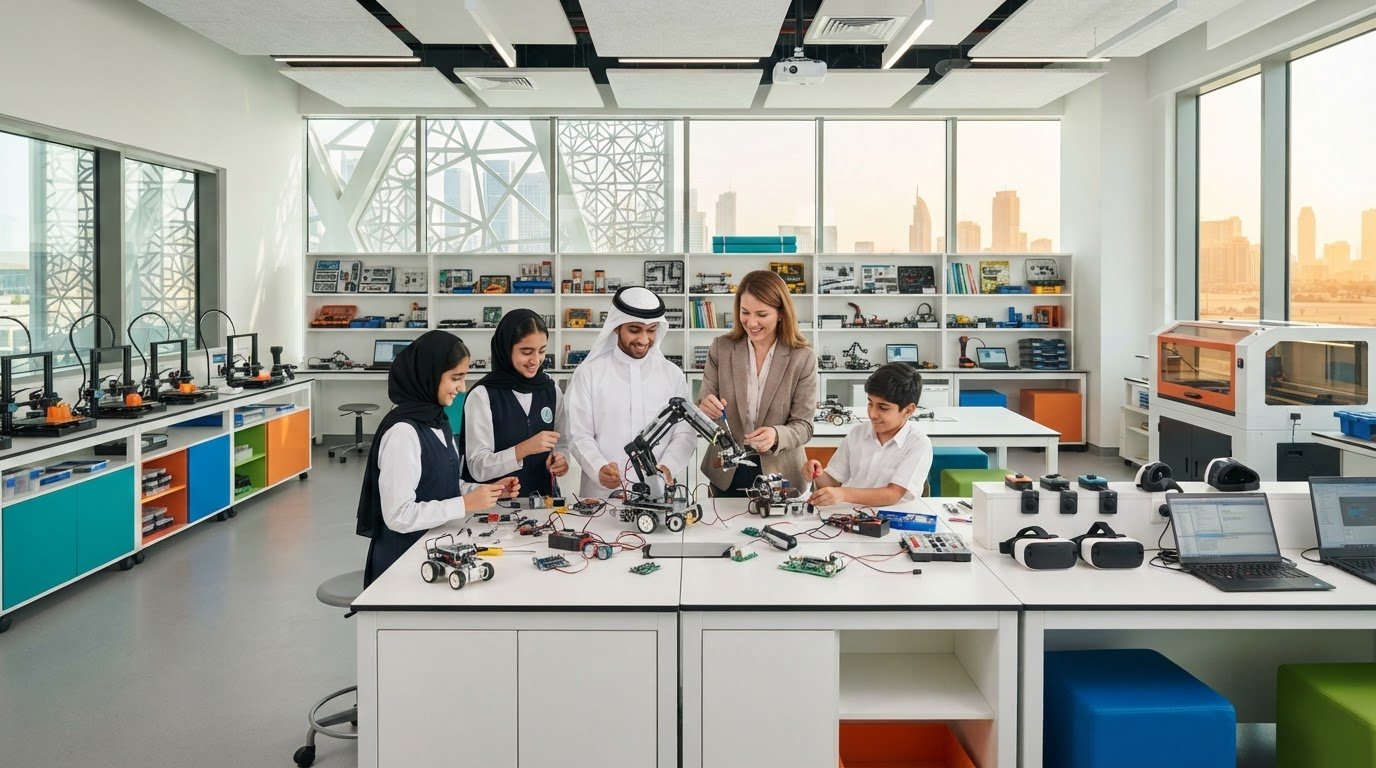
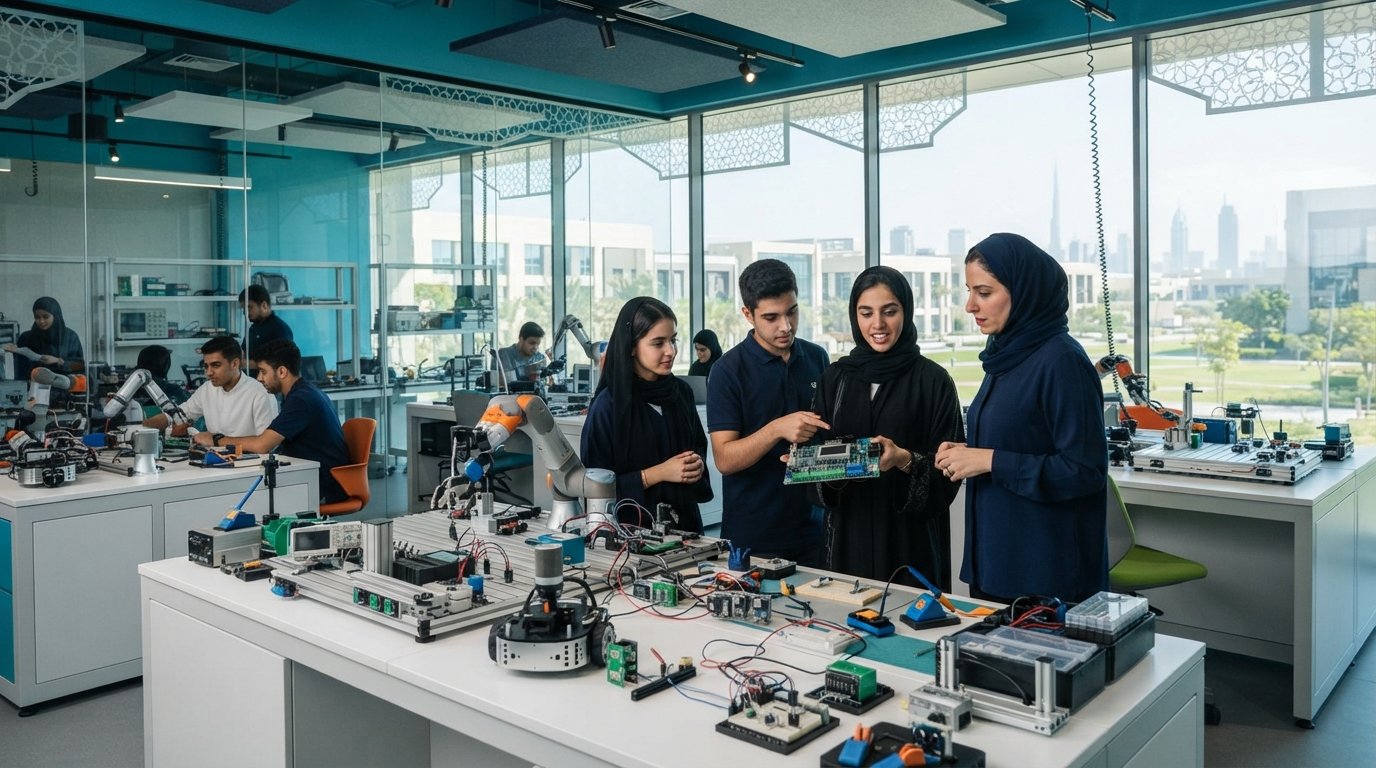
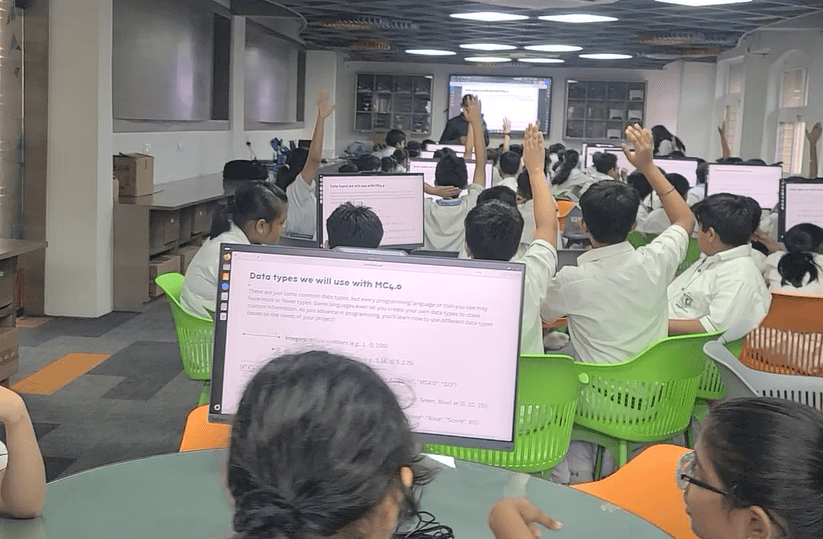
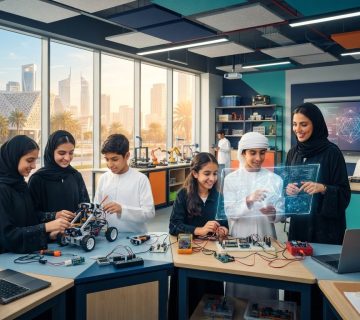
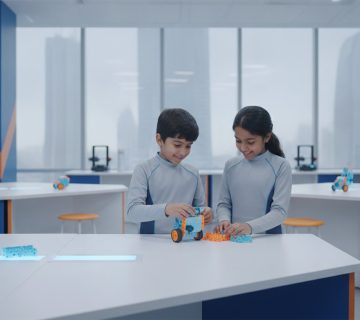
Education is no longer confined to textbooks and lectures. Today’s learners thrive in environments where they can explore, build, and innovate. A STEM makerspace empowers students to turn ideas into reality through hands-on learning, creativity, and experimentation.
For schools aiming to prepare future-ready students, establishing a makerspace is a strategic step toward fostering innovation and problem-solving skills.
What is a STEM Makerspace?
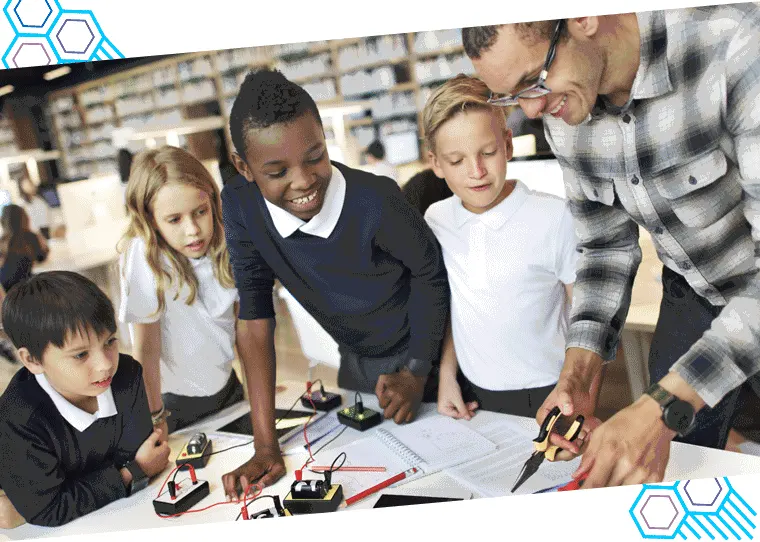
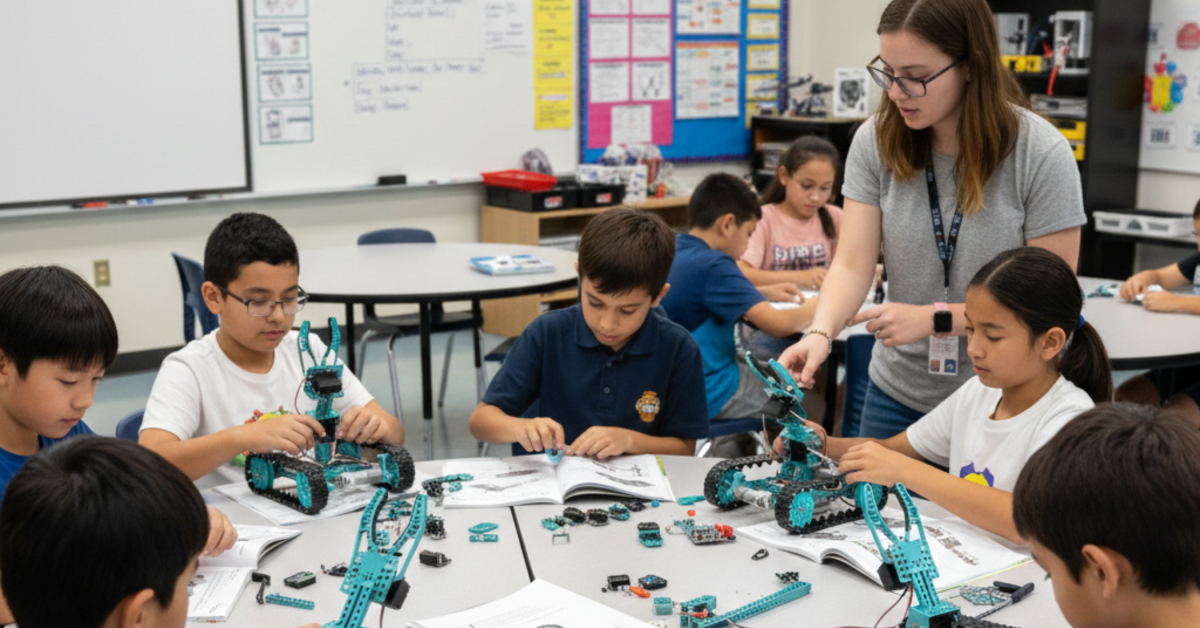
A STEM makerspace is a dedicated learning environment where students engage in:
- Designing and building projects
- Experimenting with technology and tools
- Solving real-world problems
- Collaborative, project-based learning
It blends science, technology, engineering, and mathematics with creativity and design thinking.
Why Schools Need a Makerspace
1. Encourages Experiential Learning
Students learn best by doing. Makerspaces:
- Promote active participation
- Enhance understanding through real-world application
- Improve retention of concepts
2. Builds Future-Ready Skills
Students develop essential 21st-century skills such as:
- Critical thinking
- Creativity and innovation
- Collaboration and communication
- Digital and technical literacy
3. Boosts Student Engagement
Interactive learning environments:
- Increase curiosity
- Make learning enjoyable
- Reduce passive classroom behavior
4. Supports Cross-Disciplinary Learning
Makerspaces integrate multiple subjects, allowing students to:
- Apply math in engineering projects
- Use science concepts in real-world applications
- Combine coding with creativity
Key Components of a STEM Makerspace
1. Essential Equipment & Tools
A well-equipped makerspace includes:
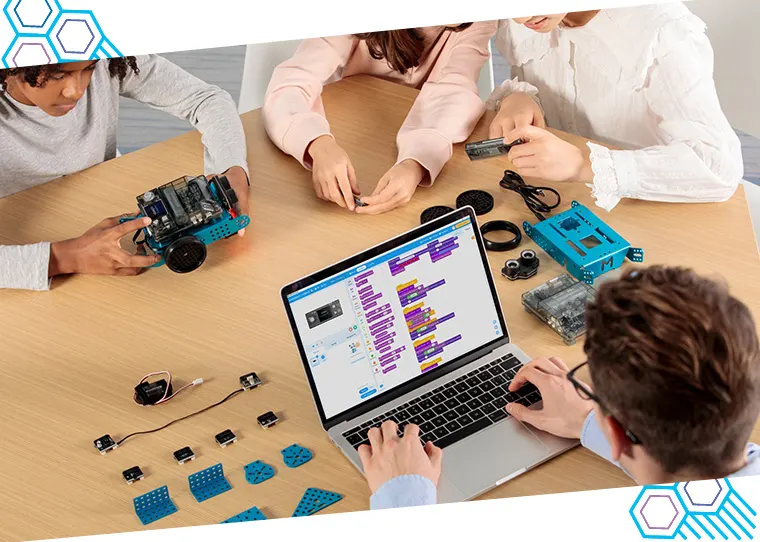
- Robotics kits and electronics
- Microcontrollers (Arduino, Raspberry Pi)
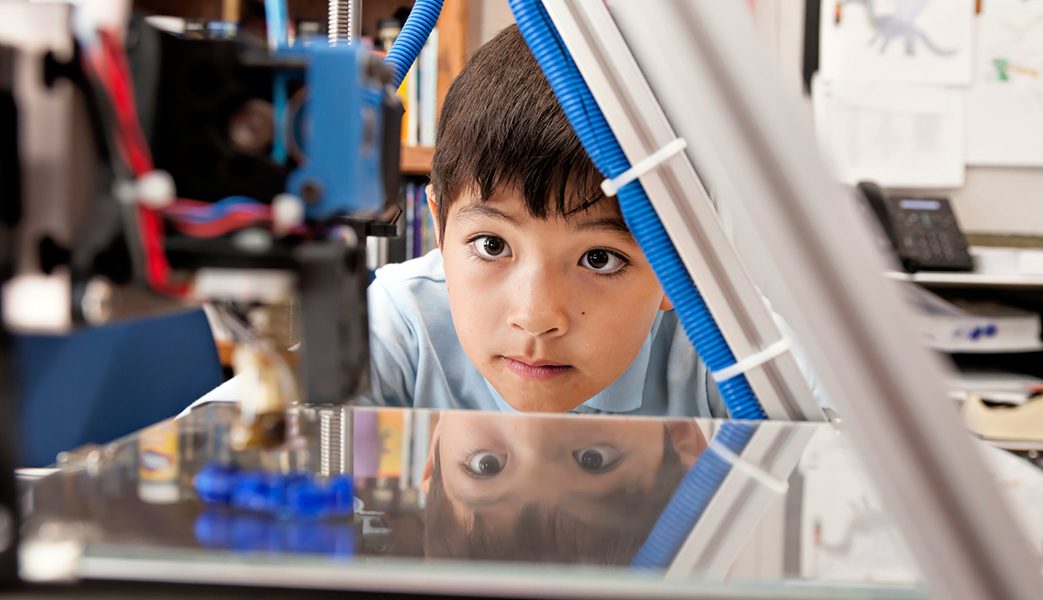
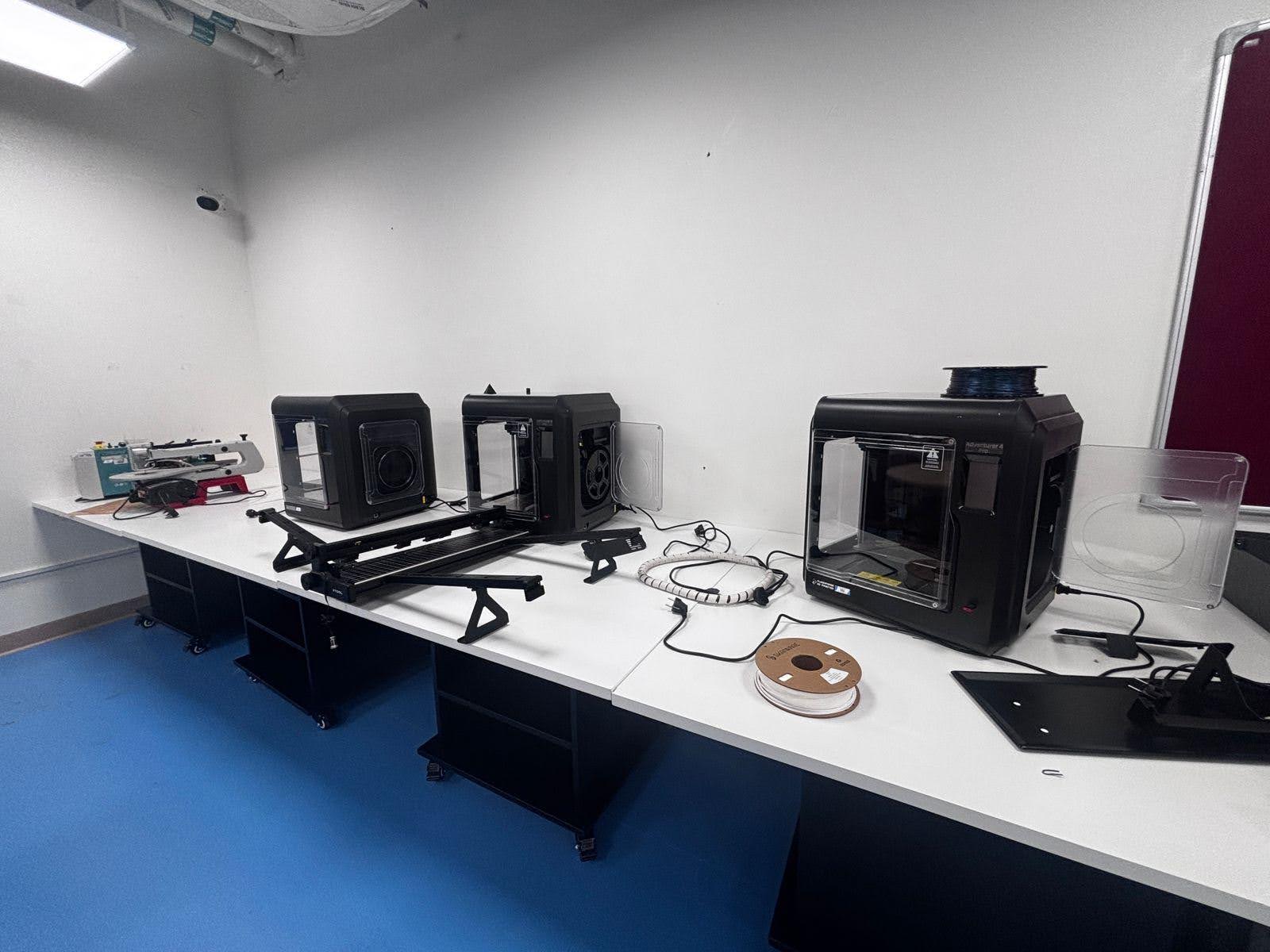
- 3D printers and design tools
- Hand tools and prototyping materials
- Sensors and IoT components
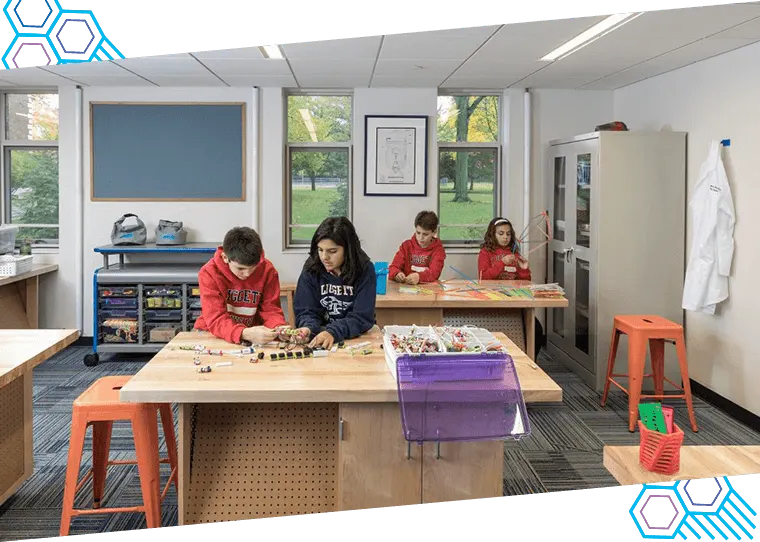
2. Flexible Learning Space
Design your makerspace with:
- Modular furniture
- Open workstations
- Collaboration zones
- Safe testing areas
3. Technology Integration
Incorporate tools such as:
- Coding platforms (Scratch, Python)
- Simulation software
- AI and IoT learning kits
4. Safety & Accessibility
Ensure:
- Proper safety guidelines
- Supervised usage
- Inclusive access for all students
Step-by-Step Guide to Setting Up a Makerspace
Step 1: Define Your Vision and Goals
Determine whether your makerspace will focus on:
- STEM education enhancement
- Innovation and creativity
- Competitive project development
Step 2: Plan Your Budget
Budget considerations include:
- Equipment and tools
- Infrastructure setup
- Training and maintenance
💡 Tip: Start small and expand gradually.
Step 3: Design the Space
Create zones for:
- Building and prototyping
- Coding and programming
- Testing and experimentation
Step 4: Select the Right Tools
Choose tools that are:
- Age-appropriate
- Scalable and modular
- Aligned with curriculum goals
Step 5: Train Educators
Teachers play a key role. Provide:
- Hands-on training
- STEM certifications
- Continuous professional development
Step 6: Integrate into Curriculum
Ensure makerspace activities align with:
- Science and math subjects
- Project-based learning modules
- Innovation challenges
Step 7: Encourage Student Participation
- Organize hackathons and competitions
- Promote student-led projects
- Showcase innovations
Cost of Setting Up a STEM Makerspace
The investment can vary:
- Basic Setup: $5,000 – $15,000
- Intermediate Makerspace: $15,000 – $40,000
- Advanced Innovation Lab: $40,000+
Best Practices for a Successful Makerspace
- Focus on learning by doing
- Encourage experimentation and iteration
- Foster a collaborative culture
- Continuously upgrade tools and technology
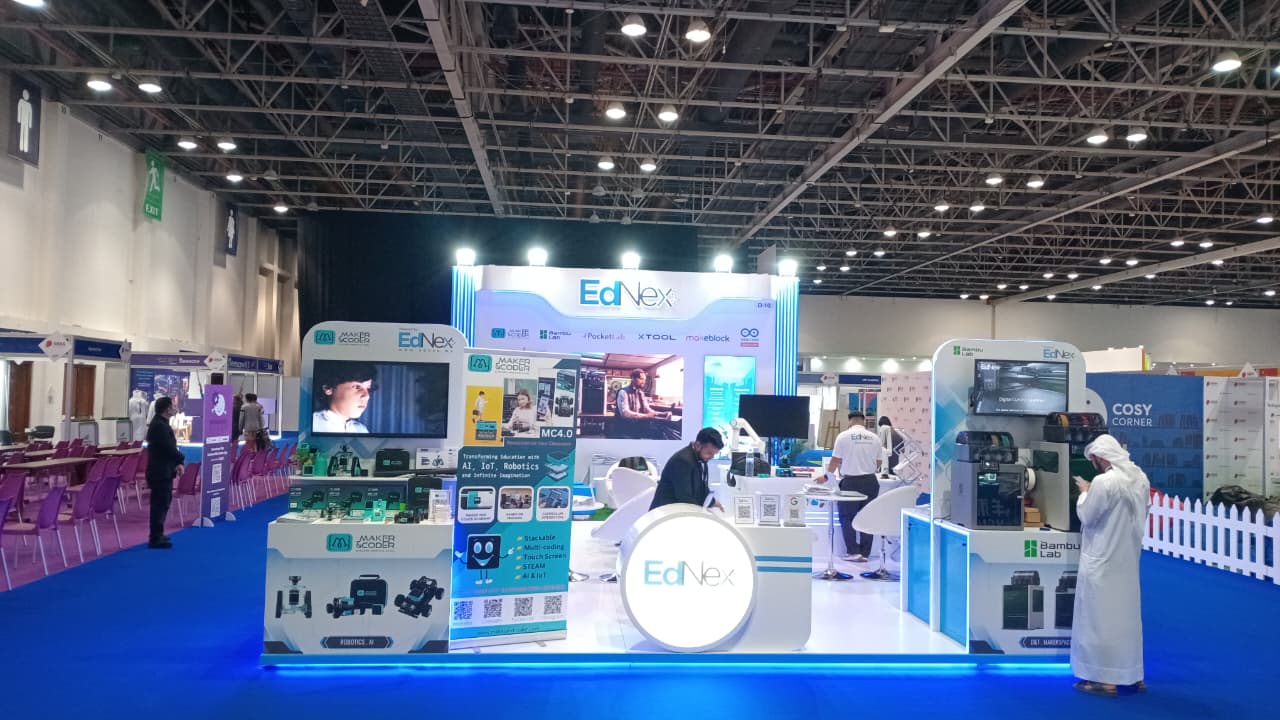
- Build partnerships with EdTech providers
Common Challenges & Solutions
Challenge | Solution |
Limited budget | Start with essential tools and scale |
Lack of expertise | Provide teacher training programs |
Low student participation | Introduce engaging projects and competitions |
Maintenance issues | Use durable, reliable equipment |
Future of Makerspaces in Education
Makerspaces are becoming a core part of modern education. Future trends include:
- AI-powered learning environments
- Smart labs with IoT integration
- Digital fabrication technologies
- Innovation-driven school ecosystems
Conclusion: Creating Innovators, Not Just Learners
A STEM makerspace transforms schools into centers of creativity and innovation. It empowers students to think critically, solve problems, and bring ideas to life.
By investing in a makerspace, schools are not just upgrading infrastructure—they are shaping the innovators of tomorrow.